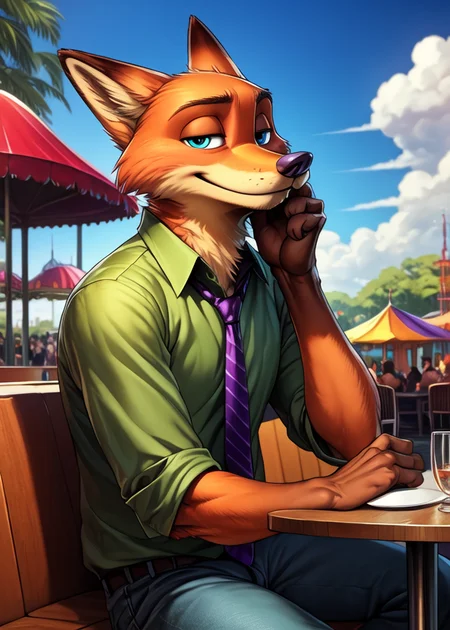
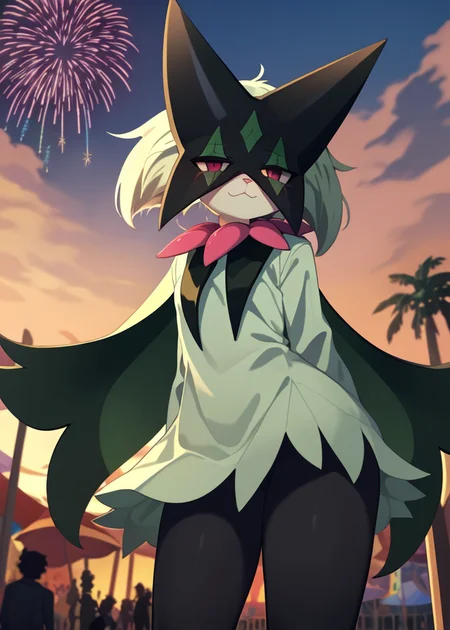
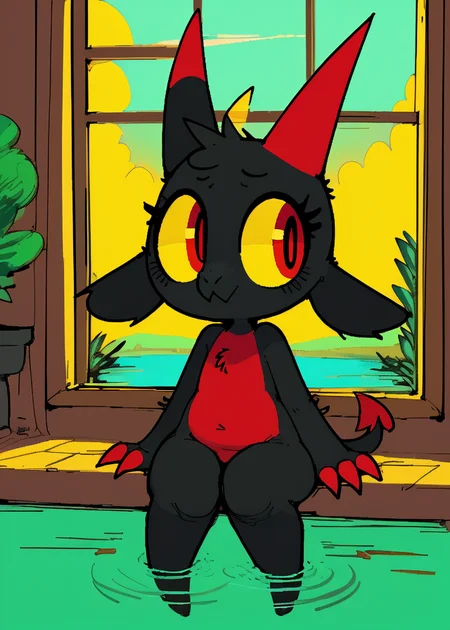
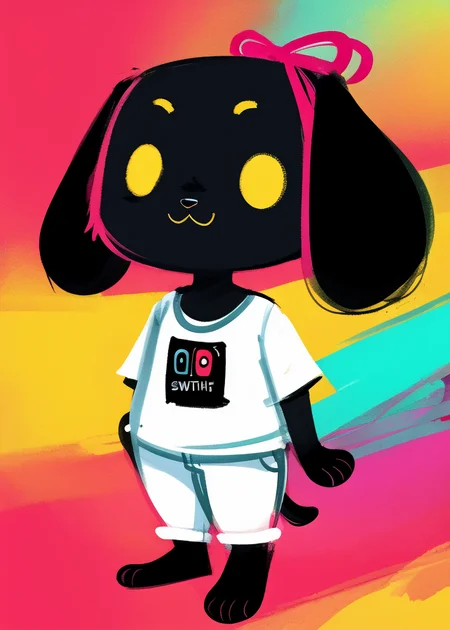


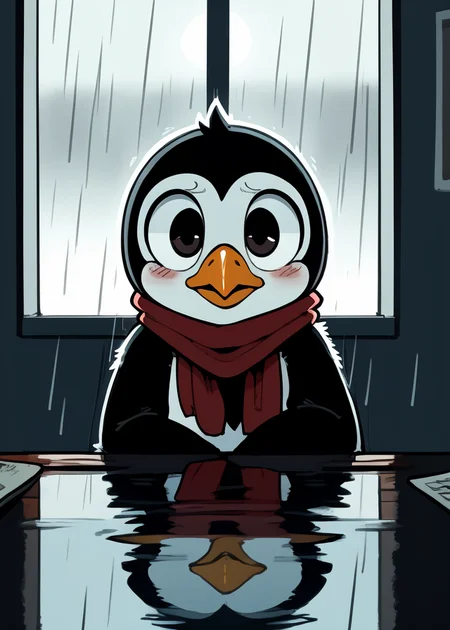
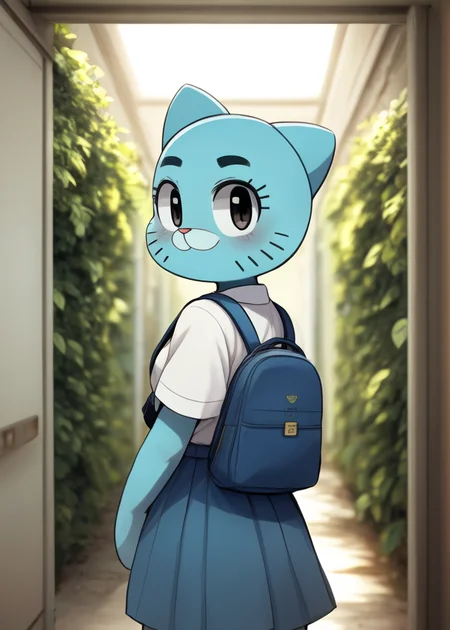
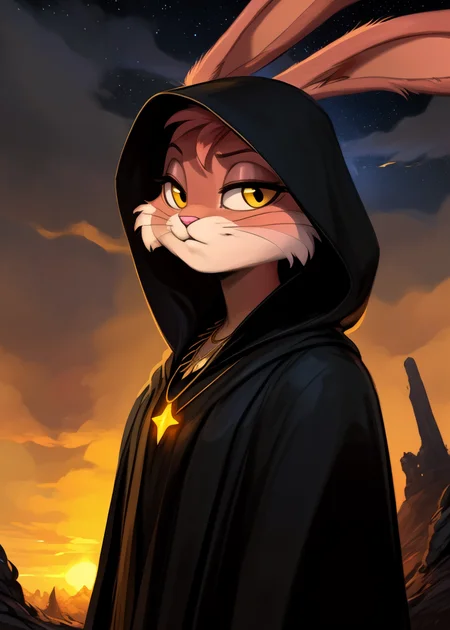
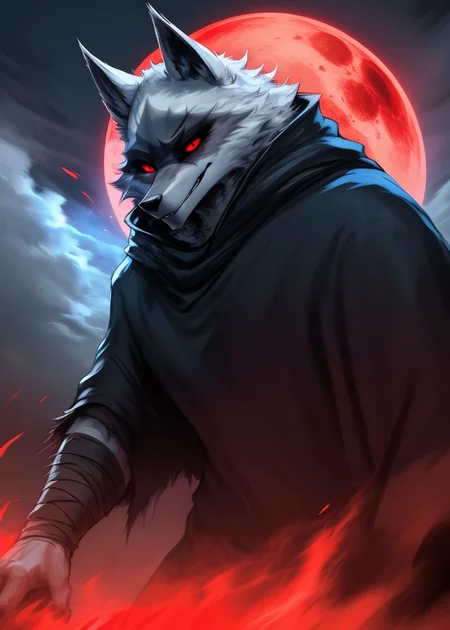
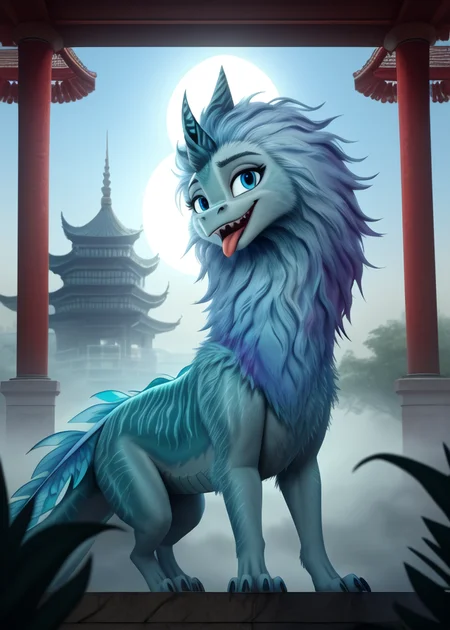
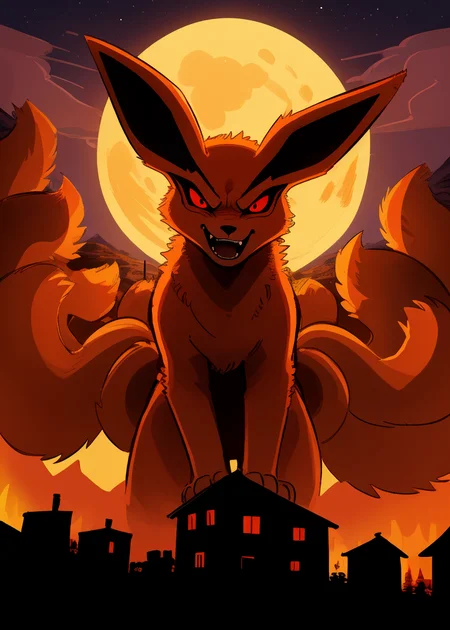
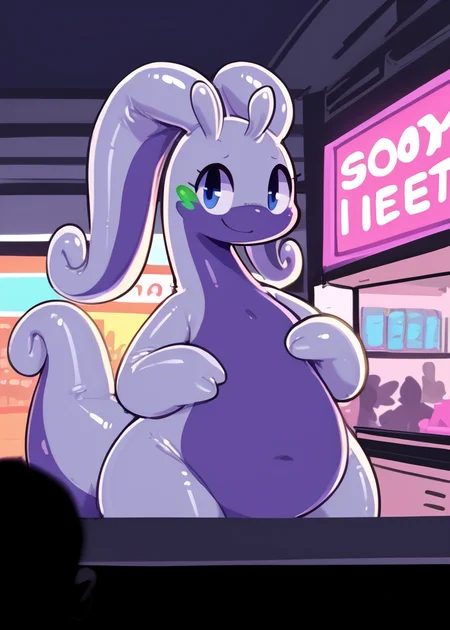
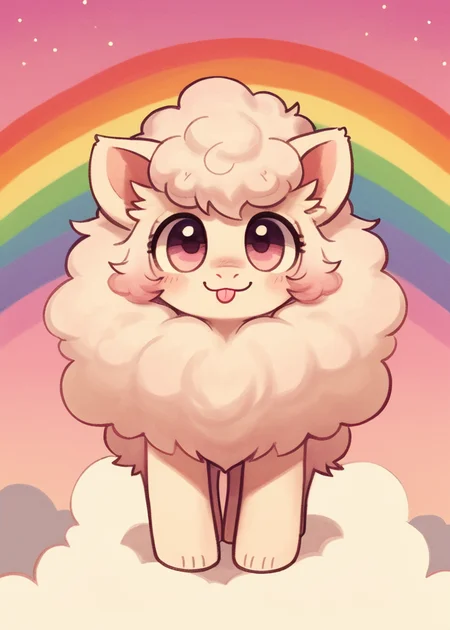
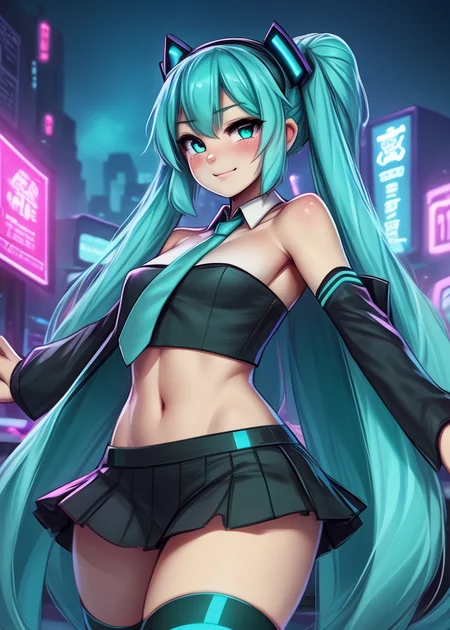

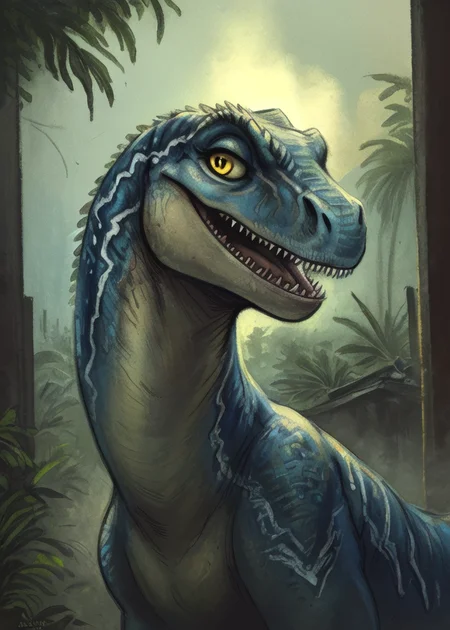
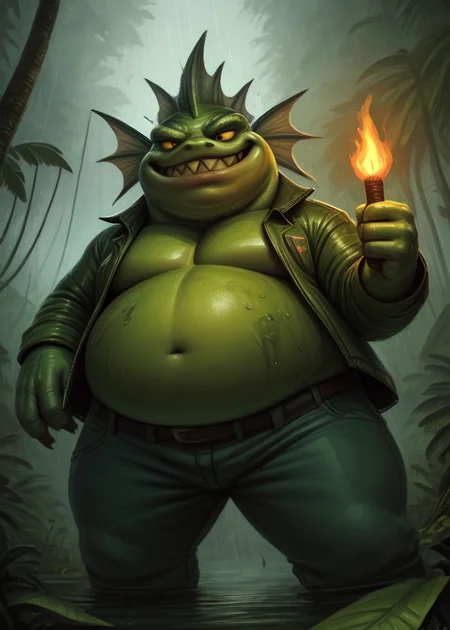
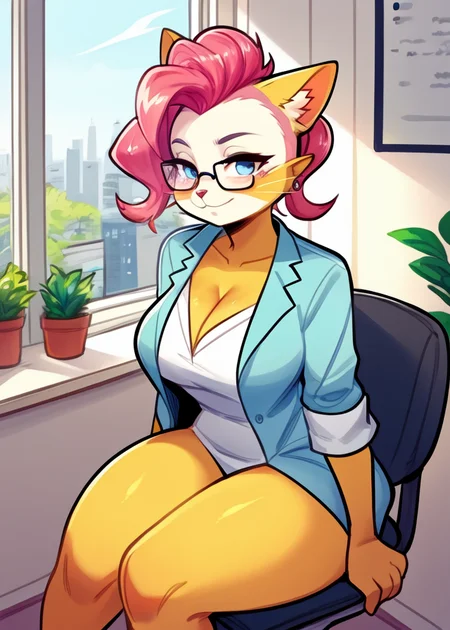
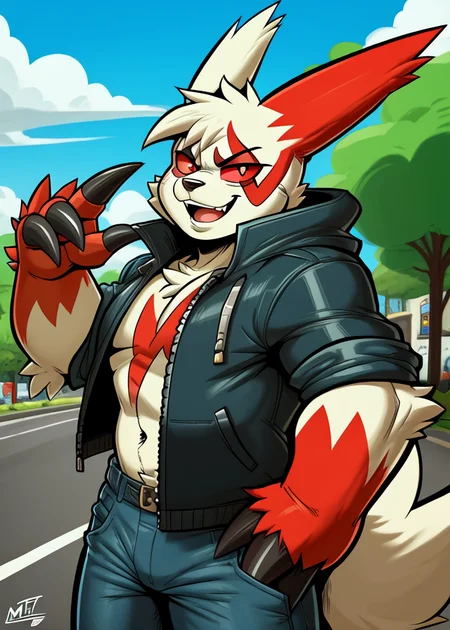
Use e621 tags (no underscore), Artist tag very effective in YiffyMix.
GridList Species/Artist(v64) update!! & LoRAs (SDXL)/samples/wildcards
Recommend Artist tags (NoobXL) & comfyUI workflow.
Example Setting (Use recommended sampler to get correct quality)
Setting SDXL (SDXL-lightning & NoobXL)
Steps = 12~24
Sampler = "DDPM", "Euler A SGMUniform", "Euler SGMUniform"
CFG scale = 3~4
Negative embeddings SDXL = ac-neg1, ac-neg2 (You don't really need this)
Postive LoRA SDXL = SeaArt Quality Tags LoRA (You don't really need this)
Stop at CLIP layers = 2
Setting SD 1.5 + vpred
Steps = 30~40
Sampler = "DPM++ 2M Karras", "DPM++ SDE Karras", "DDIM", "UniPC"
CFG scale = 6~8
Negative embeddings = deformity_v6, bwu [SD-WebUI\embeddings]
Stop at CLIP layers = 1
SD VAE = kl-f8-anime2, Furception [SD-WebUI\models\VAE]
Hires. fix
Hires steps = Steps * Denoising strength
Denoising strength = 0.25
Hires upscaler = 4x-UltraMix_Smooth [SD-WebUI\models\ESRGAN]
ControlNet
ControlNet = softedge_hed, control_v11p_sd15_softedge
ControlNet SDXL = softedge_hed, sdxlsoftedge-dexined, noobai-xl-controlnet
ControlNet Weight = 0.35~0.5
ControlNet Pixel Perfect = true
Wan 2.2 ComfyUI Animeted [workflow]
model = wan2.2_ti2v_5B_fp16
vae = wan2.2_vae
lora (turbo) = lora_wan2.2_ti2v_5B_turbo_lora_rank_64_fp16
lora (furry-nsfw) = wan2.2-5B_furry-nsfw-v2.0-e83
lora (livewallpaper) = wan2.2-5B_livewallpaper-720p
sampler = steps:4, cfg:1, sampler:"eular_ancestral", schedule:"sgm_uniform"
SD WebUI
LoRA Training SDXL
imgs count = 15~50
total steps = epoch * imgs count * folder loop = 3000~4500
network_dim = 64
network_alpha = 128 (SDXL) \ 16 (Noob)
learning_rate = 0.0002~0.0005
unet_lr = 0.0001 #learning_rate/2
text_encoder_lr = 0.00005 #learning_rate/4
lr_scheduler = "cosine_with_restarts"
mixed_precision = "bf16"
optimizer_type = "Adafactor"
optimizer_args = [ "scale_parameter=False", "relative_step=False", "warmup_init=False", ]
YiffyMix v4x V-pred Setting
# YiffyMix v4x A1111 SD-WebUI or Forge V-pred Setting
1.Download config file ".yaml" paste next to the model.
2.Raname ".yaml" same as model name. ( check the ".yaml" has [parameterization: "v"] line )
3.Restart SD-WebUI ( if config fails to load, the model just generate noise )
# YiffyMix v4x ComfyUI or StableSwarmUI V-pred Setting
Add node "ModelSamplingDiscrete", Sampling = "v_prediction"
# ComfyUI V-pred Setting (old version)
1.Copy config ".yaml" to [ComfyUI\models\configs] and refresh ComfyUI
2."Load Checkpoint (With Config)" [Right Click\AddNode\advanced\model_merging]
workflow:[Load Checkpoint (With Config)]-[KSampler]-[VAE Decode]-[Save Image]
# v-pred mode troubleshoot
If you use new version webui-forge and failed detect v-pred model.
Try update webui-forge (click update.bat).
When loading v-pred model, you will see this line in cmd console:
left over keys: dict_keys(['v_pred'])
# v4.x some time will get little fried issue image in this case
Use "Dynamic Prompts with __wildcards__ prompts" and "batch size > 1"
Just generate again with same prompts with parament, it will return normal.
Version Info
v1.x [2D,512~768] old model, unstable, low resolution
v2.x [2D,512~896] e621 dataset + 30~40% SD5 dataset
v3.0 [2D,3D,512~1088] large dataset then v2.x version, can do 2D, 3D
v3.1 [2D,3D,Real,512~1088]
more realistic, but loss some concept (e621 tag count lower 1000)
v3.2 [2D,3D,Real,512~1088]
unstable version, use SNR version FluffyRock, more noise detail
v3.3 [2D,3D,Real,512~1088]
stable version, more detail, more sensitive to prompts
v3.4 [2D,3D,Real,512~1088] ※include Fluffy Rock Quality Tags-LoRA
stable version, more detail, clear result, reduce some noise (like bush,pattern)
v3.5 [2D,3D,Real,512~1088]
unstable version, contrast & detailed enhance
v3.6 [2D,3D,Real,512~1088]
stable version, more sensitive to e621 tags
v3.7 [2D,3D,Real,512~1088]
stable version, reduce noise overactivity, fix blurry eyes and finger error, fix failed background depth
v4.0 [2D,3D,Real,512~1088]
v-pred version, remix from EasyFluff
accuracy anatomy and style with fewer prompt,
little dim blue average color with smooth noise, weakly negative prompt issue
v4.1 [2D,3D,Real,512~1088]
v-pred version, color and low contrast fix, reduced realistic noise.
v4.2 [2D,3D,Real,512~1088]
v-pred version, more contrast and detail, yelow issue.
if you feel too fried use Rescale CFG =0.35
v4.3 [2D,3D,Real,512~1088]
v-pred version, clear artist style, fix most yellow/brown issue
the version doesn't need CFG Rescale
v4.4 [2D,3D,Real,512~1088]
v-pred version, no more yellow/brown issue.
the version doesn't need CFG Rescale
v5.0 [2D,3D,Real,896~1536]
SDXL-lightning version, base on Compassmix XL.
v5.1 [2D,3D,Real,896~1536]
SDXL-lightning version, more e621 dataset, lower human face, better NSFW stuff.
v5.2 [2D,3D,Real,896~1536]
SDXL-lightning version, increase average quality. Little unstable than v51 but more creative.
v6.0 [2D,3D,res:896~1536]
More character better sex pose, limited and uncontrollable style (mostlly anime style).
v6.1 [2D,3D,Real,896~1536]
More realistic detail, reduce anime style, fix flat and boring background.
v6.1a-RE [2D,3D,Real,896~1536]
Same as v61 but adjust average style to simi-realistic.
v6.2 [2D,3D,Real,896~1536]
more effective prompt, keep style also with good realistic detail, saturation down little bit.
v6.3 [2D,3D,Real,896~1536]
Detail(noise) level between v62 and v61, upgrade character/artist accuracy.
v6.4 [2D,3D,Real,896~1536]
Upgrade light quality and average detail.
Note about NoobXL to create stable furry (v6x):
use "furry" tag in propmt can let AI create furry not human.
use "no human" tag in propmt can avoid NoobXL model add human and reduce anthro affect (more original style).
use "anime style" in negative propmt can reduce classic booru style and more realistic.
Some SD prompt trick:
Combine two character:
characterA \(characterB\)
Avoid tag bleeding:
(chain:0)-link fence
(cowboy:0) shot
high (collar:0)
Multi-tag combine, enhance and reduce token use:
from side + side view = from side view
crossed legs + legs up = crossed legs up
Basic Style
Negative Prompt SD1.5
unusual anatomy, mutilated, malformed, watermark,
amputee, mosaic censorship, sketch, monochrome
Negative Prompt SDXL
malformed, worst quality, bad quality, signature, text, url
3D Artwork Style
Prompt v5x: blender \(software\), ray tracing, 3d, unreal engine
Photorealistic Style SDXL
Prompt v5x:
by Mandy Disher, by Wim Wenders, by Robert Rauschenberg, [by Fossa666::0.65],
ultra realistic, photorealism, photograph
Negative prompt v5x: sketch, manga, vector, line art, toony
Prompt v6x: film photography, photorealistic, film grain
Negative prompt v6x: anime style, vibrant, pastel
Photorealistic Style SD1.5
Prompt sd15: [:photorealistic, analog style, realistic, photorealism:0.5]
Negative prompt sd15: [:bwu:0.5]
Recommend Refiner: IndigoFurryMix v110-Realistic Switch at 0.5
Description
Recipes v43:
partA = (YiffyMix v40 + YiffyMix v42 + FluffyShaper v10) * TripleSum:[0.45,0.40]
YiffyMix v43 = (partA + BB95 v14 - BB95 v13) * trainDiff:0.65
FAQ
Comments (44)
I did some testing and I noticed the style changes quite drastically if you add "3D" and/or "Realistic" to the negative prompt. If you can't get the look you are after you can try that.
I can't generate images by using this Checkpoint, and Idk why. It doesn't matter what prompts I'm using. It just doesn't seem to work. The results are pixelated. Very pixelated.
What should I do?
https://imgur.com/a/jIH29qC
Are you sure you've downloaded the .yaml configuration file?
@oaf40 .yami configuration file? All I did was click on the latest version, download the file and move it to the file where the rest of the checkpoints are. :(
That's the same thing I did the very first time I began using the checkpoint, and it worked, as for now... it doesn't work at all. where do I get that ".yami" file and where do I put it? :(
@Bodyss_Stitchy on the model page under the blue "Download button" there's a small notice that reads "This checkpoint includes a config file, download and place it along side the checkpoint.". Click on that link and put the .yaml file into the same directory where your models reside. Reload the WebUI and you'll be good to go.
@oaf40 OMG! THANK YOU SO MUCH! I am so stupid for both not noticing nor knowing that! 🤣💀
You are an angel and a lifesaver! 🥳💙
@oaf40 Hi there.. I saw the images generated by other users. They are awesome.. But I cannot generate properly.. I've downloaded the .yaml file copy that next to the ckpoint model but It only makes noises.. I use Stable swarmai
Look's like StableSwarmUI use ComfyUI backends.
In this case you don't need .yaml file, .yaml setting only for A1111-SD WebUI or Forge.
1.Select "Comfy Workflow Editor"
2.Add node "ModelSamplingDiscrete", Sampling = "v_prediction" [Right Click\AddNode\advanced\model]
Use Workflow like this:
[Load CheckPoint]-[ModelSamplingDiscrete]-[KSampler]-[VAE Decode]-[Save Image]
3.Back to "Generate"
I tried the YiffyMix v43 in "easy diffusion" but it looks all blurry with very saturated colors, is there an acceptable setting for the images to turn out well? please I need an answer
Which Folder should I put the 4x-Ultrasmooth stuff in?
your ESRGAN folder in your SD or any SD kit
@KeinJrr Ok thanks
any way that we get a non-vpred model as well of V4.x or higher?
what difference does Sampler make? how can you tell which one is better other than just generating 1000 images?
Samplers is just a different way to draw a picture. There isn't "best" sampler available. To create a good picture you can either: 1) generate a 1000 images and pray, that one of them will be what you want; or 2) if you have a powerful card you can create, say, batch of 8 pictures, then choose 1 best of this batch and then inpaint/outpaint all defects.
@denis0k thank you for the input. I was hoping i'd understand a little more on why choose x over y, but it seems to be an arbitrary feature from what i've gathered
I'm having problems with this Checkpoint, It keeps adding pink, purple, and blue fur or skin color. And it added feathers, horns, facial markings, ect. This came out like this.
https://civitai.com/images/10365761
Any thing I can do please?
SD-WebUI A1111 (xxx) mean increase attention to "xxx" by a factor of 1.1
(((Gigantic breasts:1.9))), (((Breasts bigger than body:1.9)))
In these case total weight will be 1.1 * 1.1 * 1.1 * 1.9 = 2.5289
Too much weight will override other prompts effect
A reasonable weight value is 0.7~1.3, some weak tags can increased to 1.4~1.5
Is this character you want? you can try this sample
prompt:
solo toony (bolt \(film\), Dogtanian and the three muskehounds:1.25),
white body, black eyes, (black ears, floppy ears:1.25), black nose,
happy, red musketeer hat, headwear, red musketeer outfit, red cloak,
standing, three-quarter portrait, three-quarter view,
BREAK,
anime, by Disney, by Dark Ishihara, by Gerrkk,
detailed background, ambient silhouette,
masterpiece, best quality, high quality, 2k, 4k, absurd res
Negative prompt:
unusual anatomy, mutilated, malformed, watermark, amputee,
blurry, mosaic censorship, sketch, monochrome
@chilon249 Alright, thanks.
Nice and the images come out well
config not working in comfyui. its in with the same place as the checkpoint but it won't load it. also tried putting it in the /configs folder, also doesn't work.
Need to use the 'Load Checkpoint with Config (DEPRECATED)' node for the loader instead.
Still far from being on a par with EasyFluff
Then why YiffyMix much more popular here?
EasyFluff is verry good, more flexible IMO, i find it easier to make complexes poses withtout LoRAs.
But in term of pure quality, YiffyMix obliterate everything else on furry generation.
Also, it's knowledge on characters, artists, styles is impressive. You don't need any LoRAs, it's like YiffyMix knows everything about E621.
@Netryxa Really? Try making images in the excito art style with EasyFluff and do the same with YiffyMix to realize that EasyFluff is better than YiffyMix.
@nsfwpersonalai so EasyFluff can do better images in style of excito. So what?
EasyFluff is very good in e621 concept, It's more closer to FluffyRock base model.
However, You can't easy use EasyFluff or Fluffyrock with out upscale or add quality LoRA.
Is not EasyFluff or Fluffyrock problem, because e621 average quality is not very well.
That's why PonySDXL need score tags to classify image quality.
YiffyMix purpose is enhance furry base model quality and try not to break the content.
You can see YiffyMix sample image always avoid high-res upscale, LoRA or embeddings.
The models for V-Pred are inferior to the previous ones :( There are lots of people who doesn't like them.
I hope you get back to "old" models, V36 is fantastic and we would really love to see more of it.
I can build a v37 (non v-pred) final version.
Base model FluffyRock already stop SD1.5 training.
Keep merge SD1.5 model does not give better results.
@chilon249 Thanks a lot, that would be really appreciated. The new version don't work as good as the "old" ones for a lot of us and we really enjoy your work ^^
It would be great to have a final version. I can wait to see what you can do for XL <3
Despite the fact that I personally don't like the furry theme very much, I, after all, decided to try to test this model on my test prompts. And the result delighted me completely! I can say that it is very accurate to the anatomy and extremely flexible. The images turned out to be very original and interesting.
I don't think I'll use this model in the future, but I can say that it deserves its place on the top on Civitai!
(I used the standard VAE, so apparently the pictures are a little dark).
Hello, I'm using webUI and so I pasted the .yaml file into both "Stable Diffusion" and "configs" folders but I still cannot get the config file to load, can someone please help and talk me through the process?
You need to put yaml file in the same folder with model and name it same name as model - for example yiffymix_v43.yaml
@denis0k Yes, Thank you, I realized my stupidity after I made the comment, I'm now dealing with a different problem. Each image generated is either a liney mass of colour, or something that doesn't have any coherent shape. I downloaded both the VAE, SD & LORA files. I Installed the VAE files, and I don't know where to put the DS and LORA files.
@FullAir4341985 model, yaml and vae files need to be in same folder "stable-diffusion-webui\models\Stable-diffusion\". LORA need to be in a "stable-diffusion-webui\models\lora\" folder. VAE must have name yiffymix_v43.vae.safetensors
I feel like I'm getting more bad anatomy with v43 than with v42 and earlier. I'm still using the same prompt templates and wildcard files as before.
What negative embeddings should I use with v43? I currently have deformityv6, bwu, bad-hands-5, boring_e621_v4 and EasyNegative enabled.
It would be really cool, if you could answer what negative embeddings, if any, you recommend with the latest version v43.
"deformityv6" and "boring e621" use in no "by artist" or no negtive prompt.
"bwu" use in realistic picture.
"bad-hands-5" only work in NAI anime model, sometimes missing finger or weird body proportion is from artist's habit affect.
EPS (non-vpred) model much createive, it can generate concept not include prompt.
Negative embedding can let it stable, these models are good at mixed prompts.
Vpred model need precise prompts, use fewer negative embeddings and negative prompts.
@chilon249 Thank you for responding. So, I can basically do without any negative embeddings at all in vpred v40-v43, especially when using artist tags?
I also noticed that most of my negative prompt tokens don't really seem to do anything anymore, such as "overweight", "obese", "chubby", etc...
In vpred model positive prompt is effective than negative.
In this case you can use "slim" to balance it.
When the latest Yiffymix version would be available to use on Civitai ?
Details
Files
yiffymix_v43_full_fp16.safetensors
Mirrors
yiffymix_v43.yaml
Mirrors
furationBETA_rebootedREFINEDVPREDF.yaml
pegasusmix_VPredV2.yaml
yiffyfluffybutts_V061.yaml
yifurr_cid4.yaml
yifurr_sun.yaml
furationBETA_rebootedVPDModelbaseF.yaml
steinmix_alpha3.yaml
steinmix_charlie2.yaml
steinmix_alpha6bL.yaml
9thTail_mainV01.yaml
9thTail_mainV02.yaml
fluffyrock_e233VpredE206.yaml
indigoFurryMix_se02Vpred.yaml
indigoFurryMix_se01Vpred.yaml
9thTail_softV01.yaml
yifurr_2.yaml
yifurr_cid.yaml
yifurr_newmoone2.yaml
furationBETA_rebootedVPREDPartF.yaml
steinmix_alpha5.yaml
fluffyrockUnleashed_baseV10.yaml
yiffymix_v42.yaml
fluffyrock_e257VpredE11.yaml
yiffymix_v43.yaml
steinmix_alpha6.yaml
subfurryanalog_v22.yaml
yiffymix_v44.yaml
yifurr_c3.yaml
9thTail_mainV03.yaml
subfurryanalog_v10.yaml
yifurr_sunrise.yaml
9thTail_juicyV03.yaml
9thTail_altV03.yaml
9thTail_softV03.yaml
fluffyrockanimedilut_v10.yaml
fluffyrockE6LAION_e98E6laionE47.yaml
SD15ColorsplashV_v012.yaml
SD15ColorsplashV_v020.yaml
SD15ColorsplashV_v01.yaml
easyfluff_5000DefaultvaeFFR3CS2.yaml
yiffymix_v40.yaml
beanv6flufusv2_v10.yaml
fluffyrock_e184VpredE157.yaml
subfurryanalog_v20.yaml
SD15ColorsplashV_v013.yaml
pegasusmix_VPredV1.yaml
yiffymix_v41.yaml
SD15ColorsplashV_v011.yaml