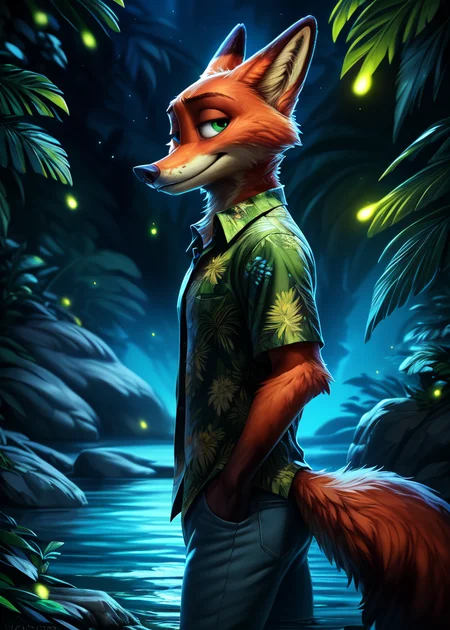

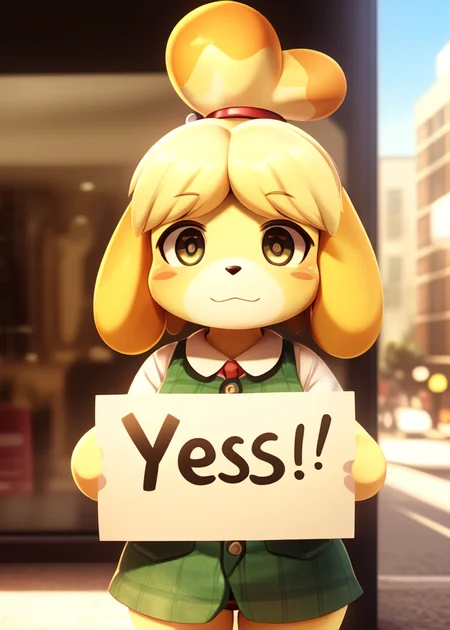

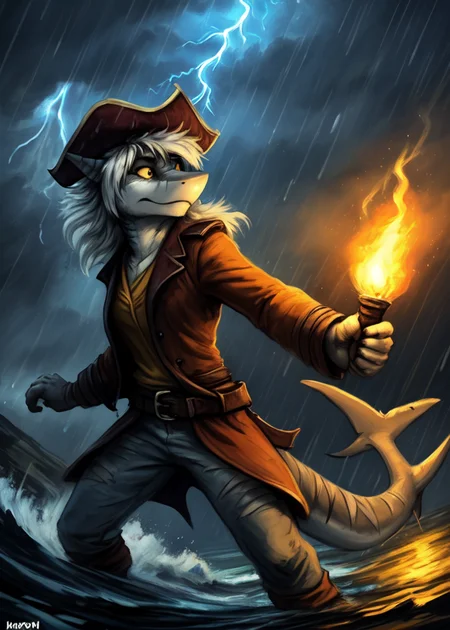
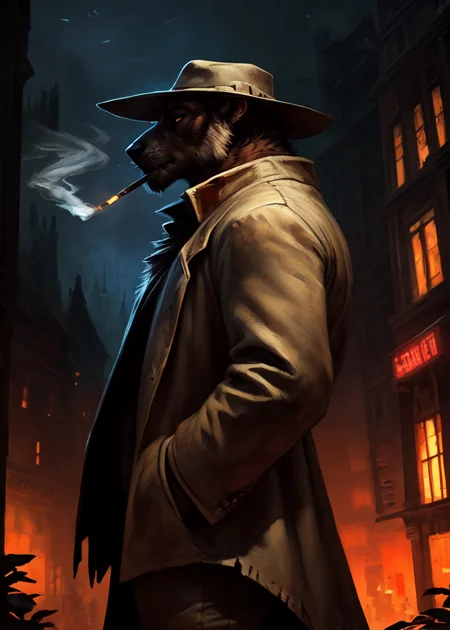
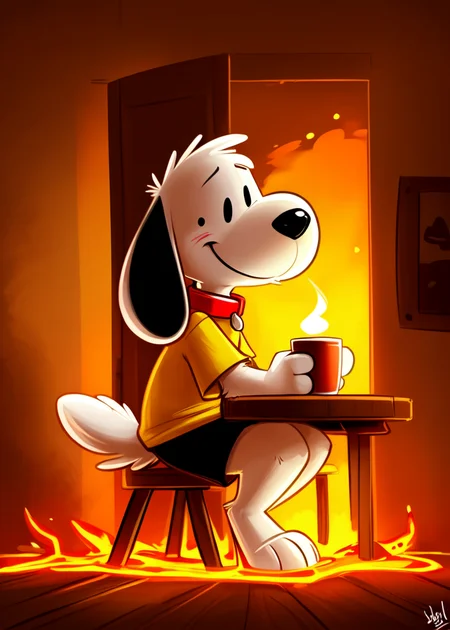
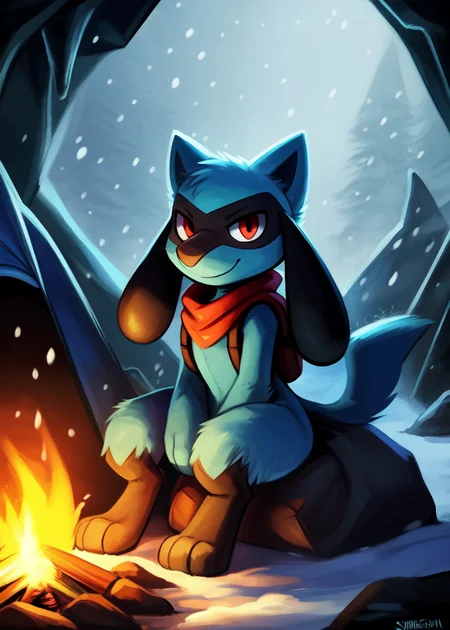
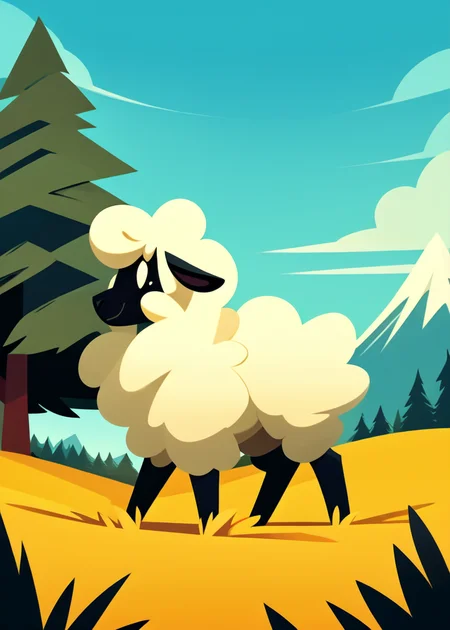
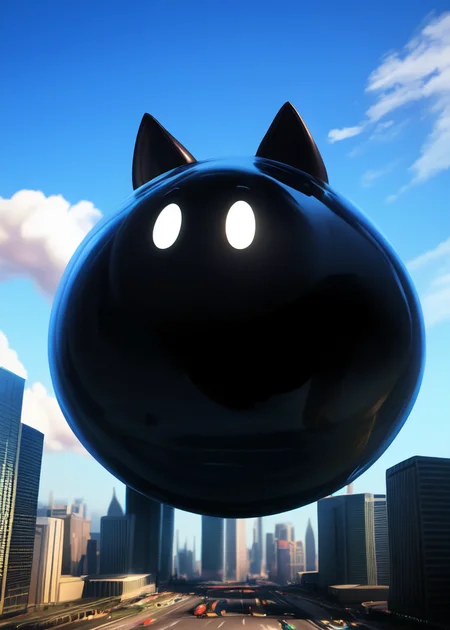
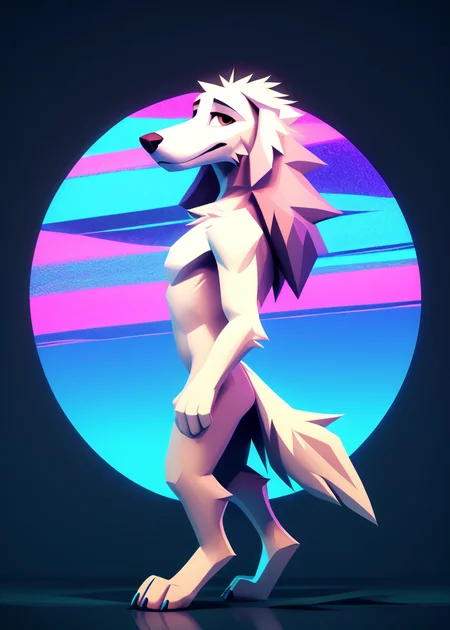



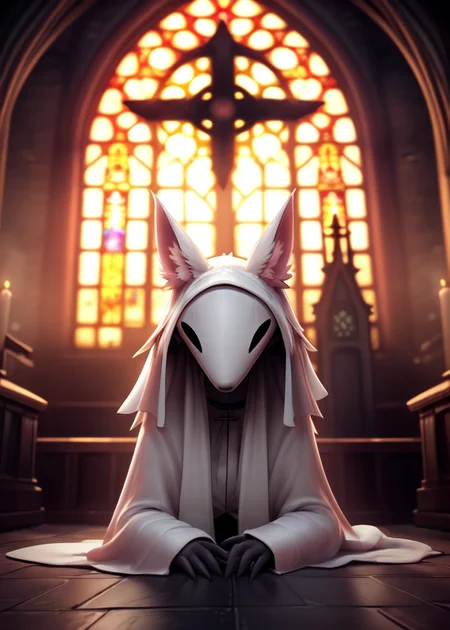
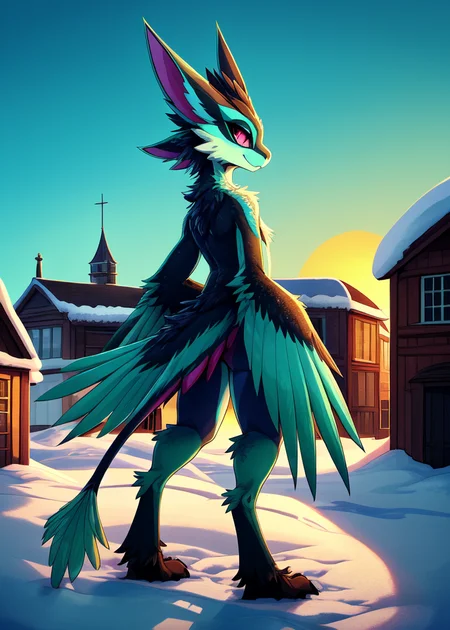
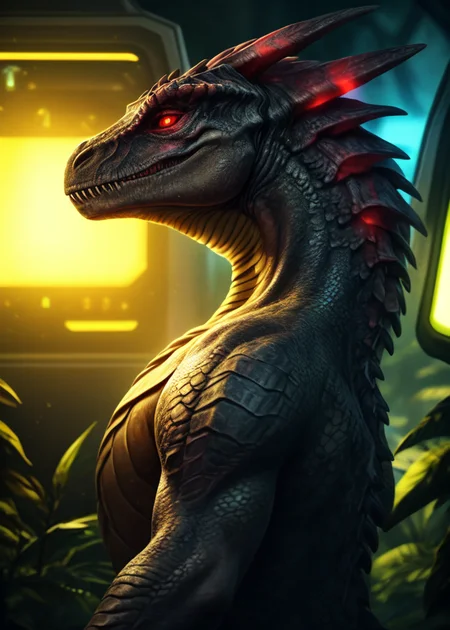
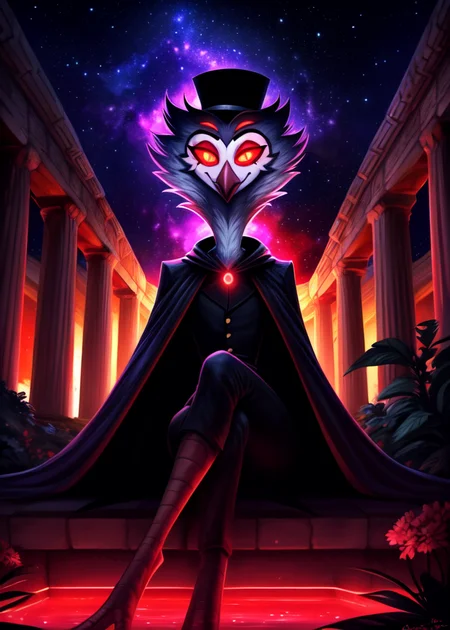
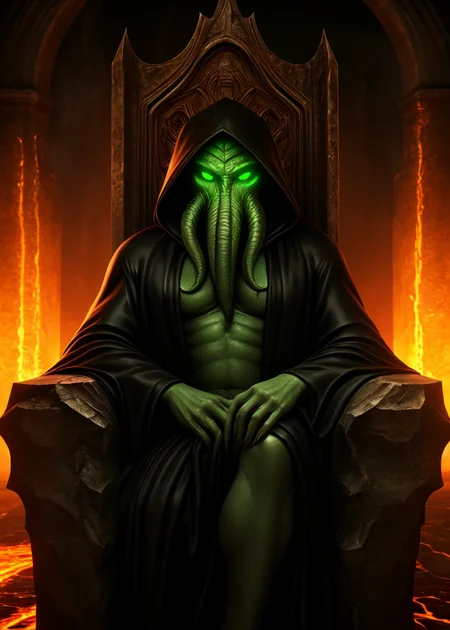
Use e621 tags (no underscore), Artist tag very effective in YiffyMix.
GridList Species/Artist(v64) update!! & LoRAs (SDXL)/samples/wildcards
Recommend Artist tags (NoobXL) & comfyUI workflow.
Example Setting (Use recommended sampler to get correct quality)
Setting SDXL (SDXL-lightning & NoobXL)
Steps = 12~24
Sampler = "DDPM", "Euler A SGMUniform", "Euler SGMUniform"
CFG scale = 3~4
Negative embeddings SDXL = ac-neg1, ac-neg2 (You don't really need this)
Postive LoRA SDXL = SeaArt Quality Tags LoRA (You don't really need this)
Stop at CLIP layers = 2
Setting SD 1.5 + vpred
Steps = 30~40
Sampler = "DPM++ 2M Karras", "DPM++ SDE Karras", "DDIM", "UniPC"
CFG scale = 6~8
Negative embeddings = deformity_v6, bwu [SD-WebUI\embeddings]
Stop at CLIP layers = 1
SD VAE = kl-f8-anime2, Furception [SD-WebUI\models\VAE]
Hires. fix
Hires steps = Steps * Denoising strength
Denoising strength = 0.25
Hires upscaler = 4x-UltraMix_Smooth [SD-WebUI\models\ESRGAN]
ControlNet
ControlNet = softedge_hed, control_v11p_sd15_softedge
ControlNet SDXL = softedge_hed, sdxlsoftedge-dexined, noobai-xl-controlnet
ControlNet Weight = 0.35~0.5
ControlNet Pixel Perfect = true
Wan 2.2 ComfyUI Animeted [workflow]
model = wan2.2_ti2v_5B_fp16
vae = wan2.2_vae
lora (turbo) = lora_wan2.2_ti2v_5B_turbo_lora_rank_64_fp16
lora (furry-nsfw) = wan2.2-5B_furry-nsfw-v2.0-e83
lora (livewallpaper) = wan2.2-5B_livewallpaper-720p
sampler = steps:4, cfg:1, sampler:"eular_ancestral", schedule:"sgm_uniform"
SD WebUI
LoRA Training SDXL
imgs count = 15~50
total steps = epoch * imgs count * folder loop = 3000~4500
network_dim = 64
network_alpha = 128 (SDXL) \ 16 (Noob)
learning_rate = 0.0002~0.0005
unet_lr = 0.0001 #learning_rate/2
text_encoder_lr = 0.00005 #learning_rate/4
lr_scheduler = "cosine_with_restarts"
mixed_precision = "bf16"
optimizer_type = "Adafactor"
optimizer_args = [ "scale_parameter=False", "relative_step=False", "warmup_init=False", ]
YiffyMix v4x V-pred Setting
# YiffyMix v4x A1111 SD-WebUI or Forge V-pred Setting
1.Download config file ".yaml" paste next to the model.
2.Raname ".yaml" same as model name. ( check the ".yaml" has [parameterization: "v"] line )
3.Restart SD-WebUI ( if config fails to load, the model just generate noise )
# YiffyMix v4x ComfyUI or StableSwarmUI V-pred Setting
Add node "ModelSamplingDiscrete", Sampling = "v_prediction"
# ComfyUI V-pred Setting (old version)
1.Copy config ".yaml" to [ComfyUI\models\configs] and refresh ComfyUI
2."Load Checkpoint (With Config)" [Right Click\AddNode\advanced\model_merging]
workflow:[Load Checkpoint (With Config)]-[KSampler]-[VAE Decode]-[Save Image]
# v-pred mode troubleshoot
If you use new version webui-forge and failed detect v-pred model.
Try update webui-forge (click update.bat).
When loading v-pred model, you will see this line in cmd console:
left over keys: dict_keys(['v_pred'])
# v4.x some time will get little fried issue image in this case
Use "Dynamic Prompts with __wildcards__ prompts" and "batch size > 1"
Just generate again with same prompts with parament, it will return normal.
Version Info
v1.x [2D,512~768] old model, unstable, low resolution
v2.x [2D,512~896] e621 dataset + 30~40% SD5 dataset
v3.0 [2D,3D,512~1088] large dataset then v2.x version, can do 2D, 3D
v3.1 [2D,3D,Real,512~1088]
more realistic, but loss some concept (e621 tag count lower 1000)
v3.2 [2D,3D,Real,512~1088]
unstable version, use SNR version FluffyRock, more noise detail
v3.3 [2D,3D,Real,512~1088]
stable version, more detail, more sensitive to prompts
v3.4 [2D,3D,Real,512~1088] ※include Fluffy Rock Quality Tags-LoRA
stable version, more detail, clear result, reduce some noise (like bush,pattern)
v3.5 [2D,3D,Real,512~1088]
unstable version, contrast & detailed enhance
v3.6 [2D,3D,Real,512~1088]
stable version, more sensitive to e621 tags
v3.7 [2D,3D,Real,512~1088]
stable version, reduce noise overactivity, fix blurry eyes and finger error, fix failed background depth
v4.0 [2D,3D,Real,512~1088]
v-pred version, remix from EasyFluff
accuracy anatomy and style with fewer prompt,
little dim blue average color with smooth noise, weakly negative prompt issue
v4.1 [2D,3D,Real,512~1088]
v-pred version, color and low contrast fix, reduced realistic noise.
v4.2 [2D,3D,Real,512~1088]
v-pred version, more contrast and detail, yelow issue.
if you feel too fried use Rescale CFG =0.35
v4.3 [2D,3D,Real,512~1088]
v-pred version, clear artist style, fix most yellow/brown issue
the version doesn't need CFG Rescale
v4.4 [2D,3D,Real,512~1088]
v-pred version, no more yellow/brown issue.
the version doesn't need CFG Rescale
v5.0 [2D,3D,Real,896~1536]
SDXL-lightning version, base on Compassmix XL.
v5.1 [2D,3D,Real,896~1536]
SDXL-lightning version, more e621 dataset, lower human face, better NSFW stuff.
v5.2 [2D,3D,Real,896~1536]
SDXL-lightning version, increase average quality. Little unstable than v51 but more creative.
v6.0 [2D,3D,res:896~1536]
More character better sex pose, limited and uncontrollable style (mostlly anime style).
v6.1 [2D,3D,Real,896~1536]
More realistic detail, reduce anime style, fix flat and boring background.
v6.1a-RE [2D,3D,Real,896~1536]
Same as v61 but adjust average style to simi-realistic.
v6.2 [2D,3D,Real,896~1536]
more effective prompt, keep style also with good realistic detail, saturation down little bit.
v6.3 [2D,3D,Real,896~1536]
Detail(noise) level between v62 and v61, upgrade character/artist accuracy.
v6.4 [2D,3D,Real,896~1536]
Upgrade light quality and average detail.
Note about NoobXL to create stable furry (v6x):
use "furry" tag in propmt can let AI create furry not human.
use "no human" tag in propmt can avoid NoobXL model add human and reduce anthro affect (more original style).
use "anime style" in negative propmt can reduce classic booru style and more realistic.
Some SD prompt trick:
Combine two character:
characterA \(characterB\)
Avoid tag bleeding:
(chain:0)-link fence
(cowboy:0) shot
high (collar:0)
Multi-tag combine, enhance and reduce token use:
from side + side view = from side view
crossed legs + legs up = crossed legs up
Basic Style
Negative Prompt SD1.5
unusual anatomy, mutilated, malformed, watermark,
amputee, mosaic censorship, sketch, monochrome
Negative Prompt SDXL
malformed, worst quality, bad quality, signature, text, url
3D Artwork Style
Prompt v5x: blender \(software\), ray tracing, 3d, unreal engine
Photorealistic Style SDXL
Prompt v5x:
by Mandy Disher, by Wim Wenders, by Robert Rauschenberg, [by Fossa666::0.65],
ultra realistic, photorealism, photograph
Negative prompt v5x: sketch, manga, vector, line art, toony
Prompt v6x: film photography, photorealistic, film grain
Negative prompt v6x: anime style, vibrant, pastel
Photorealistic Style SD1.5
Prompt sd15: [:photorealistic, analog style, realistic, photorealism:0.5]
Negative prompt sd15: [:bwu:0.5]
Recommend Refiner: IndigoFurryMix v110-Realistic Switch at 0.5
Description
Recipes v41:
partA = (FluffyRock-zsnr-vpred-e256-minsnr-e30 + YiffyMix v36 - FluffyRock-e99-snr-e72) * trainDiff:1.0
partB = partA + Polyfur-vpred-e66-snr-e15 * 0.5
partC = (partB + IndigoFurryMix v95 - SD5) trainDiff:0.35 + YiffyMix v40 * 0.5
YiffyMix v41 = partC + LoRA:[Detail Tweaker * 0.2] + CLIP:[ReV Animated * 0.35 + EasyFluff v10-Funner * 0.27]
FAQ
Comments (91)
Something is wrong with the update, I'm getting bad results. any tips, please?
same here, tried using the exact settings from the image's posted but still hyper pixelated / buggy
Yeah, you're not alone on this sort of issue. Despite thoroughly examining the same prompts I've been using from prior update and art styles, numerous mistakes arose during generation. The main physical features badly affected are the eyes and clothing on my end.
@Delsigina Something has to be done.
@givecredit42248 Well something has got to be done.
@Steeltron2000 There isnt much I can do, its possible the upload wasnt great. The author may just need to re-upload.
@Delsigina Agree
[IMPORTANT] ⚠️
For individuals who've recently seen the notification for the newest update Yiffymix v.41 please be advised to use the [3.82GB file] as it works at par with v.40 and incorporates a plethora of new options to generate. Additionally, people have brought up that the [1.99GB file] is negatively effecting "eyes," "mouths" and "clothing" so its best to not use it for now...
*see 5 files tab to open directory for 3.82GB file to download
On the whole v40 is working better for me than v41 for some reason. (am using the larger version).
What..? There's only 1 file - what do you mean "files tab"?
@FoxDude underneath the Details box on the right, theres a drop down box that says {5 files]
@FoxDude On the right of the page near Details list just above the Reviews there should be a tab labeled "5 files" select it and get the 3.82GB one as well as the config and paste both into folder where u use the model.
wow we literally posted at the same exact time lol
@Goblintide @givecredit42248 Thanks both. Right, I see it.
really good model for furry arts for sure
v41 is giving me consistently 'meh' images in automatic1111. But the image quality drastically improves with the same prompt and settings in comfyUI! Maybe something to do with the way comfy encodes text? Maybe weighting?
The model is certainly capable and seems to be working correctly: I can get the high quality sample images with the right parameters and prompt in automatic1111. But for my usual prompting style, comfyUI is the only way I can produce anything that's not gittery or speckled. Guess it's time to get good at comfy!
This is the best model for everything with fur, furry, feral, anthro, human, elfs, etc.
But since V.40 I only have black pictures or black pic + some colored dots. I dont know, what is wrong.
I have to use V.36 to have the model working.
Using EasyDiffusion.
me tooooooooo!
No issues using A1111
also make sure you are downloading the config file too
Don't forget the config file listed in the notes.
With v41 i'm getting nothing but fried pictures, no matter what I do. I'd love some guidance about fixing it.
Me too, I'm having the same problems. I think it's this new update.
If you're using the 1.99gb file, have you tried using the 3.82gb one instead?
@Goblintide How do we use it?
@Goblintide How do I use it?
underneath the Details box on the right, theres a drop down box that says {5 files]. also you need the config file that is there too, that goes into the same folder as the model.
Having the same issure. Seems V40 and 41 are broken.
@HawksHawkiss You arent using the yaml file, its a Vpred model, you need to include the yaml in your folder with the model/
@metal079 I am though
@Goblintide I tried both
Was getting this myself until I downloaded the config .yaml, make sure you do that as well. It just goes in the same folder as the model file.
ok, guys, if you use comfyUI you need chekpoint loader who also load config file. try to find it in your nodes. Was Suite custom nodes have one
Hi all.
I have a funny problem with v.32
When I try to make a Kitty Katswell's breasts smaller - (((((small breast))))) - they become bigger. Moreover, the matter is apparently not only in lora.
Can anyone tell me the correct syntax?
Try flat chested at a low weight or do prompt editing stuff like [flat chested:10]. Small breasts is an e621 tag, but it might be fighting other models in the yiffymix merge that just see breasts. Could also just be that the range of size for that tag is bigger than you want. Also consider other tags you might have if they imply larger breasts.
@Mobbun
Yes, "flat chest" or "flat chested" helped. Thank you
Uhmm version 41 is broken? she generated soup of nothing, like black pixels something
You need to download the config file and put it in the model folder, too. It's at the bottom of the files section.
For me, with both the model and config file, the images generated end up oversaturated, and have too much edge enhancement. On the other hand, older models do not have those issues, though they are very error prone in terms of getting the number of fingers and toes right.
@FurryRaccoon Did you get the VAE listed too and use it along with the images to fix the saturation? The description says to use it. You need it and the config file, all 3 files together.
broken this version cannot open
This model is fantastic for solo, cake style portraits. However, many verbs appear to be corrupted. Query "fellatio" and suddenly behold a ridiculous assortment of penises poking out of the middle of people's chests, or dicks for arms, or dicks in mid-air. And this with all manner of negative prompts working hard to demote bad anatomy on the one hand, and intersex kinks on the other!
Can the next version please spend more training cycles on actions between characters?
That's not how it works. It's a merge of other models.
Can I download the LoRA-Models anywhere else?
I tried the MEGA-Link but after 12 hours it doesn't work anymore and I don't want to pay just for the download of one folder.
Will there be Amakuchi on the next update?
I have this set up in comfyUI and have had success with other models but, downloaded v41 and the config also - but all I seem to be able to generate are... kind of unsettling and spooky dim pages with half legible text on them?
I most likely have done something wrong, does anyone have any advice?
You have to use the "Load Checkpoint with Config (DEPRECATED)" node and you have to put the yiffymix .yami file into the config folder in the models folder
You might need to enable dev mode to get that node if you can't find it
Version 41 is not rendering images correctly - Using same prompts from previous ones and they work fine on those
Just asking, I'm really new to this type of config files. How do I exactly place it along side the checkpoint??
it just means put it in the same folder as the checkpoint
It just makes noises. Fix please!
put the .yaml on the same folder as the model
@goxabo1145 where is the .yaml file?
@Red81345 v4.x is vpred version, need download ".yaml config" with model, see version info.
@Red81345 Click on the description, there is the download of yaml
if on comfy, use the loader that allows you to specify the config file (load checkpoint with config) or add model sampling discrete (v pred) after the normal loader
v41 seems to suffer from saturation and sharpening issues on the output, previews are really good and nearly match v36 1:1 before the generations finalise and become borderline deep fried. Eyes and faces are buggy and prompt responses are less accurate on v41 vs v36 too.
I've tested across the main safetensor files, large and small, with configs correctly installed, and adjusted my CFG and prompt amplification parameters to little effect. A temp workaround seems to be to refine v41's outputs with v36, or just revert to v36 in the meantime entirely.
When it does work though, it is fantastic, and proportions, limbs, hands, etc, all seem to be generating wonderfully well without any duplicated body parts, which I had issues with a lot in v36. Just a bit mixed atm, keep up the great work though!
Can you make a non-yaml version of v4.0 and v4.1? Was just wondering because I wanted to decrease confusion and make it usable in civitai generator.
FIX FOR 4.1 ON COMFYUI. Put the model in the checkpoint folder, DOWNLOAD the yiffymix_v41.yaml from the same page and put it in .../ComfyUI/models/configs (and NOT in the same folder as the model as suggested elsewhere!). IMPORTANT: Open settings, check "Enable Dev mode options" and REPLACE the default "Load Checkpoint" node with one under "add node/advanced/loaders/Load Checkpoint with config (DEPRECATED)" then select the model AND the config!
Use advanced > model sampling discrete and then set to v-prediction instead. It's easier to share prompts, avoids the yaml hassle, and many have found it to be faster.
For ComfyUI people, no need to bother with config file, there's a node you can use to set it to v-prediction.
advanced > model sampling discrete node
Repeating this from an earlier comment.
36 works nicely. Yet the latest two makes images that looks like they were cooked in a nuclear furnace.
Did you download the config file?
@C_Wolf It needs two files to work?
@adondlin255 yeah, right below the download button it says "This checkpoint includes a config file, download and place it along side the checkpoint."
Unfortunately v41 adds too much yellowing. Full 6gb version with config file.
Especially with Controlnet and balanced mode; each outcome will look like overly yellowed picture.
Switching back to v36 or BB95 is like a fresh air after v41.
Which is a shame, because v41 is really nice when it comes to tiny details and overall matching to specific artist
Hey sorry if this sounds stupid, but how do you train a LoRA using 4.0 and 4.1 (kohya ss)? I assume it has something to do with the config file, but all of the results are like super desaturated and grainy.
I have the same question!
Turning on v_parameterization in the source model tab seems to fix this
@TailzKirby thank you, that fixed it!
I'm not sure what I'm doing incorrectly but I can't get the models 40 or 41 to work for Automatic1111's stable diffusion. I've added the VAE and config files in the proper folder. I have also tried placing them alongside the main folder as well as some have suggested, but all of the images still come out as distorted and over saturated to the point of being only noise. I've set everything to what the instructions listed and still no luck.
Does anyone have any idea what I'm doing wrong?
I'm in the same boat. Every comment I see just says to download to config file. I did that when i downloaded the checkpoint I have the VAE, checkpoint, and config yet still getting black and yellow static noise images.
"yaml" file need same name with model in "same folder".
In "SD-WebUI/models/Stable-Diffusion" folder will be like:
Correct setting:
YiffyMix-v41.ckpt
YiffyMix-v41.yaml
or
YiffyMix-v41.safetensors
YiffyMix-v41.yaml
Fail setting:
YiffyMix-v41.ckpt
YiffyMix-v41.ckpt.yaml
or
YiffyMix-v41.safetensors
YiffyMix-v41.safetensors.yaml
Remember restart SD-WebUI webpage.
@chilon249 thank you!
This is one of the best checkpoints.
Does anyone have problems using this with the online generator?
It just generates random characters and poses
It worked some days ago
Question here for the dude in the room (me and anyone else) about the SD Furry Collection for download in the description here, how do I use them exactly? I see the metatext file as well as a v1 inference vpred yaml, ontop of the gridlist, wildcards, and the LoRAs. I am still relatively new to AI Generations but I know these are tools that make the results more close to what is achieved in the pictures in the model showcase. Also curious about the PNG info tool and the toolpad.
Please fix this model, it just generates random characters or poses in the online generator
Why do they keep removing the best Lora's off of the site, at this point I'll start using lora's locally.
When they can fix it, this version still has big errors or at least it can be returned to old ones
what happened to v36?did they remove it and now i can use 41 but it comes out super blury and pixelated
I'm getting some blurry gens, too - not always, just sometimes. Does anyone know any tokens that help against blurriness? I always put "blurry" in the negative prompt. Not sure if it helps at all...
I have tried everything, even putting the extra file in folder all images come oversaturated. Idk how to make that model work.
Just want to say thanks for this great model. I sometimes try a few others, but I always come back to yiffymix before long. It's just beautiful.
Can't seem to get AnimateDiff working, just generates a blurry mess with no movement and flashing colors.
Works fine in other models but not this one for some reason.
Followed instructions on the page, anything else i'm missing?
Most AnimateDiff models doesn't work well in furry model.
This sample setting for v36. v4x version not been tested yet.
I had a similar issue that was fixed by downloading the VAEs and putting them in the VAE folder
How can I change of version? I'm on version 36 but even though I downloaded version 41, I can't change it, could someone help me? 🥺
Details
Files
yiffymix_v41_full_fp16.safetensors
Mirrors
yiffymix_v41.yaml
Mirrors
furationBETA_rebootedREFINEDVPREDF.yaml
pegasusmix_VPredV2.yaml
yiffyfluffybutts_V061.yaml
yifurr_cid4.yaml
yifurr_sun.yaml
furationBETA_rebootedVPDModelbaseF.yaml
steinmix_alpha3.yaml
steinmix_charlie2.yaml
steinmix_alpha6bL.yaml
9thTail_mainV01.yaml
9thTail_mainV02.yaml
fluffyrock_e233VpredE206.yaml
indigoFurryMix_se02Vpred.yaml
indigoFurryMix_se01Vpred.yaml
9thTail_softV01.yaml
yifurr_2.yaml
yifurr_cid.yaml
yifurr_newmoone2.yaml
furationBETA_rebootedVPREDPartF.yaml
steinmix_alpha5.yaml
fluffyrockUnleashed_baseV10.yaml
yiffymix_v42.yaml
fluffyrock_e257VpredE11.yaml
yiffymix_v43.yaml
steinmix_alpha6.yaml
subfurryanalog_v22.yaml
yiffymix_v44.yaml
yifurr_c3.yaml
9thTail_mainV03.yaml
subfurryanalog_v10.yaml
yifurr_sunrise.yaml
9thTail_juicyV03.yaml
9thTail_altV03.yaml
9thTail_softV03.yaml
fluffyrockanimedilut_v10.yaml
fluffyrockE6LAION_e98E6laionE47.yaml
SD15ColorsplashV_v012.yaml
SD15ColorsplashV_v020.yaml
SD15ColorsplashV_v01.yaml
easyfluff_5000DefaultvaeFFR3CS2.yaml
yiffymix_v40.yaml
beanv6flufusv2_v10.yaml
fluffyrock_e184VpredE157.yaml
subfurryanalog_v20.yaml
SD15ColorsplashV_v013.yaml
pegasusmix_VPredV1.yaml
yiffymix_v41.yaml
SD15ColorsplashV_v011.yaml