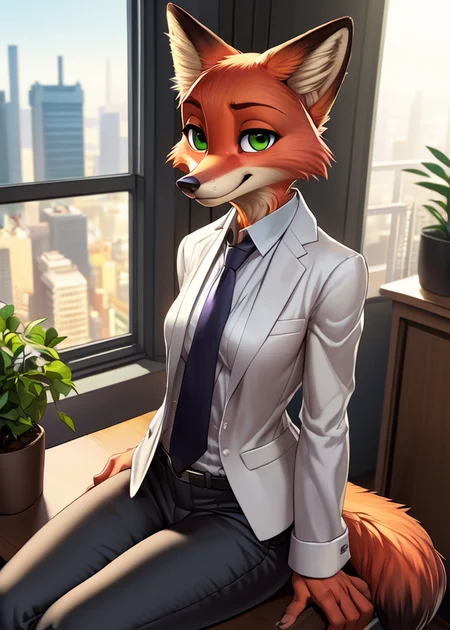






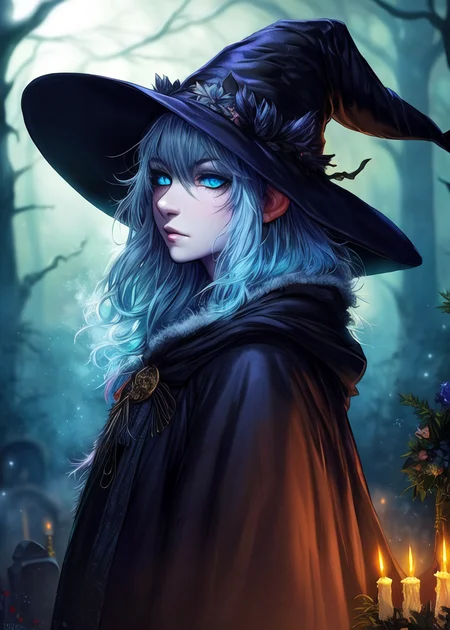
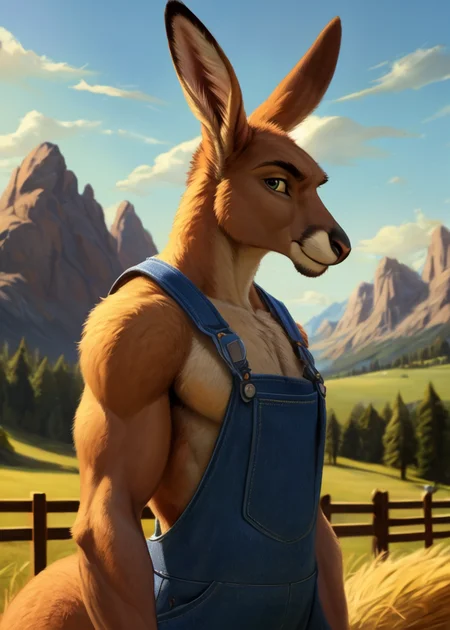

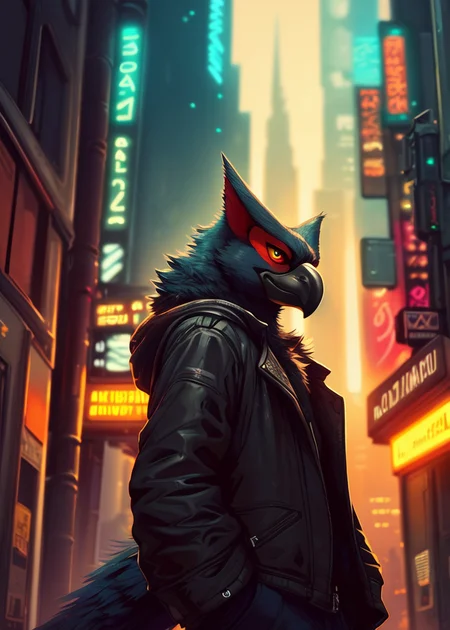
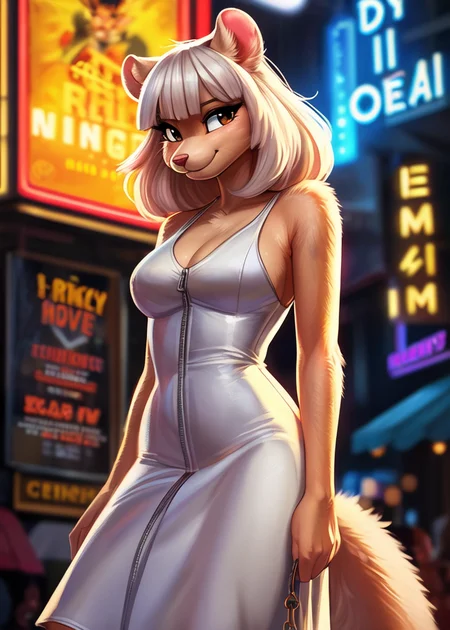
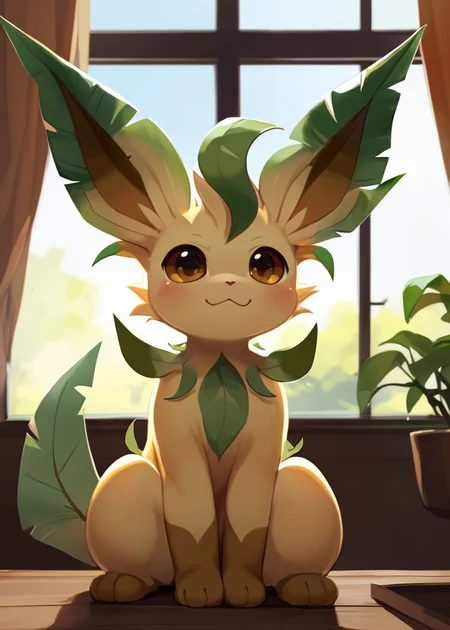
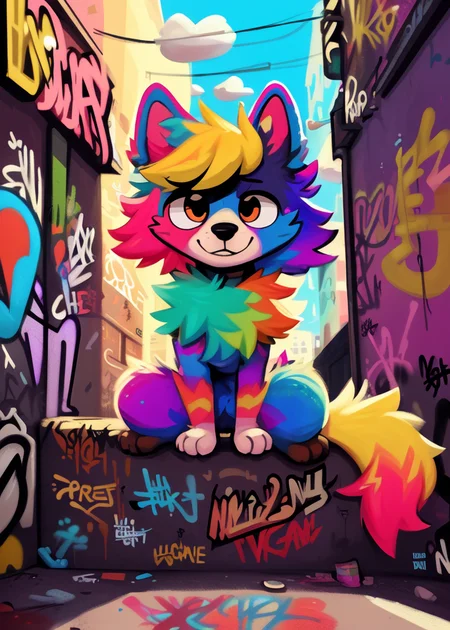
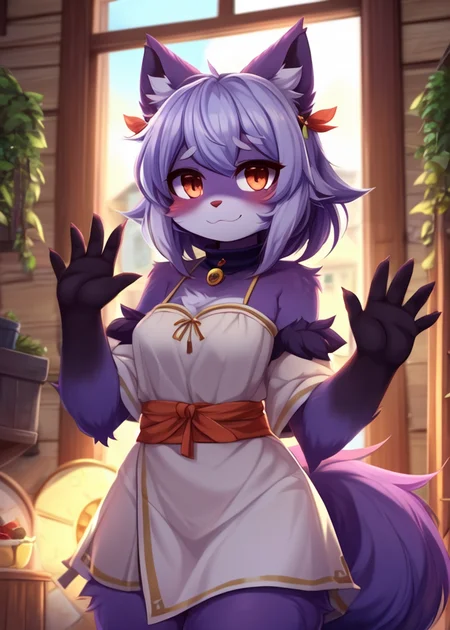
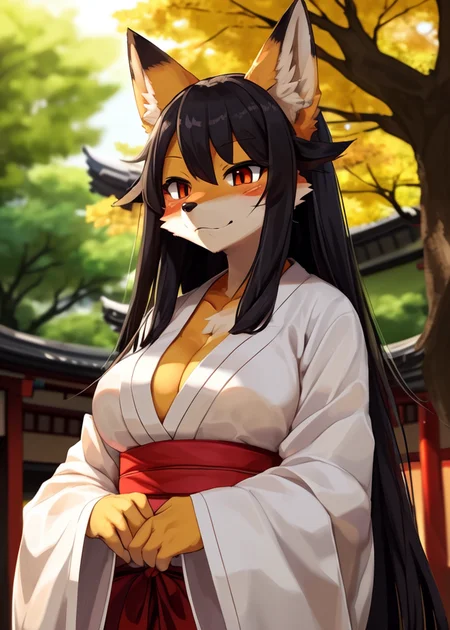
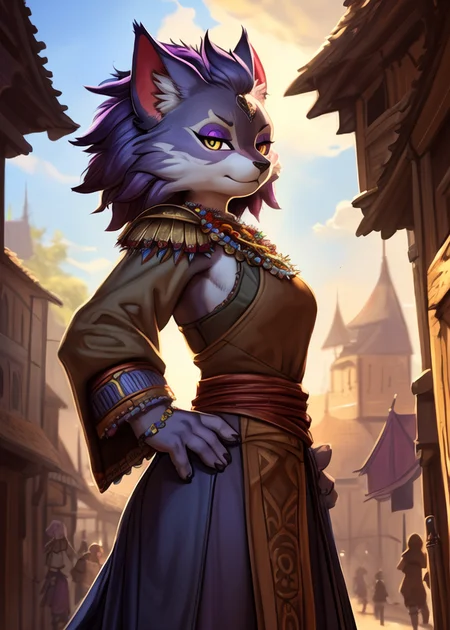
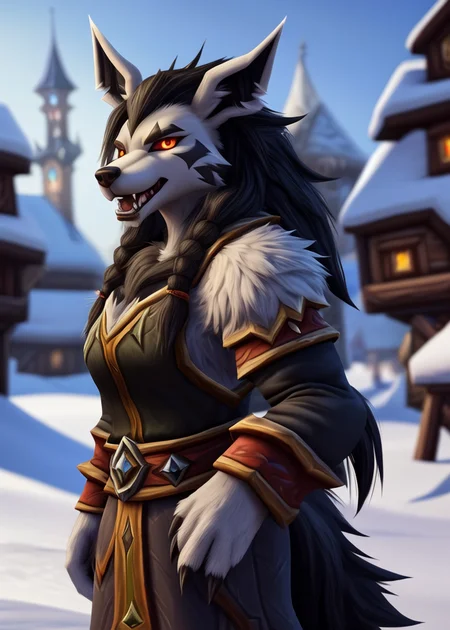

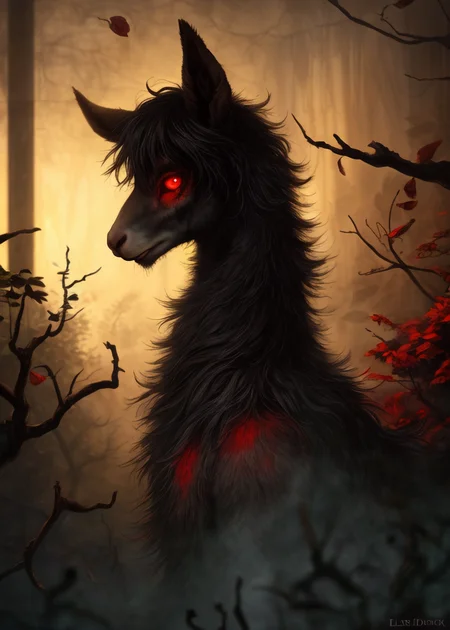
Use e621 tags (no underscore), Artist tag very effective in YiffyMix.
GridList Species/Artist(v64) update!! & LoRAs (SDXL)/samples/wildcards
Recommend Artist tags (NoobXL) & comfyUI workflow.
Example Setting (Use recommended sampler to get correct quality)
Setting SDXL (SDXL-lightning & NoobXL)
Steps = 12~24
Sampler = "DDPM", "Euler A SGMUniform", "Euler SGMUniform"
CFG scale = 3~4
Negative embeddings SDXL = ac-neg1, ac-neg2 (You don't really need this)
Postive LoRA SDXL = SeaArt Quality Tags LoRA (You don't really need this)
Stop at CLIP layers = 2
Setting SD 1.5 + vpred
Steps = 30~40
Sampler = "DPM++ 2M Karras", "DPM++ SDE Karras", "DDIM", "UniPC"
CFG scale = 6~8
Negative embeddings = deformity_v6, bwu [SD-WebUI\embeddings]
Stop at CLIP layers = 1
SD VAE = kl-f8-anime2, Furception [SD-WebUI\models\VAE]
Hires. fix
Hires steps = Steps * Denoising strength
Denoising strength = 0.25
Hires upscaler = 4x-UltraMix_Smooth [SD-WebUI\models\ESRGAN]
ControlNet
ControlNet = softedge_hed, control_v11p_sd15_softedge
ControlNet SDXL = softedge_hed, sdxlsoftedge-dexined, noobai-xl-controlnet
ControlNet Weight = 0.35~0.5
ControlNet Pixel Perfect = true
Wan 2.2 ComfyUI Animeted [workflow]
model = wan2.2_ti2v_5B_fp16
vae = wan2.2_vae
lora (turbo) = lora_wan2.2_ti2v_5B_turbo_lora_rank_64_fp16
lora (furry-nsfw) = wan2.2-5B_furry-nsfw-v2.0-e83
lora (livewallpaper) = wan2.2-5B_livewallpaper-720p
sampler = steps:4, cfg:1, sampler:"eular_ancestral", schedule:"sgm_uniform"
SD WebUI
LoRA Training SDXL
imgs count = 15~50
total steps = epoch * imgs count * folder loop = 3000~4500
network_dim = 64
network_alpha = 128 (SDXL) \ 16 (Noob)
learning_rate = 0.0002~0.0005
unet_lr = 0.0001 #learning_rate/2
text_encoder_lr = 0.00005 #learning_rate/4
lr_scheduler = "cosine_with_restarts"
mixed_precision = "bf16"
optimizer_type = "Adafactor"
optimizer_args = [ "scale_parameter=False", "relative_step=False", "warmup_init=False", ]
YiffyMix v4x V-pred Setting
# YiffyMix v4x A1111 SD-WebUI or Forge V-pred Setting
1.Download config file ".yaml" paste next to the model.
2.Raname ".yaml" same as model name. ( check the ".yaml" has [parameterization: "v"] line )
3.Restart SD-WebUI ( if config fails to load, the model just generate noise )
# YiffyMix v4x ComfyUI or StableSwarmUI V-pred Setting
Add node "ModelSamplingDiscrete", Sampling = "v_prediction"
# ComfyUI V-pred Setting (old version)
1.Copy config ".yaml" to [ComfyUI\models\configs] and refresh ComfyUI
2."Load Checkpoint (With Config)" [Right Click\AddNode\advanced\model_merging]
workflow:[Load Checkpoint (With Config)]-[KSampler]-[VAE Decode]-[Save Image]
# v-pred mode troubleshoot
If you use new version webui-forge and failed detect v-pred model.
Try update webui-forge (click update.bat).
When loading v-pred model, you will see this line in cmd console:
left over keys: dict_keys(['v_pred'])
# v4.x some time will get little fried issue image in this case
Use "Dynamic Prompts with __wildcards__ prompts" and "batch size > 1"
Just generate again with same prompts with parament, it will return normal.
Version Info
v1.x [2D,512~768] old model, unstable, low resolution
v2.x [2D,512~896] e621 dataset + 30~40% SD5 dataset
v3.0 [2D,3D,512~1088] large dataset then v2.x version, can do 2D, 3D
v3.1 [2D,3D,Real,512~1088]
more realistic, but loss some concept (e621 tag count lower 1000)
v3.2 [2D,3D,Real,512~1088]
unstable version, use SNR version FluffyRock, more noise detail
v3.3 [2D,3D,Real,512~1088]
stable version, more detail, more sensitive to prompts
v3.4 [2D,3D,Real,512~1088] ※include Fluffy Rock Quality Tags-LoRA
stable version, more detail, clear result, reduce some noise (like bush,pattern)
v3.5 [2D,3D,Real,512~1088]
unstable version, contrast & detailed enhance
v3.6 [2D,3D,Real,512~1088]
stable version, more sensitive to e621 tags
v3.7 [2D,3D,Real,512~1088]
stable version, reduce noise overactivity, fix blurry eyes and finger error, fix failed background depth
v4.0 [2D,3D,Real,512~1088]
v-pred version, remix from EasyFluff
accuracy anatomy and style with fewer prompt,
little dim blue average color with smooth noise, weakly negative prompt issue
v4.1 [2D,3D,Real,512~1088]
v-pred version, color and low contrast fix, reduced realistic noise.
v4.2 [2D,3D,Real,512~1088]
v-pred version, more contrast and detail, yelow issue.
if you feel too fried use Rescale CFG =0.35
v4.3 [2D,3D,Real,512~1088]
v-pred version, clear artist style, fix most yellow/brown issue
the version doesn't need CFG Rescale
v4.4 [2D,3D,Real,512~1088]
v-pred version, no more yellow/brown issue.
the version doesn't need CFG Rescale
v5.0 [2D,3D,Real,896~1536]
SDXL-lightning version, base on Compassmix XL.
v5.1 [2D,3D,Real,896~1536]
SDXL-lightning version, more e621 dataset, lower human face, better NSFW stuff.
v5.2 [2D,3D,Real,896~1536]
SDXL-lightning version, increase average quality. Little unstable than v51 but more creative.
v6.0 [2D,3D,res:896~1536]
More character better sex pose, limited and uncontrollable style (mostlly anime style).
v6.1 [2D,3D,Real,896~1536]
More realistic detail, reduce anime style, fix flat and boring background.
v6.1a-RE [2D,3D,Real,896~1536]
Same as v61 but adjust average style to simi-realistic.
v6.2 [2D,3D,Real,896~1536]
more effective prompt, keep style also with good realistic detail, saturation down little bit.
v6.3 [2D,3D,Real,896~1536]
Detail(noise) level between v62 and v61, upgrade character/artist accuracy.
v6.4 [2D,3D,Real,896~1536]
Upgrade light quality and average detail.
Note about NoobXL to create stable furry (v6x):
use "furry" tag in propmt can let AI create furry not human.
use "no human" tag in propmt can avoid NoobXL model add human and reduce anthro affect (more original style).
use "anime style" in negative propmt can reduce classic booru style and more realistic.
Some SD prompt trick:
Combine two character:
characterA \(characterB\)
Avoid tag bleeding:
(chain:0)-link fence
(cowboy:0) shot
high (collar:0)
Multi-tag combine, enhance and reduce token use:
from side + side view = from side view
crossed legs + legs up = crossed legs up
Basic Style
Negative Prompt SD1.5
unusual anatomy, mutilated, malformed, watermark,
amputee, mosaic censorship, sketch, monochrome
Negative Prompt SDXL
malformed, worst quality, bad quality, signature, text, url
3D Artwork Style
Prompt v5x: blender \(software\), ray tracing, 3d, unreal engine
Photorealistic Style SDXL
Prompt v5x:
by Mandy Disher, by Wim Wenders, by Robert Rauschenberg, [by Fossa666::0.65],
ultra realistic, photorealism, photograph
Negative prompt v5x: sketch, manga, vector, line art, toony
Prompt v6x: film photography, photorealistic, film grain
Negative prompt v6x: anime style, vibrant, pastel
Photorealistic Style SD1.5
Prompt sd15: [:photorealistic, analog style, realistic, photorealism:0.5]
Negative prompt sd15: [:bwu:0.5]
Recommend Refiner: IndigoFurryMix v110-Realistic Switch at 0.5
Description
Recipes v37:
partA = (Fluffusion-e21-snr + ReV Animated v122 + Dreamshaper v8) * tripleSum[a:0.40, b:0.10]
partB = partA + FluffyRock-e90-snr-e63 * 0.55 + IndigoFurryMix v95 Realistic - YiffyMix v22) trainDiff:0.30
partC = partB + CLIP:[ReV Animated * 0.35 + EasyFluff v11.1-snr-vpred * 0.27] + YiffyMix v34 * 0.55
YiffyMix v37 = (partC + BB95 v140 - BB95 v130) * trainDiff:0.65
FAQ
Comments (25)
Yaaay! This new version looks soooo good. 💕💕💕
what is up with the order of versions (v37) ?
v37 is the newest non-v-pred model. Whereas v43 is a v-pred and needs the config file with it.
@zerostick219 Okay, thanks for answering :)
czemu daliscie 3,7 wersje?
I have no idea about how these models work or how it's created but is the V4.1 up to V4.3 all a remix from EasyFluff? Just slightly different from one another?
Yiffymix is a merge of different models. You can see the exact formula on this page under "about this version". The furry base models it uses stay rather close to the "raw" data from e621, which isn't always the most visually pleasing... Yiffymix tries to improve the quality by merging in other models and also a LoRA afaik. OP explained it here in another topic not long ago. Anyone can merge models. I you're using A1111, there is a seperate tab for it, "checkpoint merger".
@rantas oh! I didn't see the about this version LOL! Thanks a bunch
how do you use it tho the checkpoint doenst work
Hello.
The model doesn't work, showing me this:
Error: Could not load the stable-diffusion model! Reason: 'CLIPTextModel' object has no attribute 'text_projection'
What i'm doing wrong?
Just to raise a bit of attention to this, I'm also getting the same error for the new v37. Something seems to have changed between the previous and latest model versions.
Seem v37 model "CLIPTextModel" has some error.
This weird problem form ComfyUI CLIP merge.
Model error can be trigger in kohya_ss LoRA training script.
RuntimeError: Error(s) in loading state_dict for CLIPTextModel:
Missing key(s) in state_dict: "text_model.embeddings.position_ids".
Unexpected key(s) in state_dict: "text_projection.weight".
Strangely this model still work on generator.
I'll go back and fix it.
NOTE:
v37 has some "CLIPTextModel" error, like "text_projection" warning.
This error from new version ComfyUI CLIP merger.
I return to old Comfy, rebuild with same recipe (fix version is upload).
This time model has no CLIP issues and work fine in LoRA training.
Repaired v37 has no different then early v37.
Also, model's hash may change.
Haven't updated my model in a while. Which one is the best?
New model will be v43 vpred model and v37 EPS (non-vpred) model.
First one need "yaml" config file, stable anatomy less creative, need precise e621 tags, use less nagtive embeddings.
Second one is classic SD1.5 model, more creative and bright color, some time create unstable anatomy, use more nagtive embeddings.
v43 better at e621 artist, can create more raer species.
v37 better at SD artist.
yiffymix 43 doesnt work. I placed the config and VAE but creates the image all distorted.
Is the config file in the same folder as the model, is its name identical to the model's, and did you set CLIP skip to 1?
Are you using A1111 or Comfy?
If it's A1111, your .yaml (config) file goes in the same directory as the model.
If it's Comfy, then it goes in the configs folder, and you must used the advanced (deprecated) checkpoint loader that allows you to specify a config folder. There's also a newer method that involves loading V-Pred from a MSD node, but I've never tried it before.
Im having the same thing happen to me
One thing that I've noticed is that some platforms don't like prompts that rely heavily on parenthesis to set weight parameters. This seems especially true in Comfy. If your prompts have more than three sets of parenthesis around them, your gens may look distorted. Try removing sets, or replacing them with the number-based weight system. This often fixes the problem.
I've run this checkpoint a few times more in Comfy since my last comment, and it seems to me that it works fine without the config file, as long as you use V-Pred configured in a MSD node (not sure what zsnr does, but I just leave it set to FALSE). Just set your MSD node up next to the checkpoint loader and connect the Model link to it.
Loving this version 43, does everything i want it to do. i love how flexible your models are! :3
I've never tried running V-Pred type checkpoints in Comfy before. When you set up the V-Pred parameters in the MSD node, should the boolean "zsnr" be set to TRUE or FALSE?
I've been getting a lot of rotated images / backgrounds for a long time now (several versions).
The viewpoint / camera is rotated around the forward axis, so that the horizon is not a straight line, but diagonal across the picture (not just a little, but very noticeable). The character often stands perfectly straight in these gens, though, so that motif and background don't match in their alignments. I#m not sure, but it seems to happen most often with nature backgrounds.
I couldn't identify any prompt tokens that might be causing this rotation. It seems rather random, but relatively frequent, too. Is everyone having this issue? Is there any particular cause or fix for it?
The tag "Dutch angle" in the negative prompt stopped that for me. That rotation is a photography thing.
The YiffyMix models are my favorite.
I use them all the time. For me, they are the best!