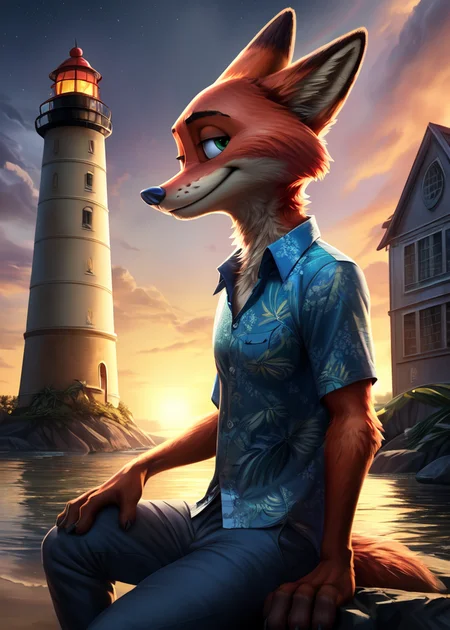
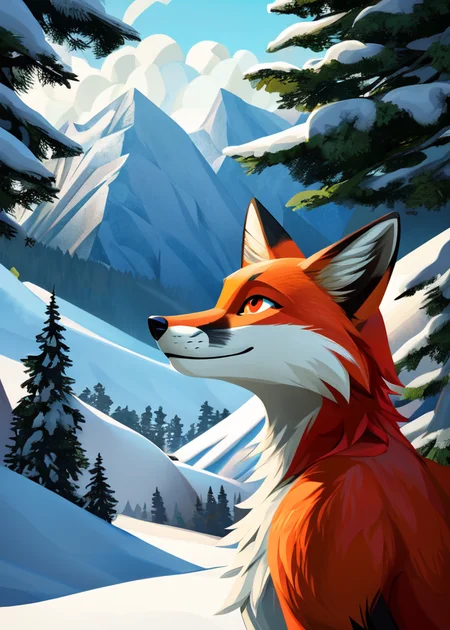
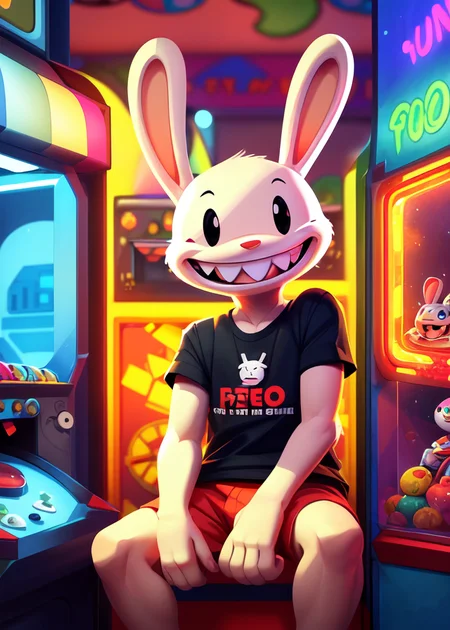
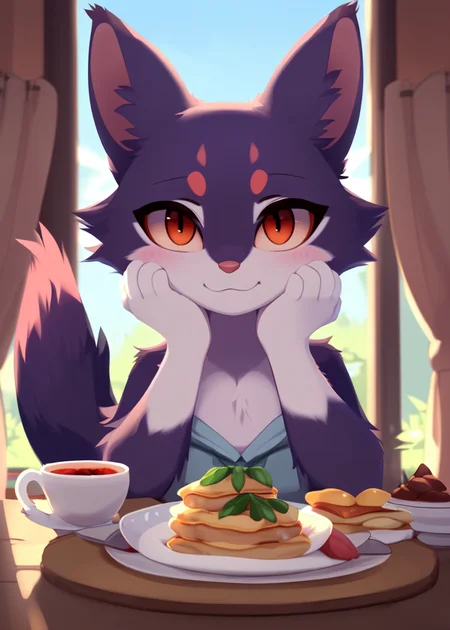
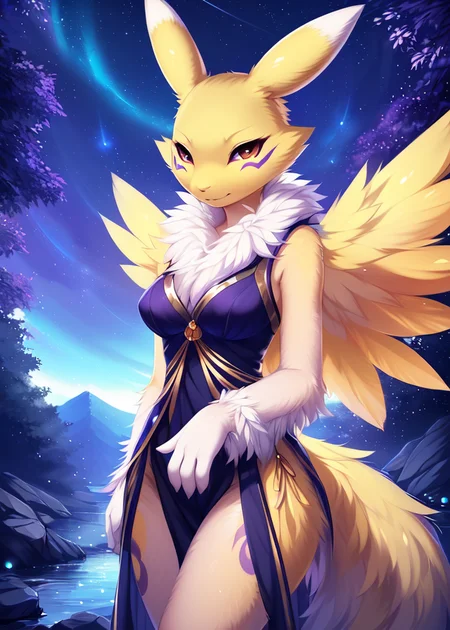
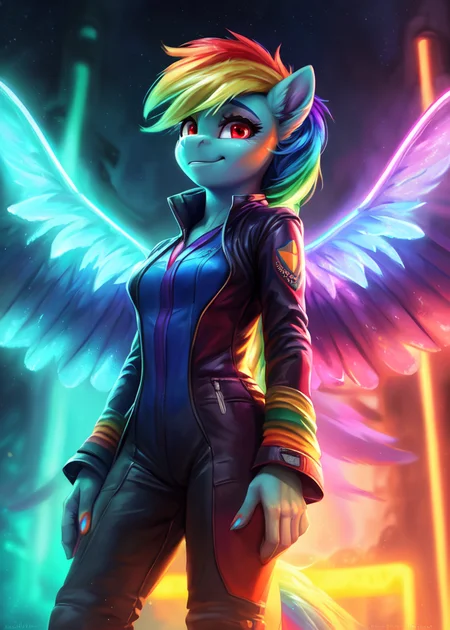
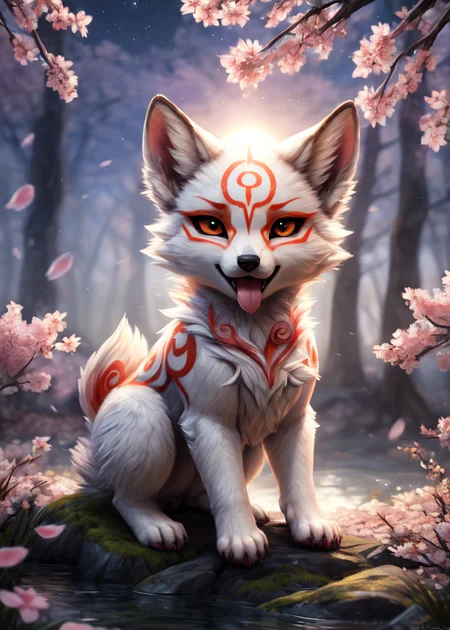
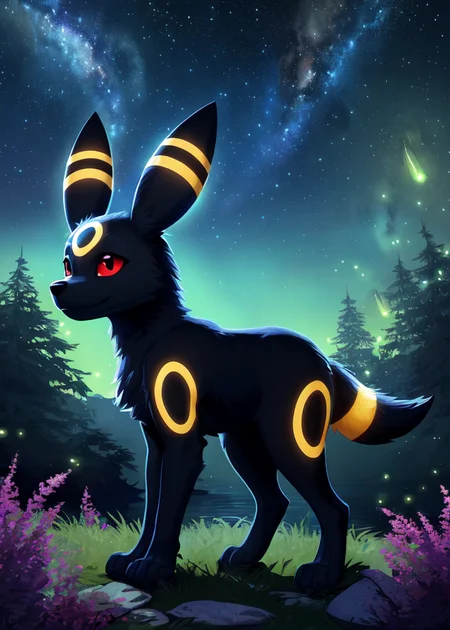
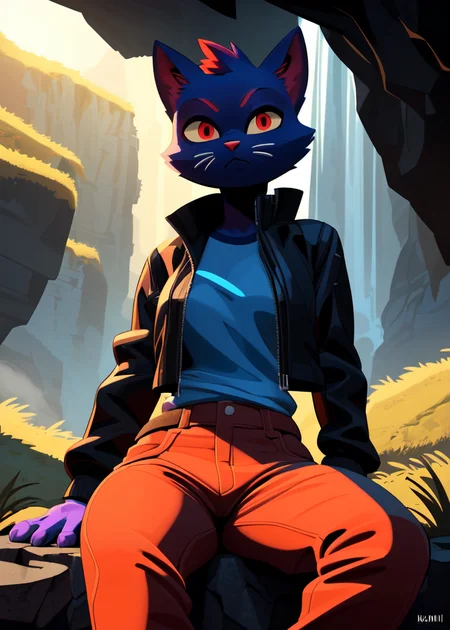

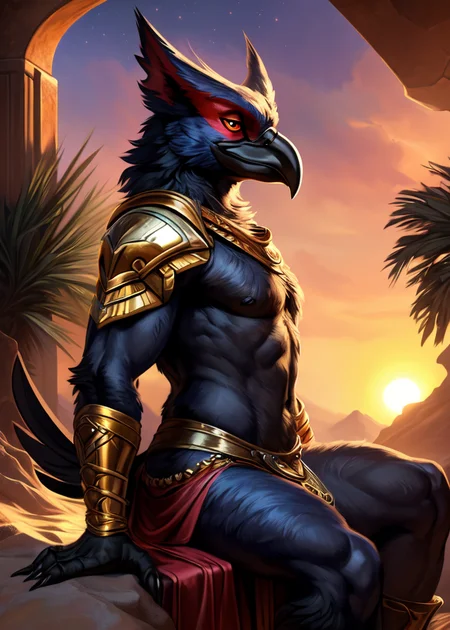
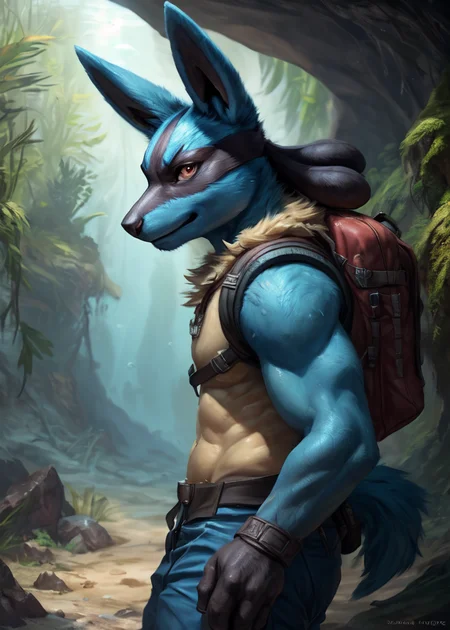
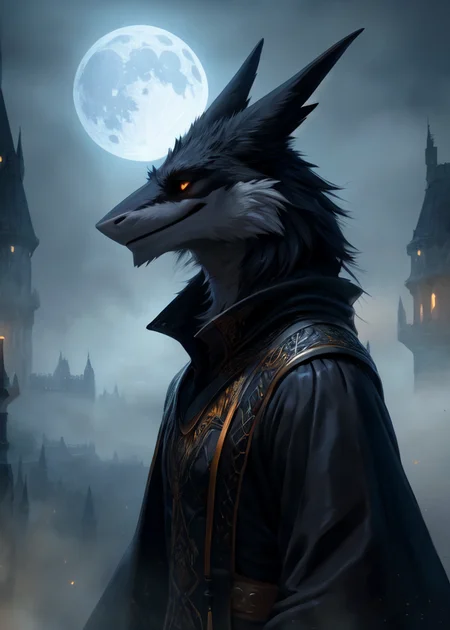
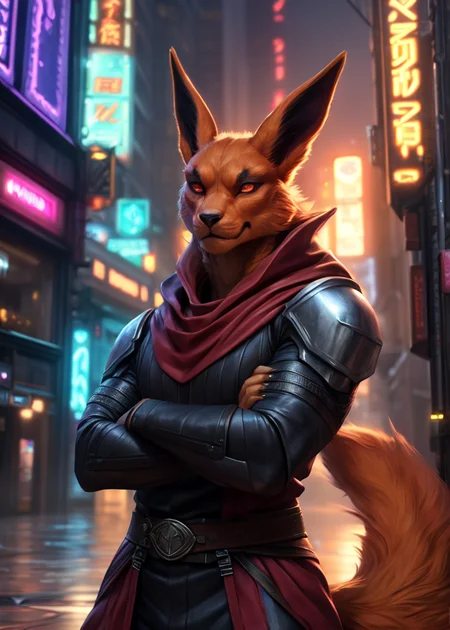
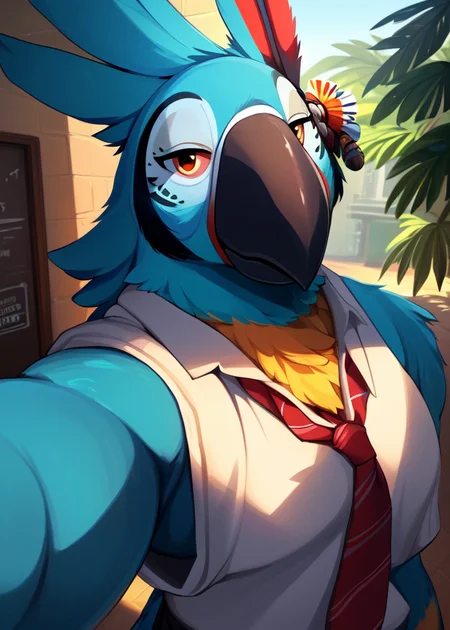
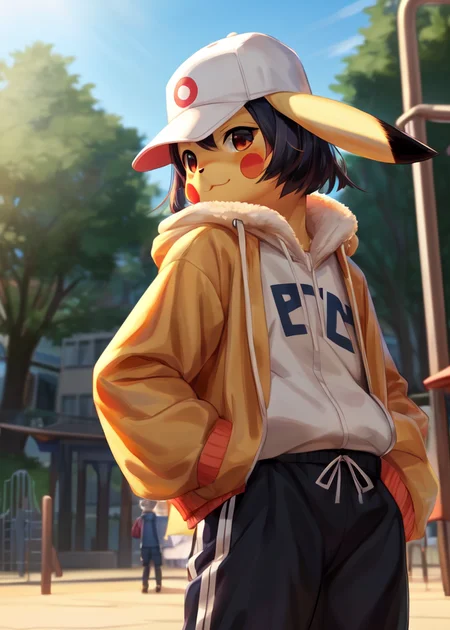
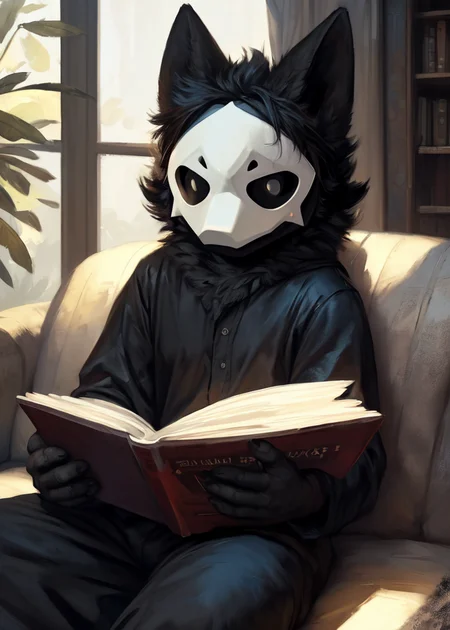
Use e621 tags (no underscore), Artist tag very effective in YiffyMix.
GridList Species/Artist(v64) update!! & LoRAs (SDXL)/samples/wildcards
Recommend Artist tags (NoobXL) & comfyUI workflow.
Example Setting (Use recommended sampler to get correct quality)
Setting SDXL (SDXL-lightning & NoobXL)
Steps = 12~24
Sampler = "DDPM", "Euler A SGMUniform", "Euler SGMUniform"
CFG scale = 3~4
Negative embeddings SDXL = ac-neg1, ac-neg2 (You don't really need this)
Postive LoRA SDXL = SeaArt Quality Tags LoRA (You don't really need this)
Stop at CLIP layers = 2
Setting SD 1.5 + vpred
Steps = 30~40
Sampler = "DPM++ 2M Karras", "DPM++ SDE Karras", "DDIM", "UniPC"
CFG scale = 6~8
Negative embeddings = deformity_v6, bwu [SD-WebUI\embeddings]
Stop at CLIP layers = 1
SD VAE = kl-f8-anime2, Furception [SD-WebUI\models\VAE]
Hires. fix
Hires steps = Steps * Denoising strength
Denoising strength = 0.25
Hires upscaler = 4x-UltraMix_Smooth [SD-WebUI\models\ESRGAN]
ControlNet
ControlNet = softedge_hed, control_v11p_sd15_softedge
ControlNet SDXL = softedge_hed, sdxlsoftedge-dexined, noobai-xl-controlnet
ControlNet Weight = 0.35~0.5
ControlNet Pixel Perfect = true
Wan 2.2 ComfyUI Animeted [workflow]
model = wan2.2_ti2v_5B_fp16
vae = wan2.2_vae
lora (turbo) = lora_wan2.2_ti2v_5B_turbo_lora_rank_64_fp16
lora (furry-nsfw) = wan2.2-5B_furry-nsfw-v2.0-e83
lora (livewallpaper) = wan2.2-5B_livewallpaper-720p
sampler = steps:4, cfg:1, sampler:"eular_ancestral", schedule:"sgm_uniform"
SD WebUI
LoRA Training SDXL
imgs count = 15~50
total steps = epoch * imgs count * folder loop = 3000~4500
network_dim = 64
network_alpha = 128 (SDXL) \ 16 (Noob)
learning_rate = 0.0002~0.0005
unet_lr = 0.0001 #learning_rate/2
text_encoder_lr = 0.00005 #learning_rate/4
lr_scheduler = "cosine_with_restarts"
mixed_precision = "bf16"
optimizer_type = "Adafactor"
optimizer_args = [ "scale_parameter=False", "relative_step=False", "warmup_init=False", ]
YiffyMix v4x V-pred Setting
# YiffyMix v4x A1111 SD-WebUI or Forge V-pred Setting
1.Download config file ".yaml" paste next to the model.
2.Raname ".yaml" same as model name. ( check the ".yaml" has [parameterization: "v"] line )
3.Restart SD-WebUI ( if config fails to load, the model just generate noise )
# YiffyMix v4x ComfyUI or StableSwarmUI V-pred Setting
Add node "ModelSamplingDiscrete", Sampling = "v_prediction"
# ComfyUI V-pred Setting (old version)
1.Copy config ".yaml" to [ComfyUI\models\configs] and refresh ComfyUI
2."Load Checkpoint (With Config)" [Right Click\AddNode\advanced\model_merging]
workflow:[Load Checkpoint (With Config)]-[KSampler]-[VAE Decode]-[Save Image]
# v-pred mode troubleshoot
If you use new version webui-forge and failed detect v-pred model.
Try update webui-forge (click update.bat).
When loading v-pred model, you will see this line in cmd console:
left over keys: dict_keys(['v_pred'])
# v4.x some time will get little fried issue image in this case
Use "Dynamic Prompts with __wildcards__ prompts" and "batch size > 1"
Just generate again with same prompts with parament, it will return normal.
Version Info
v1.x [2D,512~768] old model, unstable, low resolution
v2.x [2D,512~896] e621 dataset + 30~40% SD5 dataset
v3.0 [2D,3D,512~1088] large dataset then v2.x version, can do 2D, 3D
v3.1 [2D,3D,Real,512~1088]
more realistic, but loss some concept (e621 tag count lower 1000)
v3.2 [2D,3D,Real,512~1088]
unstable version, use SNR version FluffyRock, more noise detail
v3.3 [2D,3D,Real,512~1088]
stable version, more detail, more sensitive to prompts
v3.4 [2D,3D,Real,512~1088] ※include Fluffy Rock Quality Tags-LoRA
stable version, more detail, clear result, reduce some noise (like bush,pattern)
v3.5 [2D,3D,Real,512~1088]
unstable version, contrast & detailed enhance
v3.6 [2D,3D,Real,512~1088]
stable version, more sensitive to e621 tags
v3.7 [2D,3D,Real,512~1088]
stable version, reduce noise overactivity, fix blurry eyes and finger error, fix failed background depth
v4.0 [2D,3D,Real,512~1088]
v-pred version, remix from EasyFluff
accuracy anatomy and style with fewer prompt,
little dim blue average color with smooth noise, weakly negative prompt issue
v4.1 [2D,3D,Real,512~1088]
v-pred version, color and low contrast fix, reduced realistic noise.
v4.2 [2D,3D,Real,512~1088]
v-pred version, more contrast and detail, yelow issue.
if you feel too fried use Rescale CFG =0.35
v4.3 [2D,3D,Real,512~1088]
v-pred version, clear artist style, fix most yellow/brown issue
the version doesn't need CFG Rescale
v4.4 [2D,3D,Real,512~1088]
v-pred version, no more yellow/brown issue.
the version doesn't need CFG Rescale
v5.0 [2D,3D,Real,896~1536]
SDXL-lightning version, base on Compassmix XL.
v5.1 [2D,3D,Real,896~1536]
SDXL-lightning version, more e621 dataset, lower human face, better NSFW stuff.
v5.2 [2D,3D,Real,896~1536]
SDXL-lightning version, increase average quality. Little unstable than v51 but more creative.
v6.0 [2D,3D,res:896~1536]
More character better sex pose, limited and uncontrollable style (mostlly anime style).
v6.1 [2D,3D,Real,896~1536]
More realistic detail, reduce anime style, fix flat and boring background.
v6.1a-RE [2D,3D,Real,896~1536]
Same as v61 but adjust average style to simi-realistic.
v6.2 [2D,3D,Real,896~1536]
more effective prompt, keep style also with good realistic detail, saturation down little bit.
v6.3 [2D,3D,Real,896~1536]
Detail(noise) level between v62 and v61, upgrade character/artist accuracy.
v6.4 [2D,3D,Real,896~1536]
Upgrade light quality and average detail.
Note about NoobXL to create stable furry (v6x):
use "furry" tag in propmt can let AI create furry not human.
use "no human" tag in propmt can avoid NoobXL model add human and reduce anthro affect (more original style).
use "anime style" in negative propmt can reduce classic booru style and more realistic.
Some SD prompt trick:
Combine two character:
characterA \(characterB\)
Avoid tag bleeding:
(chain:0)-link fence
(cowboy:0) shot
high (collar:0)
Multi-tag combine, enhance and reduce token use:
from side + side view = from side view
crossed legs + legs up = crossed legs up
Basic Style
Negative Prompt SD1.5
unusual anatomy, mutilated, malformed, watermark,
amputee, mosaic censorship, sketch, monochrome
Negative Prompt SDXL
malformed, worst quality, bad quality, signature, text, url
3D Artwork Style
Prompt v5x: blender \(software\), ray tracing, 3d, unreal engine
Photorealistic Style SDXL
Prompt v5x:
by Mandy Disher, by Wim Wenders, by Robert Rauschenberg, [by Fossa666::0.65],
ultra realistic, photorealism, photograph
Negative prompt v5x: sketch, manga, vector, line art, toony
Prompt v6x: film photography, photorealistic, film grain
Negative prompt v6x: anime style, vibrant, pastel
Photorealistic Style SD1.5
Prompt sd15: [:photorealistic, analog style, realistic, photorealism:0.5]
Negative prompt sd15: [:bwu:0.5]
Recommend Refiner: IndigoFurryMix v110-Realistic Switch at 0.5
Description
Recipes v35:
preYM35 = (Fluffusion-e21-snr + Furraffinity-e21 + Furtastic v2) * tripleSum[a:0.30, b:0.30]
partA = ((preYM35 + ReV Animated v122 * 0.5) + Newdawn v52 - SD5) trainDiff:0.35
partB = (FluffyRock-e99-snr-e72 + Deliberate v3 * 0.15)
partC = ((partA + partB * 0.5) + IndigoFurryMix v35 Realistic - YiffyMix v22) trainDiff:0.45
YM35-Original = partC + Detail Tweaker LoRA * 0.2
YiffyMix v35 = YM35-Original + CLIP:[ReV Animated * 0.35 + EasyFluff v11.1-snr-vpred * 0.25]
FAQ
Comments (65)
You should improve this model, training it with dataset based on images from the Genus comic book. I want to generate images in the style of Eric Huelin (aka Fluf Dustbunny).
I seem to be really struggling with eyes in V35. They are usually distorted and indistinct, especially with full body shots. I'm not doing anything different from last time. On the whole it just feels less reliable than previous versions.
I'm having similar issues. Many prompts I've locked in from v34 look a lot worse for wear in various areas, not merely eyes. Of course I don't expect them to be identical, but the results are often more noisy, less crisp, and blurrier.
For me I couldn't get a single presentable image out of all of the experiments I ran, mainly because of the eyes being messed up. Many of them looked weird and bloodshot or like they'be been gouged out of the sockets. Though to be honest even aside from the eyes the results feel underwhelming, unlike like my previous experiences where it felt almost like magic. I feel like something got added to the mix at some point which is messing things up, maybe around the time where every female character I generated suddenly started looking like a chibi anime character, Some point after 3.2 I'd say.
@tombot What artist tag do you use? Maybe it's a problem of the artist tag. If you do not enter an artist tag, you will get a picture with a random art style. The art style with bloodshot eyes is the style of artist 'dagasi', and since it accounts for a significant portion of the Kemono artist tags, this art style appears often.
Eh. It also seemed to me that large details (Scene, style, position of bodies) began to be generated better, but small things (eyes, vaginas, fingers) were worse.
@SuinSuin I'm generally of the opinion that a stable checkpoint should function on it's own without overly specific prompting, those weird bear uploads I make are just me testing what the default style of a checkpoint is. Also I think it's important that the style works at it's base because everything we make will be based upon that to some degree.
@tombot This model has many differences from the NAI model, so I don't think it has its own unique style. Like that the dataset is based on E621 and uses Clip skip 1. So I think it is necessary to fix the style with an artist tag. Of course, this is my subjective opinion and may be wrong.
don't forget TENSOR RT extension for automatic1111 is out! cuts generation time in half for those of you with RTX cards. Been generating 1024 X 2048 natively no problem!
are u changing the advanced settings on the engine drop down TensorRT to set those resolutions, and they don't cause artifacting?
@TheCyanFox you have to generate an engine for each specific resolution so artifacting doesn't occur, it actually converts the model into ONNX but I haven't noticed anything different quality wise.
Man this might bring me back to A1111 from ComfyUI... Edit: Wow. It's a bit finnicky to get going but once you do it's off to the races. Holy cow.
Can someone tell me what launch options I have to disable to use TensorRT? I'm usually running with --xformers and --medvram, but that seems to cause conflicts now: i cant even generate the "engine", just getting errors.
medvram has issues with it at the moment @rantas
This model is simply AWESOME! Absolutely my favourite.
Please, tell us that also an XL version is under development... that would be AMAZING!!!
I wouldn't count on it. There is little interest in finetuning SDXL from furry model makers. Biggest problem is the cost. XL requires a lot of vram to finetune which means it's expensive and/or slow. Beyond that, XL itself is simply a pain to work with. There are 2 text encoders to worry about and the base SDXL model has offset noise in it. I've seen more interest in aligning a better text encoder to 1.5 than I've seen wanting to finetune XL.
Thanks for the info mate! I'm not so into the technical side of SD so I have always believed that newer(XL) = better without worring of these other aspect...
Well this means I will continue with 1.5 for yiff works!
@Mobbun Fine-tuning 1.5 is ideal today, but hardware to actually fine tune XL is a lot cheaper than you'd think if you buy the hardware yourself today. It's only going to get cheaper as time goes on, so there's a high probability of this happening in the future with the right collaborations.
The majority of the problems are based on ventilation and space for me, but that'll change soon enough.
@AbstractPhila I did say expensive and/or SLOW. There are finetunes off XL, but those use a smaller dataset and are thus much faster to train. Some don't even do a proper finetune and just merge a lora into the base checkpoint. The top furry model makers are using somewhere around 2.5 to 3.0 million images for their model. Even if they did attempt to finetune with just 24gb, it would take a long time for the model to be properly trained. There WAS interest in the beginning from the creator of Fluffyrock. They even designed a script for sharding the model(because XL takes so much vram), but XL proved too much of a pain to train so that's shelved for now. For other furry model makers, 24gb of vram acts as a limit for finetuning. Unless you have money for an a100, either from cloud services or the hardware itself, then you aren't going to make a big finetune off of XL. I've talked to the model makers, they've even ran the numbers, it's just too expensive/slow.
anyone else think that v35 produces worse generations than v34?
I do, but this has happened before. Feel free to stick with whatever version works better and try the next one if and when it comes out.
@tombot right that's fine then, i just wanted to make sure i wasn't the only one
v35 doesn't contain "FluffyRock Quality Tags" lora, try using one
How exactly do I use this outside of CivitAI? I run into a token limit when trying to run it with InvokeAI, but not when running it under CivitAI. Is there a way to increase that token limit?
if you have a 6GB video card then just use automatic1111 for example
A1111 on a google collab.
Thanks! I'll have to look into how to setup "automatic1111" for myself, since I'm on linux XD
Hello where do i put the folders with YiffyMix Species/Artists grid list & Furry LoRAs/samples/wildcards& or what do i do with it (i am a beginner so sorry if it is something obvious)?
Personally, I just use them as examples of styles and characters for prompts.
Wildcards can be used with the DynamicPrompt extension to generate random results.
Yeah it's just a cheatsheet to let you know what styles were trained to the model so you know what prompts have weight to them. Removes the guess work.
thank you so much
Hello hello! I'm getting a fairly consistant issues with this as of late where hands and sometimes the belly of the character will generate with human skin/skin color. Any ideas on what I can do to fix it?
Probably due to your prompting, what prompts are you using to generate fur/scales and are you using any prompt that misguides the model to make skin. Reply with your positive and negative prompts.
@AlderAnalysisLabs ==(by taran fiddler), (by dagasi), (by iskra), (by Asaneman),
(masterpiece, 8k, 4k, hi res, high resolution, high details, absurd res), (best quality, high quality:1.4),
detailed background, hospital,
looking at viewer, facing viewer,
perfect anatomy,
(standing),
solo, (female, fox, (white fur:1.5)), very tall, tall, detailed face, detailed fur, (black lips, thick lips), (large tail, (multi tail:1.2), 9 tails), big ears, mane,
(perfect eyes, long eyelashes, thick eyelashes, pink eyes, detailed eyes),
((long fluffy hair:1.2), pink hair),
(gold dangle earrings, necklace, jewelry),(clothes, clothing, (white bodysuit:1.5), (long lab coat:1.5), shoes, thigh-high socks, black bra)==
==low res, lowres, blurry, bad anatomy, letterbox, deformity, mutilated, malformed, (worst quality, low quality, normal quality:1.4),
amputee, watermark, signature, unusual anatomy, username, sketch, monochrome, multiple views,
easynegative,
boring_e621_v4==
@LukeVale Could be the fact that you never actually say "female fox", "female anthro" or "female fox" therefore it may sometimes think that you want a female character anthro or human with ex. a white fox tattoo. I am unsure but the unclarity could be part of it. Try "(solo, fox girl, (white fur:1.5), tall, big fox ears, etc.)" as the character part of the prompt.
@AlderAnalysisLabs even with that it still generates meaty tanned like human hands. I can only assume it might be related to the artists, but the artists doesn't draw any humans.
@LukeVale I unfortunately don´t have an easy solution for you then, but i would recommend checking out this guide on prompting as it can really help in general and may help with the problem https://aituts.com/stable-diffusion-prompts/
@AlderAnalysisLabs thank you for the input either way! It's something that's not too big of a deal as is, since it's not every time, and it's not a deal breaker.
Do you frequently use those particular artists in your prompts? Some artists or combinations of artists will spit out very human details, while others will go in the other direction and generate things borderline feral.
The somewhat confusing thing, is despite how an individual artist draws, how the model actually perceives them might be totally different based on some unknowable factors hidden in the model itself. This is especially so when you mix artists together, it can connect some dots in the model that ends up looking human. I would try shifting the artists around, add or remove one, even just changing the order you invoke them can have a result.
Anyone got any advice for tags and such for handling body colors? Like gray body with white belly. Or something like that? I find it seems to have a tendency to ignore fur colors alot.
"multicolor fur" is a powerful tag, and it'll do most of the legwork on it's own. If you go "(multicolor fur, grey fur:1.2)" it should pretty much by default give it a grey fur coat and a lighter (often white) belly.
@sansmia holy- THANK YOU! That'll be such a great tool!
tag "countershading" means specifically lighter color belly in animals. so adding it to "multicolor fur" will help.
Do I need a yaml file for the safetensor? If so, where do i get it?
Apparently, v35 doesn't come with built in fluffyrock quality lora, so here's a link to install them: https://civitai.com/models/127533?modelVersionId=151790
Is there a list of tags for this model?
Version 22 of the model is undoubtedly the best, followed by version 30 and 21.
Why is 22 the best?
I've noticed a trend, especially as I've spent a lot of time in 3.0+, it's getting harder to get 2d cartoony art out of the models as more realistic models and images are put in as a base.
one of the best models ive found. can do nearly any style and character type, can do scenery, etc. and no need of pointless "highestquality:1.3" type nonsense to get good results.
This is my go-to for most generations, furry or not! It's a great all-round model. Note: v35 seems to over-saturate/crispify colors, which doesn't seem to happen with v31 and v22 (the other versions I'm using).
Why sometime it generate furry face and other time more realistic animal face with the same prompt ?
These are the features of the operation of neural networks.
Imagine that she is standing in front of two roads. She will go on the left with a probability of 95%, and on the right with a probability of 5%.
Although the chance to go right is small, it is there.
Largely because you need to strongly define a style for it to know which of the two options you would prefer.
Got a question for ya - I can't seem to utilize artist tags from E621 at all. Entering "By <artist>," doesn't seem to have any effect. Character tags don't seem to be applying either.
Are there other dependencies I need? I can utilize these tags just fine through most other LORA models.
The v35 model seems to be temperamental with artist tags (with me at least), I've liked 34 much more (others will say 22 is best, idk). You'll just type the tag for them like "By Braeburned". There's a lot of artists, but some one's I'd expected to be included weren't. A list of them and demo images is here https://drive.google.com/drive/folders/14KBOBP1TVNY1DIvbzw2ljAM-pjEpsz3l
How do tags with parentheses in them work? Ex: "Stitch_(Sewing)" is a tag on E6, this always takes it as "Stitch_(lilo_and_stitch)" no matter how it's phrased.
Because "stitch \(lilo and stitch\)" is more pupular tag, It interferes with "stitch \(sewing\)".
Try using more precise description with "stitch \(sewing\)" and put "stitch \(lilo and stitch\)" in negtiveprompt.
If that doesn't work, you need LoRA.
some similar cases:
"digimon" interfered by "renamon"
"hedgehog" interfered by "sonic the hedgehog"
"pony" interfered by "mlp"
Could someone please advise best prompts for 'accidental censorship', like in Yakuza trailer? https://youtu.be/_7WEX03czWw
I think it is brilliant, but can't get correct prompts. Stuff like 'ass behind object_name' or 'ass hidden by object_name' does not work at all.
idk bro im drunked asf but you can try search in e621 wiki for a tag that match what you want (like convenient censorship), if you dont find it you should try a lora (i dont know if there is one)
@robloxsexman Hey, this is good and absolutely correct prompt, that does not work in Stable Diffusion at all. Thank you for help, anyway!
@solvenn7796 np man
I'm with @robloxsexman on this, 'convenient censorship' is the tag I've always seen for that, though if it's not well enough trained may not get the result that you want.
@PsySpy I solved it with "bubblegum and sticky tape". Cut and pasted object from another picture. Stupid, but it works.
Details
Files
Available On (2 platforms)
Same model published on other platforms. May have additional downloads or version variants.