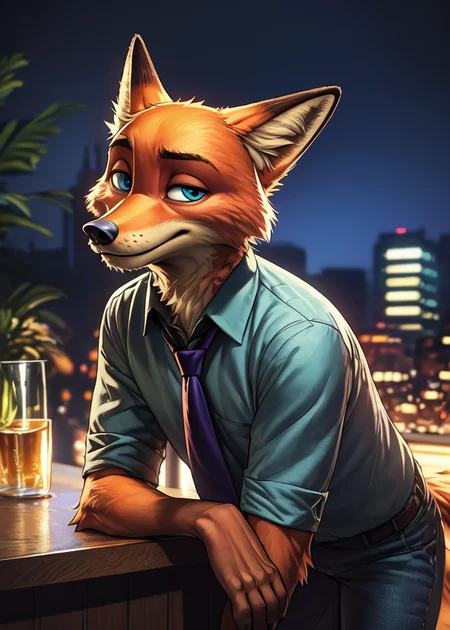
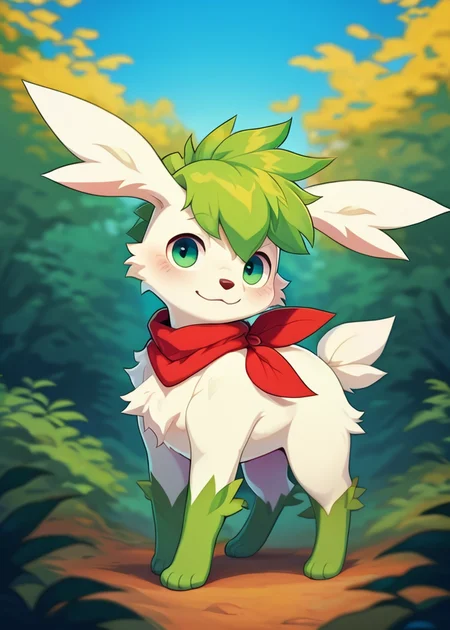
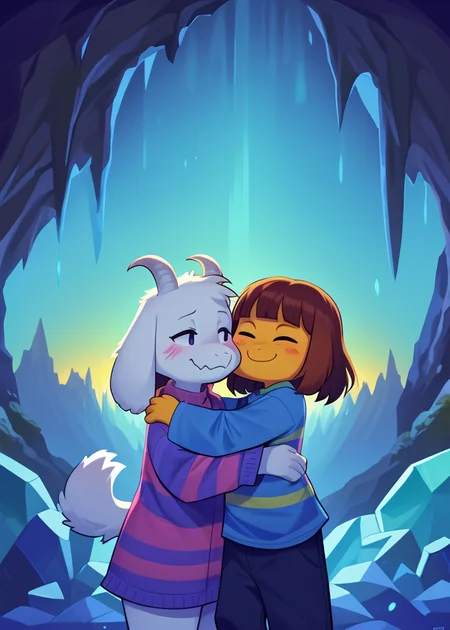
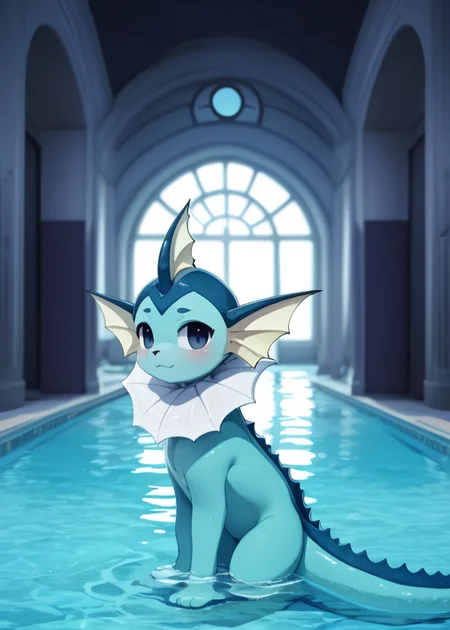
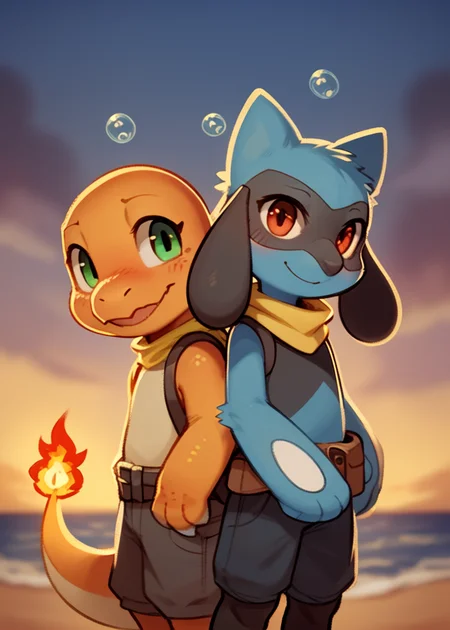
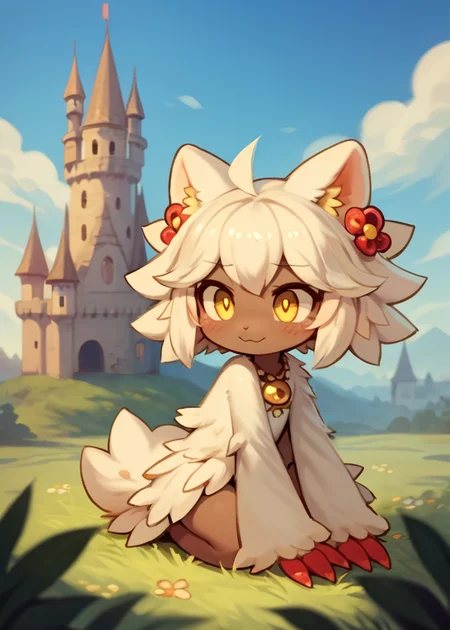
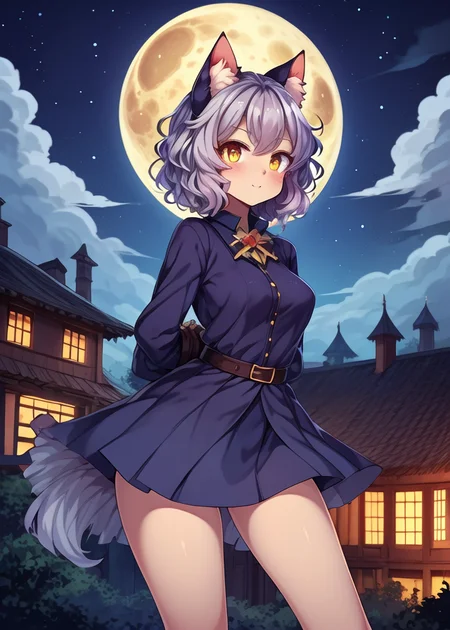
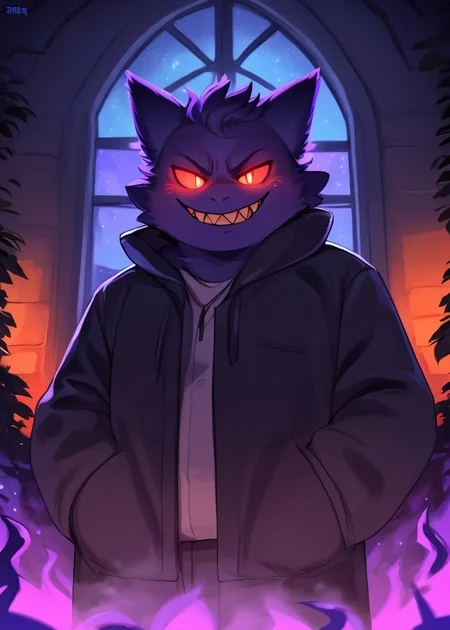
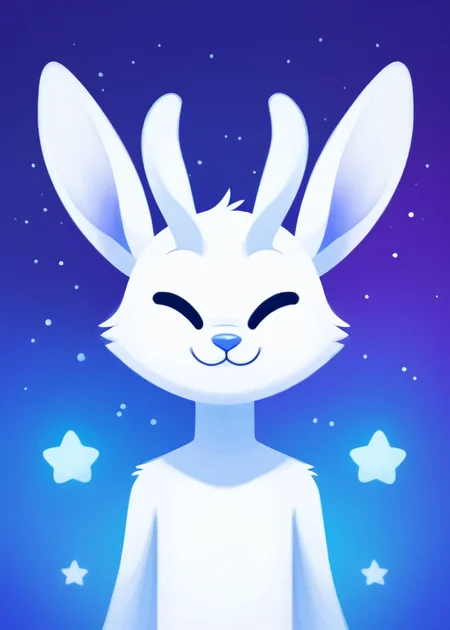
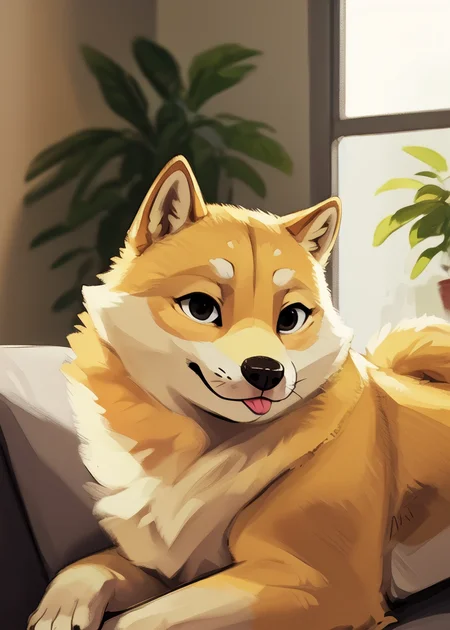
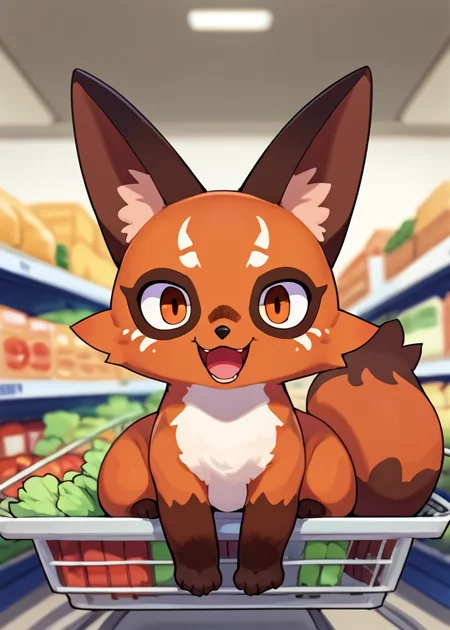

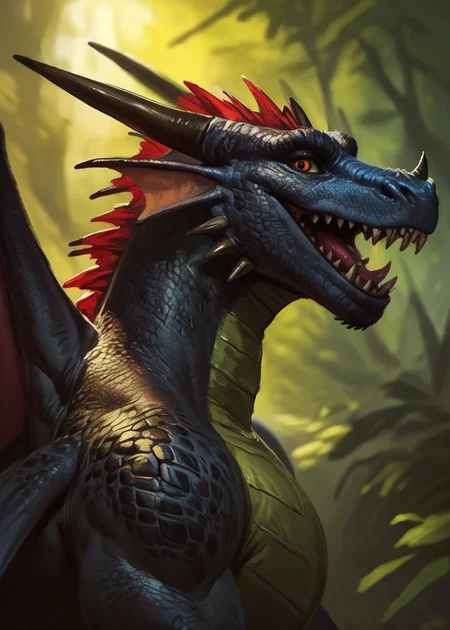
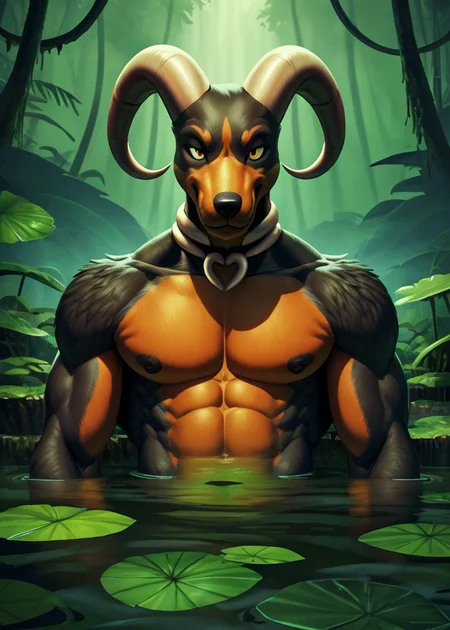
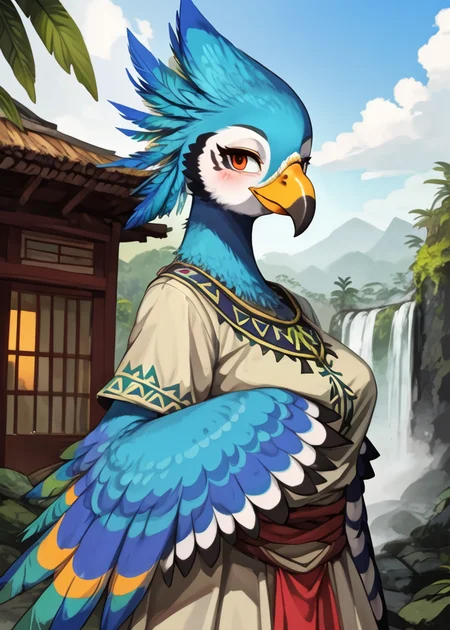

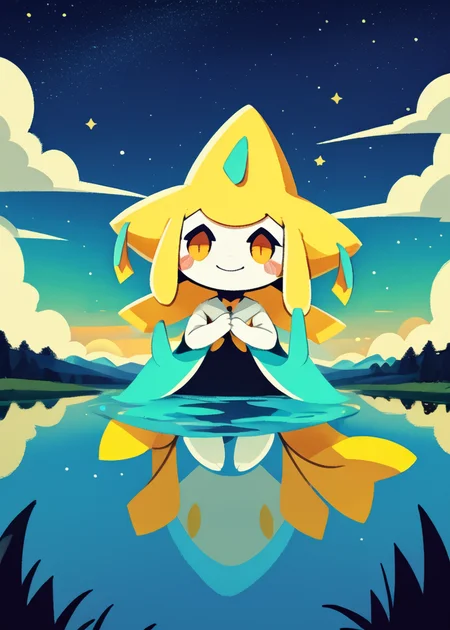
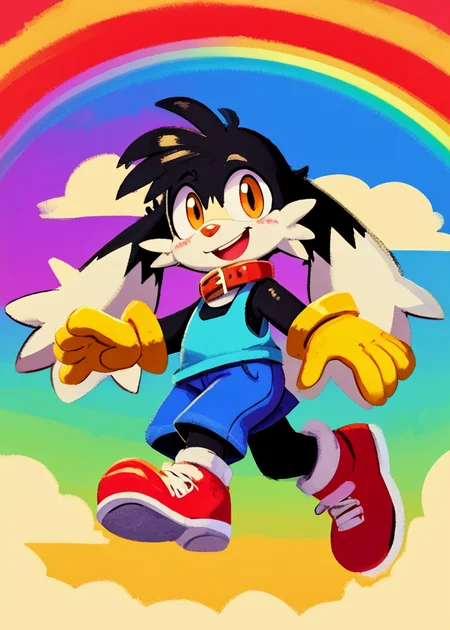
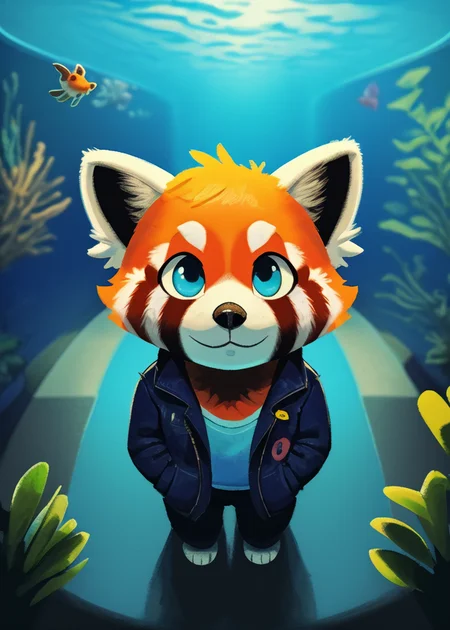
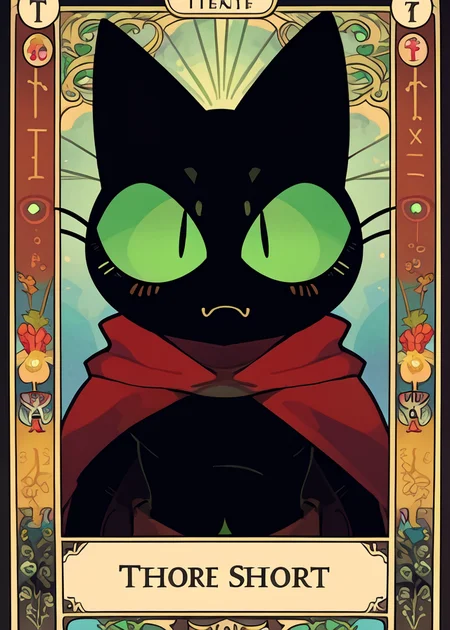
Use e621 tags (no underscore), Artist tag very effective in YiffyMix.
GridList Species/Artist(v64) update!! & LoRAs (SDXL)/samples/wildcards
Recommend Artist tags (NoobXL) & comfyUI workflow.
Example Setting (Use recommended sampler to get correct quality)
Setting SDXL (SDXL-lightning & NoobXL)
Steps = 12~24
Sampler = "DDPM", "Euler A SGMUniform", "Euler SGMUniform"
CFG scale = 3~4
Negative embeddings SDXL = ac-neg1, ac-neg2 (You don't really need this)
Postive LoRA SDXL = SeaArt Quality Tags LoRA (You don't really need this)
Stop at CLIP layers = 2
Setting SD 1.5 + vpred
Steps = 30~40
Sampler = "DPM++ 2M Karras", "DPM++ SDE Karras", "DDIM", "UniPC"
CFG scale = 6~8
Negative embeddings = deformity_v6, bwu [SD-WebUI\embeddings]
Stop at CLIP layers = 1
SD VAE = kl-f8-anime2, Furception [SD-WebUI\models\VAE]
Hires. fix
Hires steps = Steps * Denoising strength
Denoising strength = 0.25
Hires upscaler = 4x-UltraMix_Smooth [SD-WebUI\models\ESRGAN]
ControlNet
ControlNet = softedge_hed, control_v11p_sd15_softedge
ControlNet SDXL = softedge_hed, sdxlsoftedge-dexined, noobai-xl-controlnet
ControlNet Weight = 0.35~0.5
ControlNet Pixel Perfect = true
Wan 2.2 ComfyUI Animeted [workflow]
model = wan2.2_ti2v_5B_fp16
vae = wan2.2_vae
lora (turbo) = lora_wan2.2_ti2v_5B_turbo_lora_rank_64_fp16
lora (furry-nsfw) = wan2.2-5B_furry-nsfw-v2.0-e83
lora (livewallpaper) = wan2.2-5B_livewallpaper-720p
sampler = steps:4, cfg:1, sampler:"eular_ancestral", schedule:"sgm_uniform"
SD WebUI
LoRA Training SDXL
imgs count = 15~50
total steps = epoch * imgs count * folder loop = 3000~4500
network_dim = 64
network_alpha = 128 (SDXL) \ 16 (Noob)
learning_rate = 0.0002~0.0005
unet_lr = 0.0001 #learning_rate/2
text_encoder_lr = 0.00005 #learning_rate/4
lr_scheduler = "cosine_with_restarts"
mixed_precision = "bf16"
optimizer_type = "Adafactor"
optimizer_args = [ "scale_parameter=False", "relative_step=False", "warmup_init=False", ]
YiffyMix v4x V-pred Setting
# YiffyMix v4x A1111 SD-WebUI or Forge V-pred Setting
1.Download config file ".yaml" paste next to the model.
2.Raname ".yaml" same as model name. ( check the ".yaml" has [parameterization: "v"] line )
3.Restart SD-WebUI ( if config fails to load, the model just generate noise )
# YiffyMix v4x ComfyUI or StableSwarmUI V-pred Setting
Add node "ModelSamplingDiscrete", Sampling = "v_prediction"
# ComfyUI V-pred Setting (old version)
1.Copy config ".yaml" to [ComfyUI\models\configs] and refresh ComfyUI
2."Load Checkpoint (With Config)" [Right Click\AddNode\advanced\model_merging]
workflow:[Load Checkpoint (With Config)]-[KSampler]-[VAE Decode]-[Save Image]
# v-pred mode troubleshoot
If you use new version webui-forge and failed detect v-pred model.
Try update webui-forge (click update.bat).
When loading v-pred model, you will see this line in cmd console:
left over keys: dict_keys(['v_pred'])
# v4.x some time will get little fried issue image in this case
Use "Dynamic Prompts with __wildcards__ prompts" and "batch size > 1"
Just generate again with same prompts with parament, it will return normal.
Version Info
v1.x [2D,512~768] old model, unstable, low resolution
v2.x [2D,512~896] e621 dataset + 30~40% SD5 dataset
v3.0 [2D,3D,512~1088] large dataset then v2.x version, can do 2D, 3D
v3.1 [2D,3D,Real,512~1088]
more realistic, but loss some concept (e621 tag count lower 1000)
v3.2 [2D,3D,Real,512~1088]
unstable version, use SNR version FluffyRock, more noise detail
v3.3 [2D,3D,Real,512~1088]
stable version, more detail, more sensitive to prompts
v3.4 [2D,3D,Real,512~1088] ※include Fluffy Rock Quality Tags-LoRA
stable version, more detail, clear result, reduce some noise (like bush,pattern)
v3.5 [2D,3D,Real,512~1088]
unstable version, contrast & detailed enhance
v3.6 [2D,3D,Real,512~1088]
stable version, more sensitive to e621 tags
v3.7 [2D,3D,Real,512~1088]
stable version, reduce noise overactivity, fix blurry eyes and finger error, fix failed background depth
v4.0 [2D,3D,Real,512~1088]
v-pred version, remix from EasyFluff
accuracy anatomy and style with fewer prompt,
little dim blue average color with smooth noise, weakly negative prompt issue
v4.1 [2D,3D,Real,512~1088]
v-pred version, color and low contrast fix, reduced realistic noise.
v4.2 [2D,3D,Real,512~1088]
v-pred version, more contrast and detail, yelow issue.
if you feel too fried use Rescale CFG =0.35
v4.3 [2D,3D,Real,512~1088]
v-pred version, clear artist style, fix most yellow/brown issue
the version doesn't need CFG Rescale
v4.4 [2D,3D,Real,512~1088]
v-pred version, no more yellow/brown issue.
the version doesn't need CFG Rescale
v5.0 [2D,3D,Real,896~1536]
SDXL-lightning version, base on Compassmix XL.
v5.1 [2D,3D,Real,896~1536]
SDXL-lightning version, more e621 dataset, lower human face, better NSFW stuff.
v5.2 [2D,3D,Real,896~1536]
SDXL-lightning version, increase average quality. Little unstable than v51 but more creative.
v6.0 [2D,3D,res:896~1536]
More character better sex pose, limited and uncontrollable style (mostlly anime style).
v6.1 [2D,3D,Real,896~1536]
More realistic detail, reduce anime style, fix flat and boring background.
v6.1a-RE [2D,3D,Real,896~1536]
Same as v61 but adjust average style to simi-realistic.
v6.2 [2D,3D,Real,896~1536]
more effective prompt, keep style also with good realistic detail, saturation down little bit.
v6.3 [2D,3D,Real,896~1536]
Detail(noise) level between v62 and v61, upgrade character/artist accuracy.
v6.4 [2D,3D,Real,896~1536]
Upgrade light quality and average detail.
Note about NoobXL to create stable furry (v6x):
use "furry" tag in propmt can let AI create furry not human.
use "no human" tag in propmt can avoid NoobXL model add human and reduce anthro affect (more original style).
use "anime style" in negative propmt can reduce classic booru style and more realistic.
Some SD prompt trick:
Combine two character:
characterA \(characterB\)
Avoid tag bleeding:
(chain:0)-link fence
(cowboy:0) shot
high (collar:0)
Multi-tag combine, enhance and reduce token use:
from side + side view = from side view
crossed legs + legs up = crossed legs up
Basic Style
Negative Prompt SD1.5
unusual anatomy, mutilated, malformed, watermark,
amputee, mosaic censorship, sketch, monochrome
Negative Prompt SDXL
malformed, worst quality, bad quality, signature, text, url
3D Artwork Style
Prompt v5x: blender \(software\), ray tracing, 3d, unreal engine
Photorealistic Style SDXL
Prompt v5x:
by Mandy Disher, by Wim Wenders, by Robert Rauschenberg, [by Fossa666::0.65],
ultra realistic, photorealism, photograph
Negative prompt v5x: sketch, manga, vector, line art, toony
Prompt v6x: film photography, photorealistic, film grain
Negative prompt v6x: anime style, vibrant, pastel
Photorealistic Style SD1.5
Prompt sd15: [:photorealistic, analog style, realistic, photorealism:0.5]
Negative prompt sd15: [:bwu:0.5]
Recommend Refiner: IndigoFurryMix v110-Realistic Switch at 0.5
Description
Recipes v44:
partA = (YiffyMix v40 + YiffyMix v42 + FluffyShaper v10) * TriSum:[0.45,0.40]
partB1 = (FluffyRock-zsnr-vpred-e230-minsnr-e30 + partA - FluffyRock-zsnr-vpred-e256-minsnr-e30) * Diff:0.85
partB2 = (FluffyRock-zsnr-vpred-e230-minsnr-e30 + YiffyMix v37 - FluffyRock-e90-snr-e63) * trainDiff:1.0
partC = (YiffyMix v43 + partB1 + partB2) * TriSum:[0.40,0.20]
YiffyMix v44 = (partC + BB95 v140 - BB95 v130) * trainDiff:0.65
FAQ
Comments (11)
Have any plans to upgrade to Pony or SD3?
Waiting for SD3 version furry base model...
Personally I think Pony is good enough on it's own, but I'd love to see what a SD3 version could do.
It doesn't look like SD3 is generally well received. And then there is this commercial licensing nonsense...
Bad news, they remove artist in SD3.
No more SD3 for now, I will try SDXL in next version.
The quality on the v44 model is very high, but once again I seem to be getting the chibi anime look on the female characters that makes them look younger than they are supposed to, forcing me to prompt around to fix it.
Edit: I think I may have identified the issue, if you use the prompt "small breasts" then it gives you chibi anime bears instead of the more adult looking bears that I was expecting. I'm not sure how to work around that. Things also seem to change based on what they are wearing: Croptop and shorts=Chibi, Tshirt and Jogging bottoms=less Chibi. It's certainly Inconsistant.
I use "small breasts" frequently (i don't like big breasted characters), but no one looks like chibi. Maybe try different sampler or use words, describing mature characters. For bears i suggest words "masculine" and "flat chest".
@denis0k Well I did find a more or less functional solution which only came to mind the next day, I just added "Chibi" to the negative prompt and that got rid of the worst of it. It should have been more obvious to me that I could have done that.
I downloaded the fp32 model (and I use automatic1111) but the loading process fails and puts me back to whatever my previous model was. How do I get it to work? I notice this one is a .ckpt whereas the previous models I had were .safetenors. Is there a reason this fp32 model isn't wanting to work?
Try remove "cache.json" and restart A1111, It will rebuild new model list.
If you replace model already in A1111 cache list, Sometimes A1111 forget update model hash data.
Some specific artist tags/tokens might unexplainably trigger the yellow tint on YM44. Here's the manual fix for GIMP I came up with:
1. Color -> Color Temperature. Source: 6500K, target: keep around 4800-4900K.
2. Color -> Hue-Chroma. Set "Chroma" component to approximately -7.2 ~ -6.8
This won't eliminate the tint completely but will make the generated picture look much better. Also I believe applying an additional Color Curve might yield even better results but I couldn't come up with any sane one.
Details
Files
yiffymix_v44.yaml
Mirrors
furationBETA_rebootedREFINEDVPREDF.yaml
pegasusmix_VPredV2.yaml
yiffyfluffybutts_V061.yaml
yifurr_cid4.yaml
yifurr_sun.yaml
furationBETA_rebootedVPDModelbaseF.yaml
steinmix_alpha3.yaml
steinmix_charlie2.yaml
steinmix_alpha6bL.yaml
9thTail_mainV01.yaml
9thTail_mainV02.yaml
fluffyrock_e233VpredE206.yaml
indigoFurryMix_se02Vpred.yaml
indigoFurryMix_se01Vpred.yaml
9thTail_softV01.yaml
yifurr_2.yaml
yifurr_cid.yaml
yifurr_newmoone2.yaml
furationBETA_rebootedVPREDPartF.yaml
steinmix_alpha5.yaml
fluffyrockUnleashed_baseV10.yaml
yiffymix_v42.yaml
fluffyrock_e257VpredE11.yaml
yiffymix_v43.yaml
steinmix_alpha6.yaml
subfurryanalog_v22.yaml
yiffymix_v44.yaml
yifurr_c3.yaml
9thTail_mainV03.yaml
subfurryanalog_v10.yaml
yifurr_sunrise.yaml
9thTail_juicyV03.yaml
9thTail_altV03.yaml
9thTail_softV03.yaml
fluffyrockanimedilut_v10.yaml
fluffyrockE6LAION_e98E6laionE47.yaml
SD15ColorsplashV_v01.yaml
easyfluff_5000DefaultvaeFFR3CS2.yaml
yiffymix_v40.yaml
beanv6flufusv2_v10.yaml
fluffyrock_e184VpredE157.yaml
subfurryanalog_v20.yaml
SD15ColorsplashV_v012.yaml
SD15ColorsplashV_v020.yaml
SD15ColorsplashV_v013.yaml
pegasusmix_VPredV1.yaml
yiffymix_v41.yaml
SD15ColorsplashV_v011.yaml