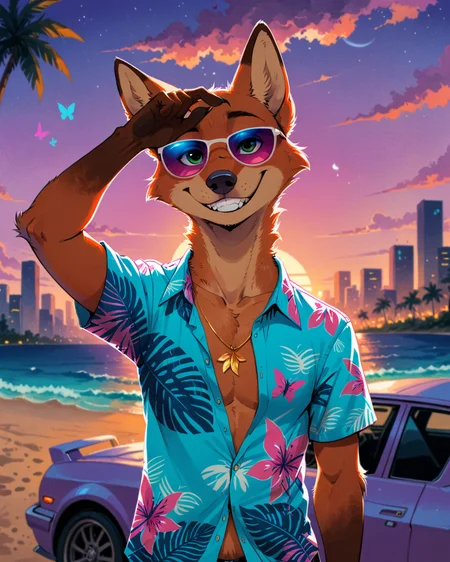
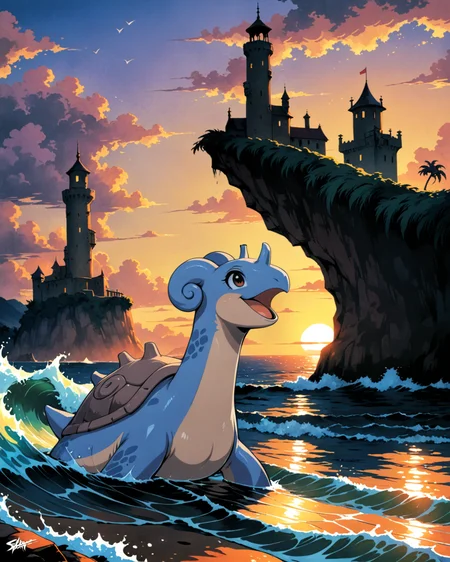
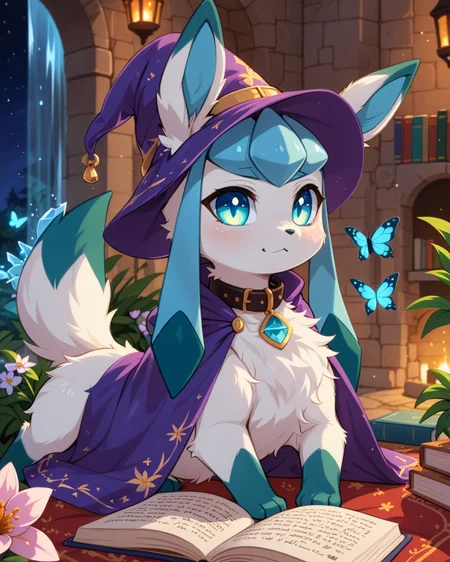
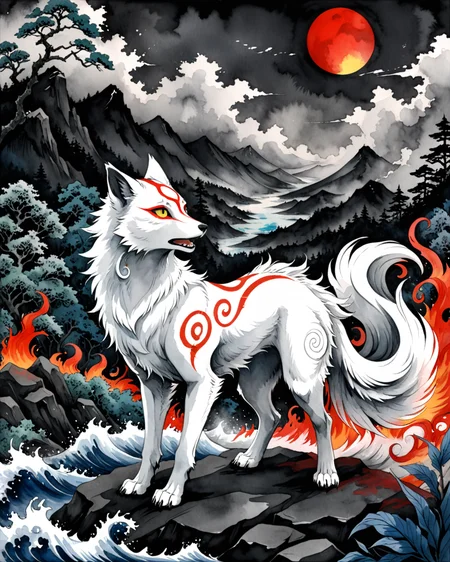
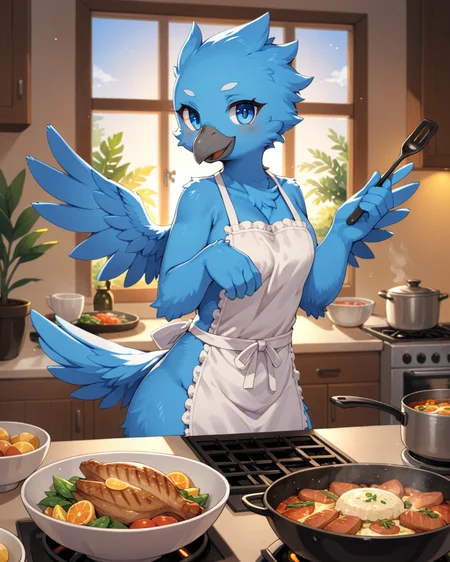
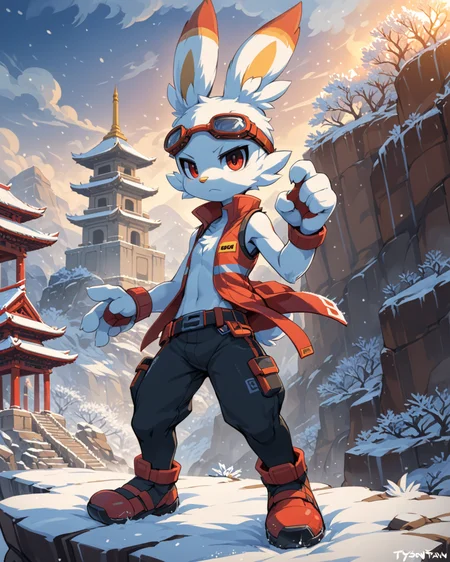


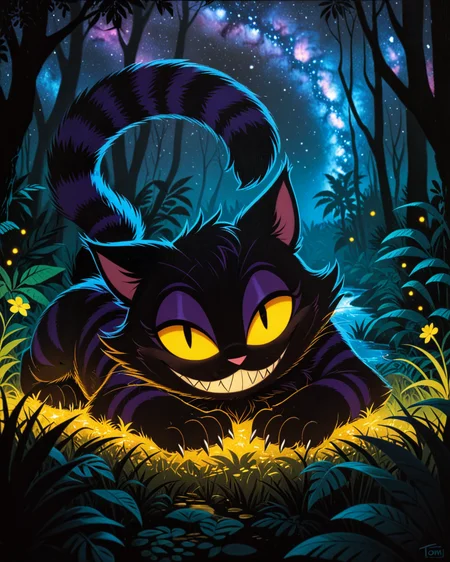
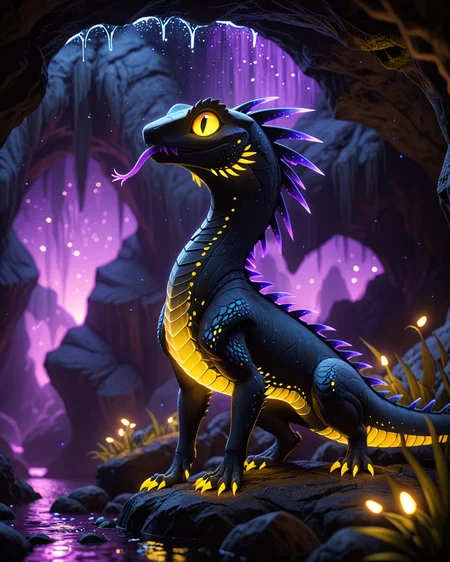
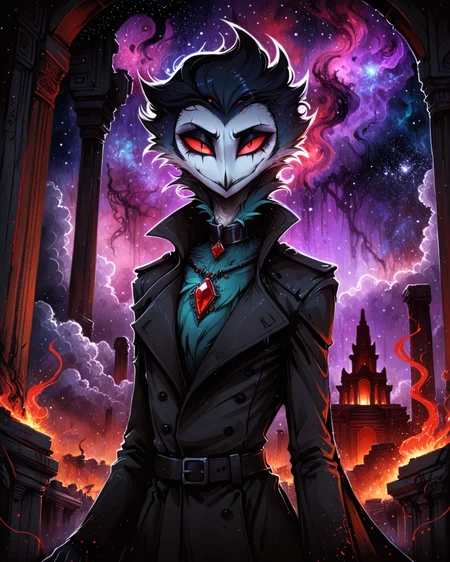

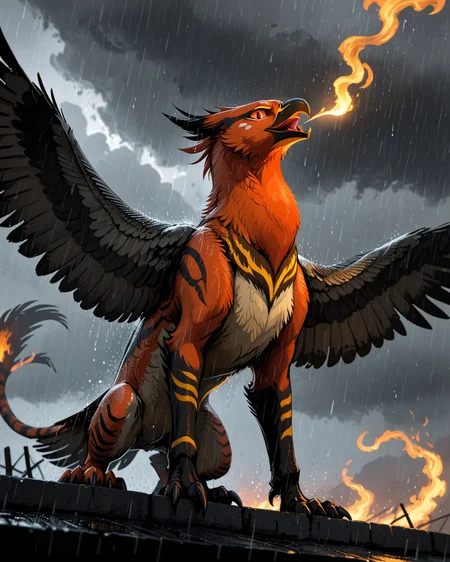
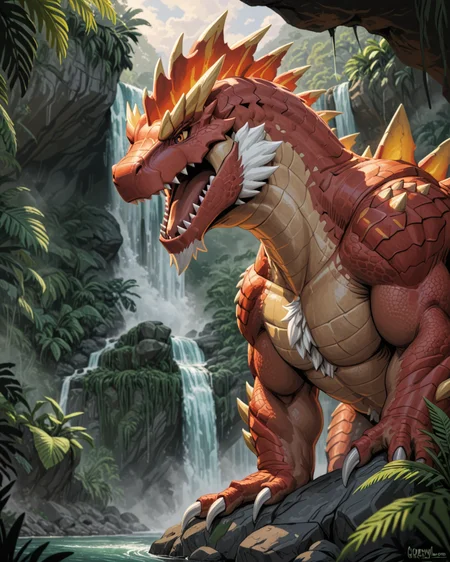
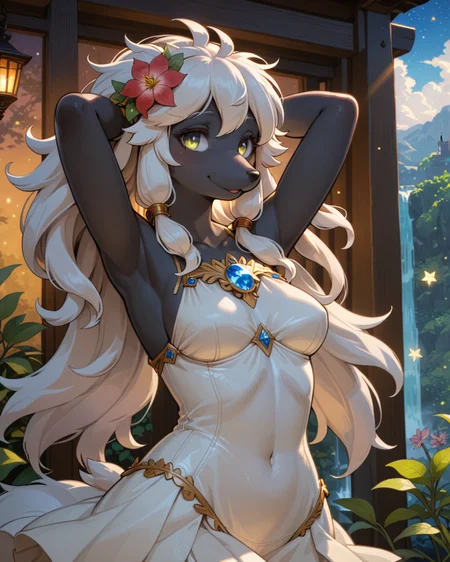

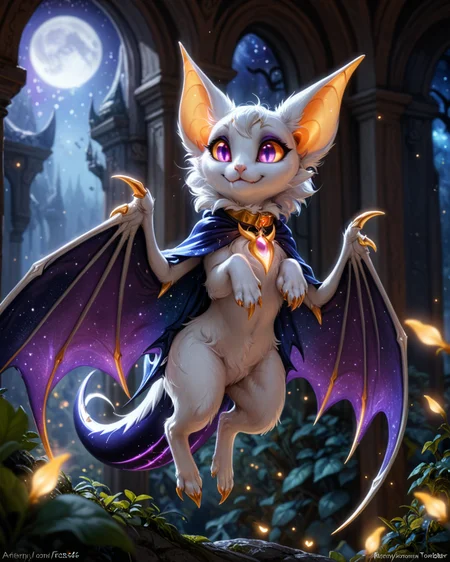
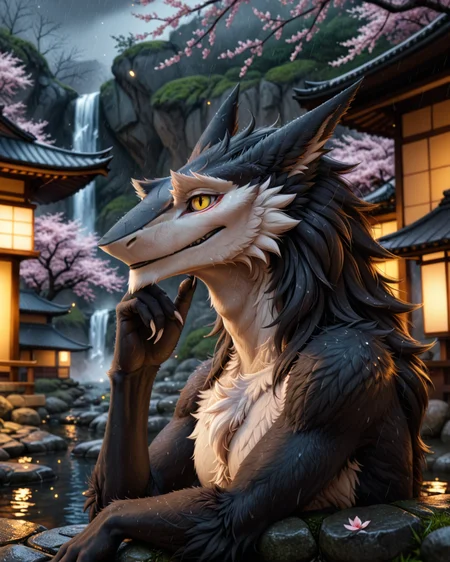
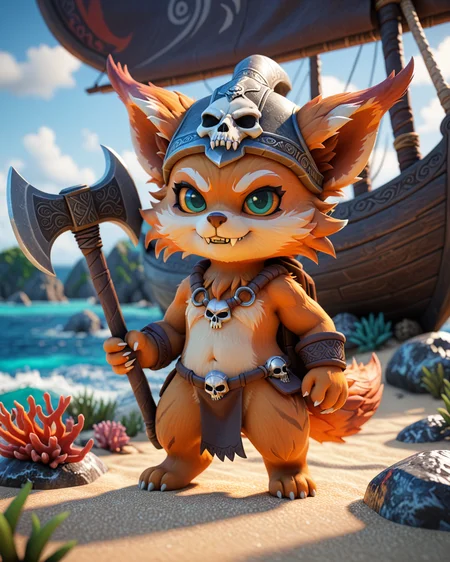
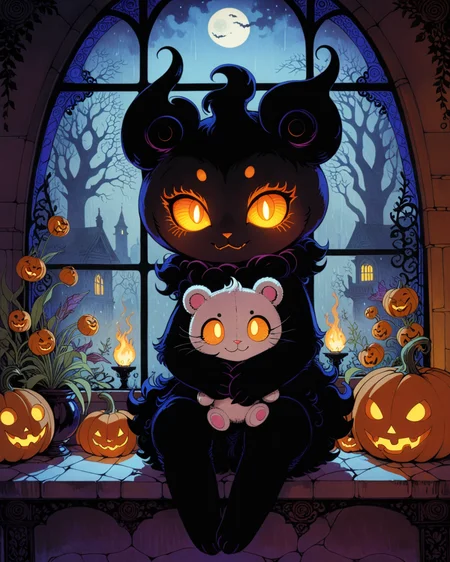
Use e621 tags (no underscore), Artist tag very effective in YiffyMix.
GridList Species/Artist(v64) update!! & LoRAs (SDXL)/samples/wildcards
Recommend Artist tags (NoobXL) & comfyUI workflow.
Example Setting (Use recommended sampler to get correct quality)
Setting SDXL (SDXL-lightning & NoobXL)
Steps = 12~24
Sampler = "DDPM", "Euler A SGMUniform", "Euler SGMUniform"
CFG scale = 3~4
Negative embeddings SDXL = ac-neg1, ac-neg2 (You don't really need this)
Postive LoRA SDXL = SeaArt Quality Tags LoRA (You don't really need this)
Stop at CLIP layers = 2
Setting SD 1.5 + vpred
Steps = 30~40
Sampler = "DPM++ 2M Karras", "DPM++ SDE Karras", "DDIM", "UniPC"
CFG scale = 6~8
Negative embeddings = deformity_v6, bwu [SD-WebUI\embeddings]
Stop at CLIP layers = 1
SD VAE = kl-f8-anime2, Furception [SD-WebUI\models\VAE]
Hires. fix
Hires steps = Steps * Denoising strength
Denoising strength = 0.25
Hires upscaler = 4x-UltraMix_Smooth [SD-WebUI\models\ESRGAN]
ControlNet
ControlNet = softedge_hed, control_v11p_sd15_softedge
ControlNet SDXL = softedge_hed, sdxlsoftedge-dexined, noobai-xl-controlnet
ControlNet Weight = 0.35~0.5
ControlNet Pixel Perfect = true
Wan 2.2 ComfyUI Animeted [workflow]
model = wan2.2_ti2v_5B_fp16
vae = wan2.2_vae
lora (turbo) = lora_wan2.2_ti2v_5B_turbo_lora_rank_64_fp16
lora (furry-nsfw) = wan2.2-5B_furry-nsfw-v2.0-e83
lora (livewallpaper) = wan2.2-5B_livewallpaper-720p
sampler = steps:4, cfg:1, sampler:"eular_ancestral", schedule:"sgm_uniform"
SD WebUI
LoRA Training SDXL
imgs count = 15~50
total steps = epoch * imgs count * folder loop = 3000~4500
network_dim = 64
network_alpha = 128 (SDXL) \ 16 (Noob)
learning_rate = 0.0002~0.0005
unet_lr = 0.0001 #learning_rate/2
text_encoder_lr = 0.00005 #learning_rate/4
lr_scheduler = "cosine_with_restarts"
mixed_precision = "bf16"
optimizer_type = "Adafactor"
optimizer_args = [ "scale_parameter=False", "relative_step=False", "warmup_init=False", ]
YiffyMix v4x V-pred Setting
# YiffyMix v4x A1111 SD-WebUI or Forge V-pred Setting
1.Download config file ".yaml" paste next to the model.
2.Raname ".yaml" same as model name. ( check the ".yaml" has [parameterization: "v"] line )
3.Restart SD-WebUI ( if config fails to load, the model just generate noise )
# YiffyMix v4x ComfyUI or StableSwarmUI V-pred Setting
Add node "ModelSamplingDiscrete", Sampling = "v_prediction"
# ComfyUI V-pred Setting (old version)
1.Copy config ".yaml" to [ComfyUI\models\configs] and refresh ComfyUI
2."Load Checkpoint (With Config)" [Right Click\AddNode\advanced\model_merging]
workflow:[Load Checkpoint (With Config)]-[KSampler]-[VAE Decode]-[Save Image]
# v-pred mode troubleshoot
If you use new version webui-forge and failed detect v-pred model.
Try update webui-forge (click update.bat).
When loading v-pred model, you will see this line in cmd console:
left over keys: dict_keys(['v_pred'])
# v4.x some time will get little fried issue image in this case
Use "Dynamic Prompts with __wildcards__ prompts" and "batch size > 1"
Just generate again with same prompts with parament, it will return normal.
Version Info
v1.x [2D,512~768] old model, unstable, low resolution
v2.x [2D,512~896] e621 dataset + 30~40% SD5 dataset
v3.0 [2D,3D,512~1088] large dataset then v2.x version, can do 2D, 3D
v3.1 [2D,3D,Real,512~1088]
more realistic, but loss some concept (e621 tag count lower 1000)
v3.2 [2D,3D,Real,512~1088]
unstable version, use SNR version FluffyRock, more noise detail
v3.3 [2D,3D,Real,512~1088]
stable version, more detail, more sensitive to prompts
v3.4 [2D,3D,Real,512~1088] ※include Fluffy Rock Quality Tags-LoRA
stable version, more detail, clear result, reduce some noise (like bush,pattern)
v3.5 [2D,3D,Real,512~1088]
unstable version, contrast & detailed enhance
v3.6 [2D,3D,Real,512~1088]
stable version, more sensitive to e621 tags
v3.7 [2D,3D,Real,512~1088]
stable version, reduce noise overactivity, fix blurry eyes and finger error, fix failed background depth
v4.0 [2D,3D,Real,512~1088]
v-pred version, remix from EasyFluff
accuracy anatomy and style with fewer prompt,
little dim blue average color with smooth noise, weakly negative prompt issue
v4.1 [2D,3D,Real,512~1088]
v-pred version, color and low contrast fix, reduced realistic noise.
v4.2 [2D,3D,Real,512~1088]
v-pred version, more contrast and detail, yelow issue.
if you feel too fried use Rescale CFG =0.35
v4.3 [2D,3D,Real,512~1088]
v-pred version, clear artist style, fix most yellow/brown issue
the version doesn't need CFG Rescale
v4.4 [2D,3D,Real,512~1088]
v-pred version, no more yellow/brown issue.
the version doesn't need CFG Rescale
v5.0 [2D,3D,Real,896~1536]
SDXL-lightning version, base on Compassmix XL.
v5.1 [2D,3D,Real,896~1536]
SDXL-lightning version, more e621 dataset, lower human face, better NSFW stuff.
v5.2 [2D,3D,Real,896~1536]
SDXL-lightning version, increase average quality. Little unstable than v51 but more creative.
v6.0 [2D,3D,res:896~1536]
More character better sex pose, limited and uncontrollable style (mostlly anime style).
v6.1 [2D,3D,Real,896~1536]
More realistic detail, reduce anime style, fix flat and boring background.
v6.1a-RE [2D,3D,Real,896~1536]
Same as v61 but adjust average style to simi-realistic.
v6.2 [2D,3D,Real,896~1536]
more effective prompt, keep style also with good realistic detail, saturation down little bit.
v6.3 [2D,3D,Real,896~1536]
Detail(noise) level between v62 and v61, upgrade character/artist accuracy.
v6.4 [2D,3D,Real,896~1536]
Upgrade light quality and average detail.
Note about NoobXL to create stable furry (v6x):
use "furry" tag in propmt can let AI create furry not human.
use "no human" tag in propmt can avoid NoobXL model add human and reduce anthro affect (more original style).
use "anime style" in negative propmt can reduce classic booru style and more realistic.
Some SD prompt trick:
Combine two character:
characterA \(characterB\)
Avoid tag bleeding:
(chain:0)-link fence
(cowboy:0) shot
high (collar:0)
Multi-tag combine, enhance and reduce token use:
from side + side view = from side view
crossed legs + legs up = crossed legs up
Basic Style
Negative Prompt SD1.5
unusual anatomy, mutilated, malformed, watermark,
amputee, mosaic censorship, sketch, monochrome
Negative Prompt SDXL
malformed, worst quality, bad quality, signature, text, url
3D Artwork Style
Prompt v5x: blender \(software\), ray tracing, 3d, unreal engine
Photorealistic Style SDXL
Prompt v5x:
by Mandy Disher, by Wim Wenders, by Robert Rauschenberg, [by Fossa666::0.65],
ultra realistic, photorealism, photograph
Negative prompt v5x: sketch, manga, vector, line art, toony
Prompt v6x: film photography, photorealistic, film grain
Negative prompt v6x: anime style, vibrant, pastel
Photorealistic Style SD1.5
Prompt sd15: [:photorealistic, analog style, realistic, photorealism:0.5]
Negative prompt sd15: [:bwu:0.5]
Recommend Refiner: IndigoFurryMix v110-Realistic Switch at 0.5
Description
Recipes v52:
partA = Compassmix XL + Boltning v1.0 * 0.35
partB = (partA + BananaStrike XL - SDXL Lightning 4 step) * trainDiff:0.25
YiffyMix v52 = (partB + Compassmix XL - SDXL Lightning 4 step) * trainDiff:0.25
FAQ
Comments (91)
plan lora or furry model flux?
v52 is very interesting in terms of styling. Here are some tips and trick I've been using myself. First, the model description says 12~24 steps are enough but if you want to mix styles use 40~60 steps. Above 60 there's no effect at all. Both v51 and v52 pay a lot of attention for the background while many artists have simple backgrounds. If you want a beautiful complex background let the model run without an artist tag for a few inference steps right in the beginning and only then activate the artist tags. You can do it by including this template in the head of your prompt (tested in a1111): [FROM:TO:SWITCH_AT]. This contraption will use FROM in the prompt but at SWITCH_AT percents of inference steps it will switch to TO. First goes the base style that will define outlines and general style of your picture. With YM v52 and 60 inference steps I make it active from 5% to 15%: [[:(by sabuky:1.1):0.05]::0.15] , then go the artists whose character traits you'd like to copy (for example fluffyness, head shape, body mass etc.), I make those tokens active from 15 to 30%. For the whole remaining part (30 to 100%) the shading and lighting tags are applied, this part benefits the most from artists with "rich" lights and shadows i.e. aozee, pakwan008, trigaroo, miles-df and so on.
P.S. Despite the description saying you don't have to use score tags, I found that throwing score_5_up, score_4_up into the negative prompt without putting score_9, ..., score_6_up into the normal prompt improves quality quite much.
So for multiple artists tag set, should the layout be like this:
[[:(by sabuky:1.1), (by aozee), (by trigaroo:1.3):0.05]::0.15]
@es69 Yes :)
edit: please watch out for the token strength values for the following reasons:
1. YM 51/52 are very sensitive to the artist-related tokens, default strength of 1.0 is enough in most cases, you should increase it only if the artist style of your choice has weak traits. If you crank it up too much your picture will have a deep-fried effect, you can check my YM 52 generations to see what I mean
2. For a reason unknown to me, some artist tags are very strong and their strength has to be decreased. One of such tokens I personally know is "aozee" (and it also applied for YM 44 and 36) and usually I use it at strength of 0.6~0.8
So if I'm doing two artists I should do? [(artist #1):(artist #2):0.15]
@MetaFace If you would like to copy the combined overall style of multiple artists at steps from 5% to 15%, use this in the prompt: [[:artist_1 artist_2 artist_3:0.05]::0.15]
I've been getting fried images, and my Stable Diffusion XL is generating slowly. Any tips please?
Using any VAE's? if they're made for non XL SD then they break the generation, so need to use a VAE specific for XL or no VAE at all. Also depending on what tool you are using, may need to change clip skip to 1 if it's set to 2, or to 2 if it's currently set to 1.
Edit: Also, since this is a lightning version of XL, you need to make sure you have the settings correct in whatever tool you're using to generate with.
The easy way is to use "Stable Diffusion WebUI Forge". You will notice "XL" preset on top of site.
On "Stable Diffusion WebUI A1111" on "Settings>>>User Interface" you need to add "sd_vae" and "CLIP_stop_at_last_layers" then press "Apply settings" and "Reload UI". You will notice on the top of site new selection. On "SD VAE" select only SDXL compatible VAE or select nothing. "Clip skip" should be at 2 for SDXL. Or just use "Stable Diffusion WebUI Forge" with "XL" preset.
@YetAnotherAIuser Thank you. on A1111 I set VAE to "none" and clip skip works at both "1" and "2". No more deepfry. <3
@Klofan0007 Ok, How do I make Stable Diffusion XL generate fast?
@YetAnotherAIuser Thanks
Sorry, do you have a list of style reconiced by the model? I mean not artist names only styles like sketch, 2d animation, etc.
I build a style wildcard (e621 + SD style).
@chilon249 thank you
New model so much better :)
Just one thing, how can i get more darker scenes, referring to low light. Everything is bright, if i put "night" "low light" "midnight" it's always like as if 100 lamps are on in the room :D
have you tried using 'dark theme'? alternatively you can use an image editor to dark in it up and then try to i2i that back and see if it takes. i know there are a few low light / dark theme loras out there as well.
can it do feral and feral genitals good? back at v50 animal genitals i couldn't do all that well for what i recall
Try creating yiffymix for flux
Im trying to use V44 but i keep getting outright fried images any ideas?
check if the yaml file with the same name of the model is in the same folder as the model (Stable-Diffusion)
@rubied912 It is
Use A1111. Forge ignores *.yaml config file for some reason.
I build a new SDXL "realistic style" prompt.
Prompt:
BREAK
by Mandy Disher, by Wim Wenders, by Robert Rauschenberg, by Fossa666
ultra realistic, photorealism, photograph
Negative prompt:
sketch, manga, line art, toony
Optional artist:
"by Fossa666" this artist enhance fur, more feral like.
"by Robert Rauschenberg" this artist enhance quality.
A 3d
This thing is way more flexible than I thought it would be.
Hi. Can anyone help me getting the ddpm sampler, Ihave tried but no luck finding it. Thanks!
Stretchy! SO yeah, going from v44 to XL, and all the generations have a stretched torso and limbs, like it's bizarre! Seems also the suggested VAEs aren't working on my end either (they go all color-scrambled after the last iteration) but using standard SDXL VAE seems to fix that issue.
¯\_(ツ)_/¯
But yeah, anyone have any ideas why the generations have stupidly stretched middles? Using A1111 btw.
yo cant even load the model how do i use it.
Has been my favorite model for like a year. I wish it understood human male pubic hair. It always does female pubic hair even on males, often with a "tuft" type appearance. No amount of positive or negative prompting produces male-pattern pubes.
I still don't get it: what's the difference between clip skip 1 and 2? Chilon249 use clip skip 2 and get beautiful pictures, I use clip skip 1 and don't have bad pics either.
In "SDXL" there's no different clip skip in A1111 or Forge, it always use clip 2.
Clip skip only work in SD1.x model (or some other not SDXL model).
Just a reminder use correct clip setting in LoRA training.
@chilon249 It DOES work and have an effect if you use it in ComfyUI. It has a very different effect on faces, bodies, and accessing information from base sdxl.
Just like the original yiffy versions, the SDXL version also works very well for humans.
Will Yiffymix ever get a Pony version?
Hope so, its just so much better at generating furry characters
@FurryChronicles Protip; SDXL models will run with pony loras and vice versa, since they're both based on XL. You just can't use SD1.5 with XL stuff, or XL stuff with SD1.5 .
@Lazman Wow! i did not know that, time to go hunting.
I wish someone can make the embeds from furtastic for Pony..
@FurryChronicles I can't seem to find any information for it right now, but I think there's a function/program to convert embeddings, though iirc, it was only one way, and I forget if it as sd to sdxl, or the other way around. It was in SD Next, and I think there was an extension for it in A1111, haven't seen anything in ComfyUI yet, but I just started using this a few days ago. the extension or program for it was on github, but I couldn't find it on a search..
But yea, once ya find out that SDXL works for Pony, and vice versa, it does really open things up. Cuz a lot of things are only made for one or the other. Though we're still stuck with the SD/SDXL divider.
Can someone help me? Sometimes pictures too oversaturated like this https://civitai.com/images/30818763
I can't find what causes this problem and how to fix this.
CFG scale (Guidance) too high, Iightning model use lower CFG than regular model.
Please read "YiffyMix v5x SDXL-lightning setting" and use recommend sampler.
It's exactly what chilon249 said, the CFG scale is too high. Between 4 and 6 should be fine, just as it says in the recommended settings. I even ran your prompt through the X/Y/Z plot -script with different CFG values to make sure. You should also consider using the other recommended prompt settings & samplers listed on this page.
Thanks! I thought, that more CFG = more details.
Well, i tried above image with cfg 4 instead 8 and have this - https://civitai.com/images/31134004
Image still oversaturated and its DIFFERENT despite identical settings. I think something wrong with my installation of AUTOMATIC1111.
There's no problem, that's Pino Daeni style you use.
If you want lower contrast, just put "hight contrast" in negative prompt.
Or try use other lower contrast watercolor painting style artist:
Lovis Corinth, Konstantin Korovin, Frantisek Kupka
Also you don't need 150 stpes, 17 steps is enough in lightning model.
3X the size and 1/8th the quality. Looks like a cartoon.
So I am having an aneurism trying to get quality photos, and I know there has to be something wrong as I was getting some solid pictures from the non SDXL versions. I am also seemingly missing some model pieces like the Turbo variant of Euler A. I would genuinely appreciate help, I am not having a great time.
It's a strange model. Without author linking from e621, all the images turn out dull. And with author binding to create unknown for the character model, it's still hell. Basically it's accepted not to use a bunch of words for generation. Here from the examples in the gallery is the opposite effect.
(And yes, we are talking about creating a character and repeating it in subsequent generations, not just creating different nice characters).
PS: The difficulty is that many authors hide the real values, and trying to replicate their work to understand how the model works, you get absolute garbage. It's a shame, because I'm looking for a model exclusively for furries. Or perhaps the occasional use of a human.
Why you think, that this model not linking to e621 artists?
@denis0k Create 10 different characters without reference to the authors and leave the open promt. I'll check whether you're a pussy or not. 😉
this is what i liked about the earlier models, multiple artist tags combined together, it's so interesting to see the results
@es69 this model can combine tags too. It just need different approach, like using weights or BREAK word.
@loporopo10 okay, here is your 10 pics. I just use wildcard species-main from author's wildcard list and standard generation parameters and negatives, suggested by the author. As you can see all pictures absolutely DIFFERENT.
@denis0k Any examples of this please?
@FurryChronicles https://civitai.com/images/33335947
Could we get a v52.2 with perhaps no lightning merge? I'd love to see how default images on other samplers stack up against the lightning images on DDPM/DDIM/Euler A
v51~v52 trying remove lightning model bad effect (more like half lightning model for now).
Neither merage regular model or subtract lightning checkpoint can completely remove it.
Because lightning model has very quickly denoising speed.
Causing some sampler denoising too over (goosebumps noise).
Only slower and stable samplers can work better in lightning model.
@chilon249 I see. Thanks. I've found sampler Heun++ 2 with scheduler Beta creates very high quality images with no artifacts
IMPORTANT MESSAGE FOR SDNEXT USERS:
since this model uses a config, you need to modify your settings a little bit (if your images are VERY bad).
- go to sampler settings
-on "Override model prediction type" make sure to select "v_prediction"
-apply settings
((IF YOU'RE SWITCHING BACK TO A MODEL WITHOUT A CONFIG AFTER USING A MODEL WITH A CONFIG, MAKE SURE TO CHANGE THE SETTING TO DEFAULT!))
BEFORE OPENING SDNEXT MAKE SURE TO PUT THE CONFIG INTO THE CONFIGS FOLDER!! (If it's already open, restart the program!)
Hope this helps!
I cannot find that setting on easy diffusion, What should I (and other easy diffusion users) do?
Will there be a NoobAI finetune / merge ?
which DDPM is it fast, or adaptive? I'm a little confused
sd3.5 is highly trainable]e btw ;)
When can we have an actual working model. That can work on the site. Because some people like me, do not have the luxury of being able to set up a personal generator and run it. Because the only usable version is an older one for SD which is very outdated at this point. Whatever happened to the old days when we could actually use newer versions?
I think only the most popular models are available in civitai generator.
Does anyone have tips on how to make it stop generating images with such a high level of detail & contrast on the fur shading? I was using v22 for a long time before and it was perfect, but v53 seems to not do that kind of clean, smooth style.
Is there any tags to regulate image rating (safe/questionable/explicit)?
No, these tags don't work, only "explicit" has little effect.
Use negative prompt to control theme is better option.
v53-IL
soon?
There's no good base model can merge.
New model NoobAI XL (base Illustrious) bad details and incompatible with original SDXL, I'll skip this one.
@chilon249 Actually, I recommend KiwiMix or Obsession finetunes to train over, these are much better to use as base models because they are trained on and recognize e621 tags by default. Obsession is a little more versatile.
I'm experimenting with Obsession, at the moment. I'm considering it myself for a furry finetune. The idea here would be an official YiffyMix-IL before the resort of buying a 4090 for the sole purpose of making a version myself 🤣🤣
It's also worth noting I've found an almost equal amount of artist tags work with Obsession or KiwiMix as what would work on YiffyMix without any LoRA. Very impressive on those finetunes parts.
All I'm thinking is if some of these finetunes are this good out of the box, some perfect models will come around to train/merge YiffyMix-IL
I can't do finetune, I only have 3060, that's why I merge model.
@chilon249 are you going to be making any other models? Yiffymix has been my go to since i started using SD and im so sad to look anywhere else
I am having some weird problems and would appreciate any help please. I really enjoyed v44, but v37 is the last config based model I am able to use in invoke 5. For some reason, any of the later versions refuse to connect the model with the config file, no matter how hard I try or where I put the file. Resulting only in a nearly black deep fried mess everytime...and yet v37 still works great. Does anyone have any ideas what the solution is for this?
I'm in the same boat
I assume this is the final version of yiffymix and you won't be trying new versions of SD3 or Flux etc.?
I always expect model have good detail and accurate artist's style.
New YiffyMix version is determined by good base model.
Usually recipes is base furry/anime model 0.65 + base realworld model 0.35.
I think SD3 and Flux is too hard to fine-tune (include LoRA), you need very good GPU.
Most models will stop in SDXL version for a long time.
@chilon249 Thanks!
Were pony version
Hi... i hace some issues with XL models, i dont know if someone could help me
good
I tried downloading 52XL, it shows up in the models list, yet when I select it, nothing happens
Not sure if this was intentional or not but images made using the Eular A sampler looks virtually the same than if they were made with the DPM++ 2M Karras sampler
What about an Illustrious version? Maybe even NoobAI
Considering Chilon haven't used Pony Diffusion V6 XL as a base to build the XL versions of this model, I don't think will be there an Illustrious/NoobAI version of this model.
Edit: I was wrong.
@CuauhtemocI5MAL Curiously NoobAI had metadata of e621