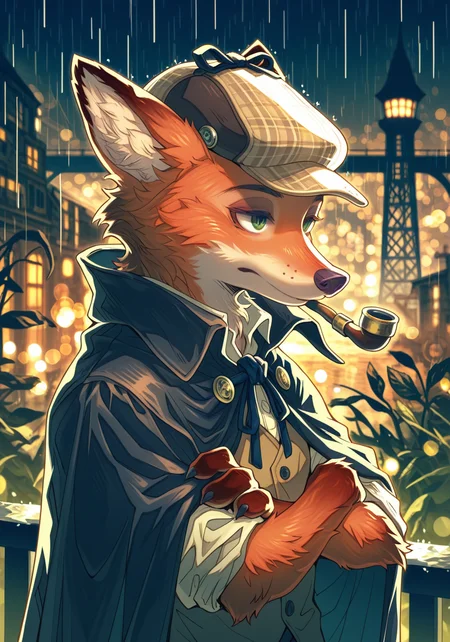
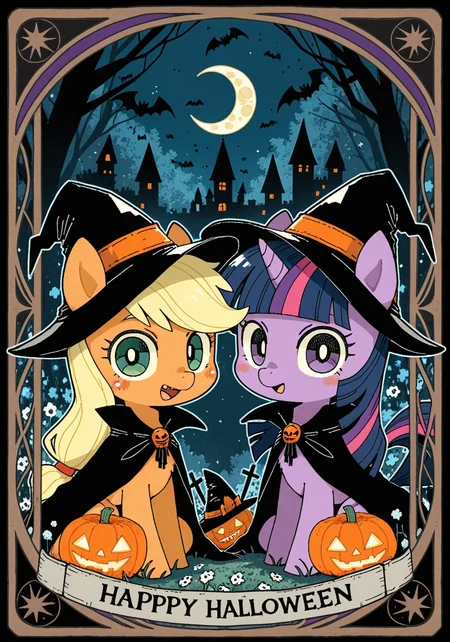
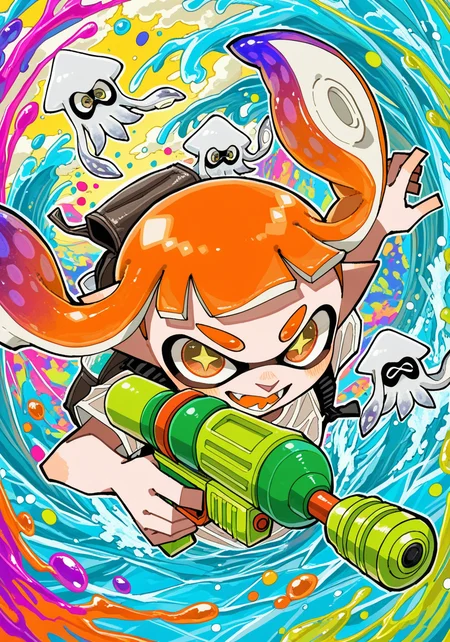
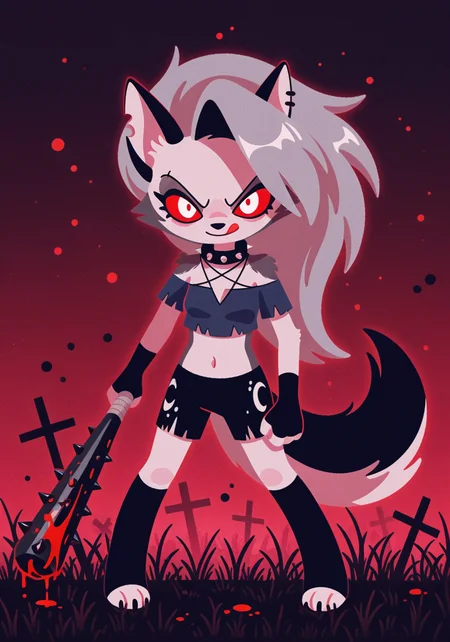

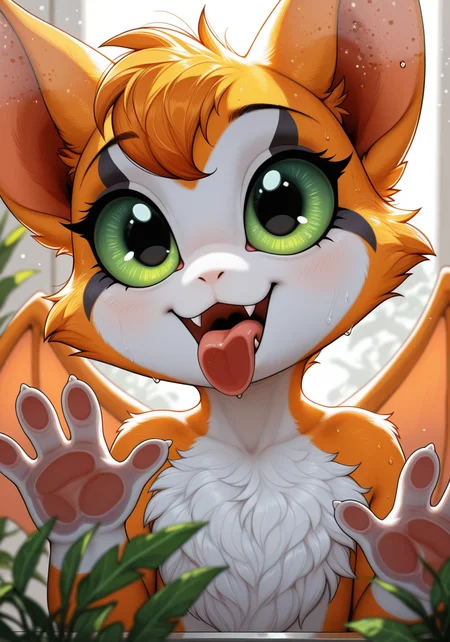
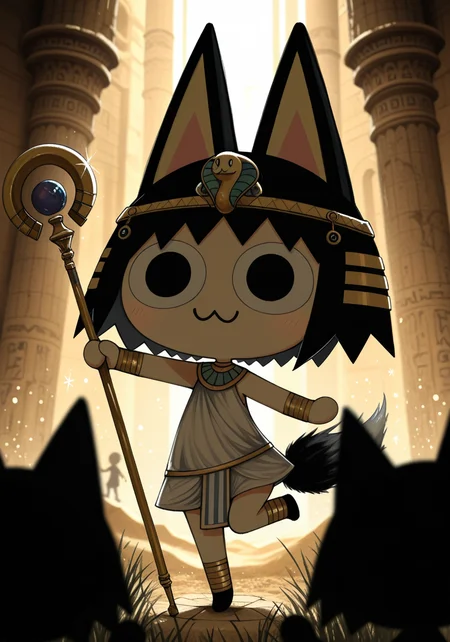
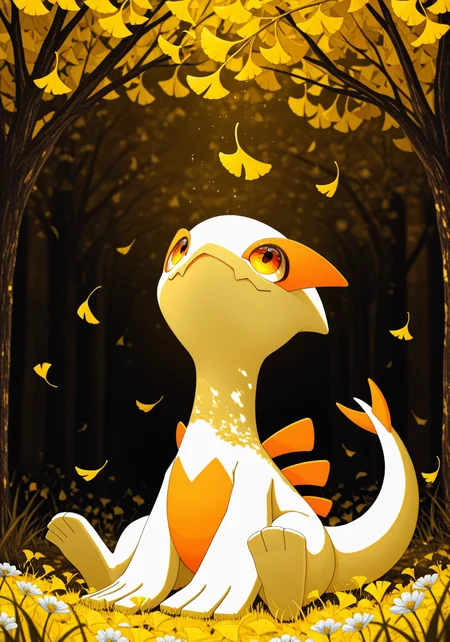
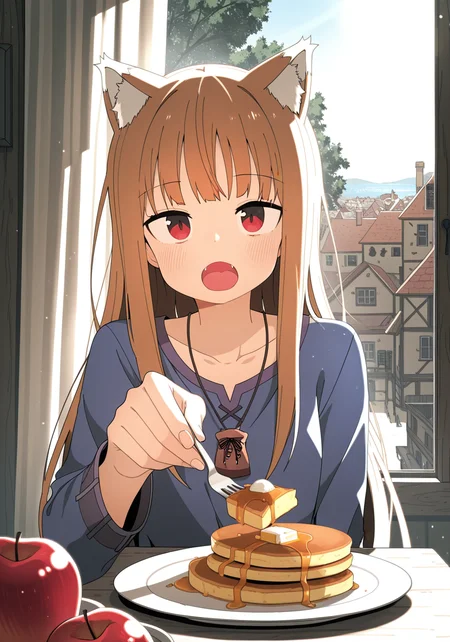
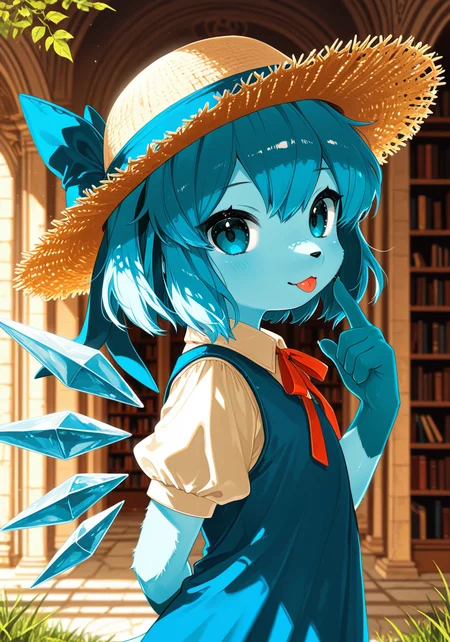
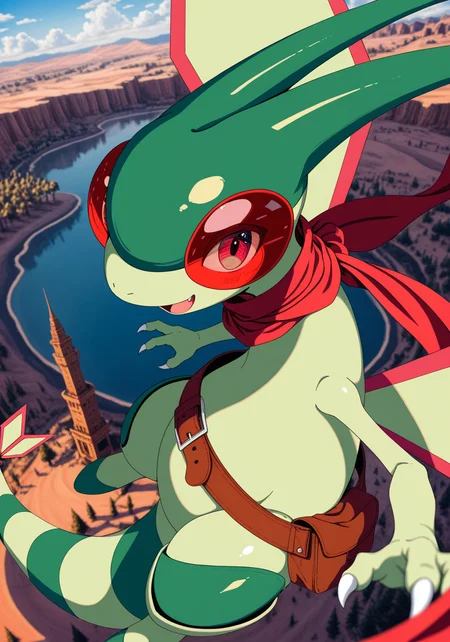
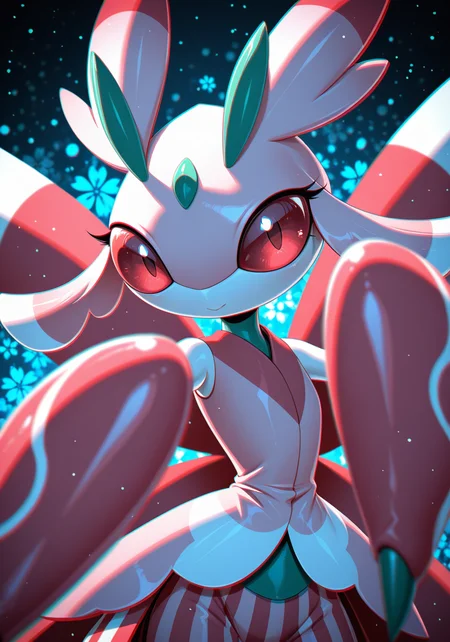
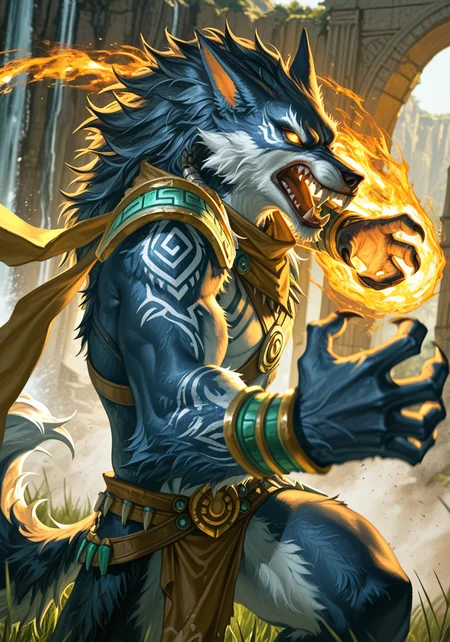
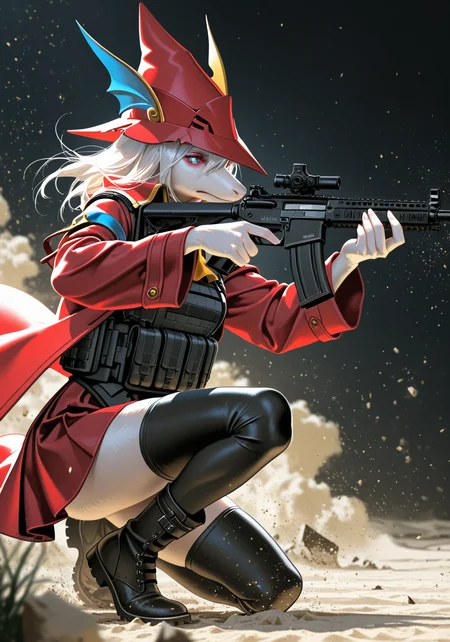
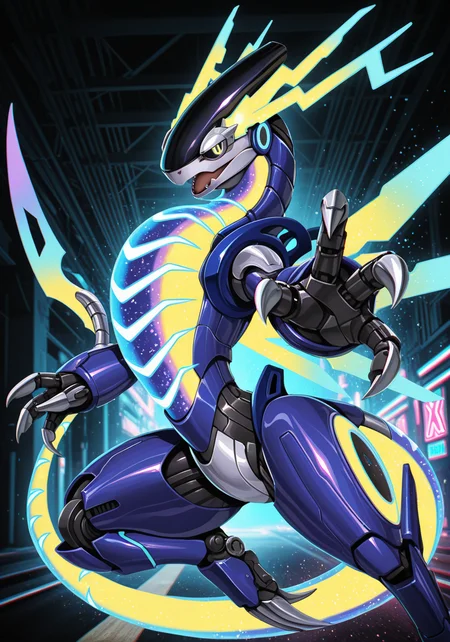
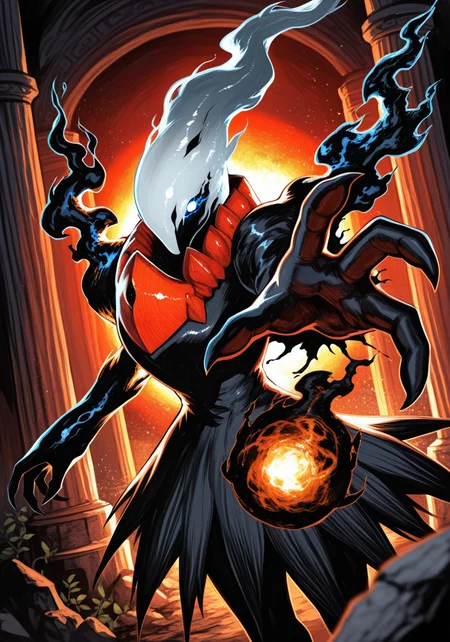
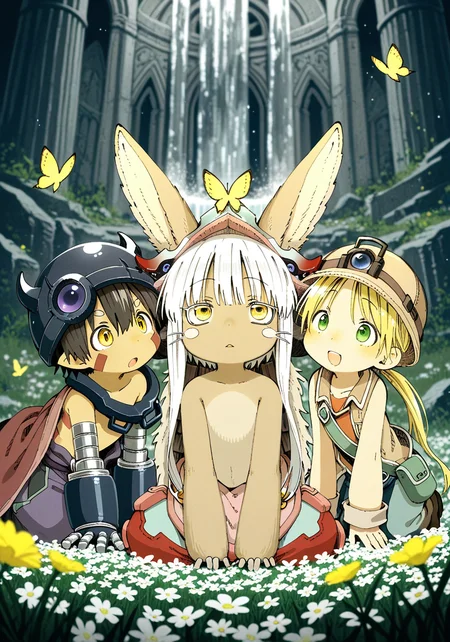
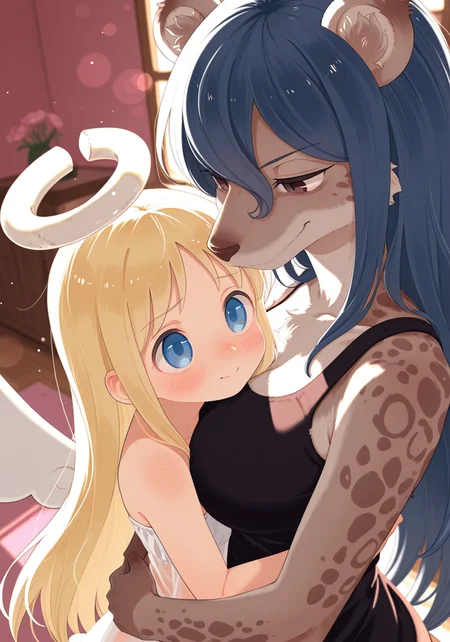
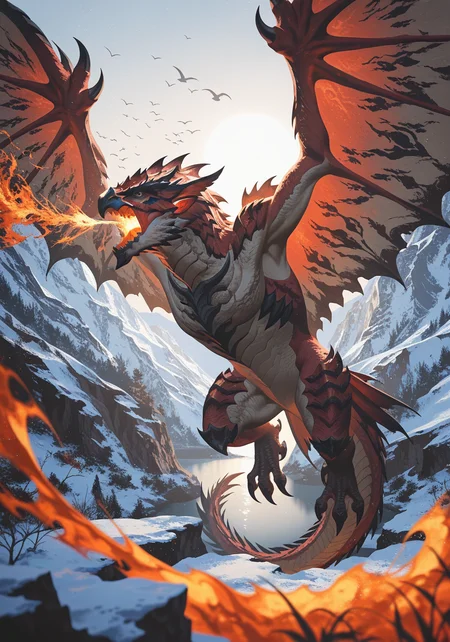
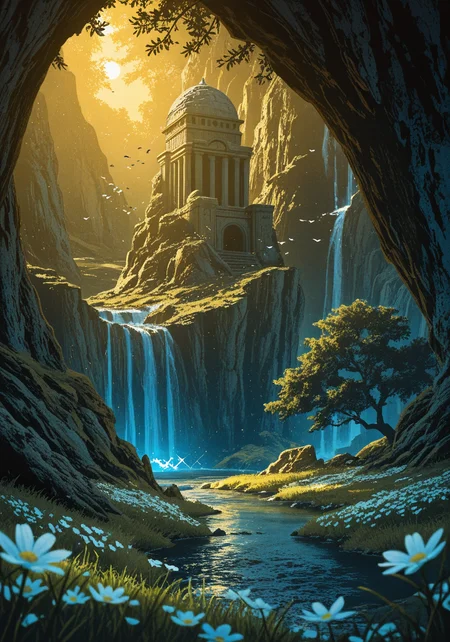
Use e621 tags (no underscore), Artist tag very effective in YiffyMix.
GridList Species/Artist(v64) update!! & LoRAs (SDXL)/samples/wildcards
Recommend Artist tags (NoobXL) & comfyUI workflow.
Example Setting (Use recommended sampler to get correct quality)
Setting SDXL (SDXL-lightning & NoobXL)
Steps = 12~24
Sampler = "DDPM", "Euler A SGMUniform", "Euler SGMUniform"
CFG scale = 3~4
Negative embeddings SDXL = ac-neg1, ac-neg2 (You don't really need this)
Postive LoRA SDXL = SeaArt Quality Tags LoRA (You don't really need this)
Stop at CLIP layers = 2
Setting SD 1.5 + vpred
Steps = 30~40
Sampler = "DPM++ 2M Karras", "DPM++ SDE Karras", "DDIM", "UniPC"
CFG scale = 6~8
Negative embeddings = deformity_v6, bwu [SD-WebUI\embeddings]
Stop at CLIP layers = 1
SD VAE = kl-f8-anime2, Furception [SD-WebUI\models\VAE]
Hires. fix
Hires steps = Steps * Denoising strength
Denoising strength = 0.25
Hires upscaler = 4x-UltraMix_Smooth [SD-WebUI\models\ESRGAN]
ControlNet
ControlNet = softedge_hed, control_v11p_sd15_softedge
ControlNet SDXL = softedge_hed, sdxlsoftedge-dexined, noobai-xl-controlnet
ControlNet Weight = 0.35~0.5
ControlNet Pixel Perfect = true
Wan 2.2 ComfyUI Animeted [workflow]
model = wan2.2_ti2v_5B_fp16
vae = wan2.2_vae
lora (turbo) = lora_wan2.2_ti2v_5B_turbo_lora_rank_64_fp16
lora (furry-nsfw) = wan2.2-5B_furry-nsfw-v2.0-e83
lora (livewallpaper) = wan2.2-5B_livewallpaper-720p
sampler = steps:4, cfg:1, sampler:"eular_ancestral", schedule:"sgm_uniform"
SD WebUI
LoRA Training SDXL
imgs count = 15~50
total steps = epoch * imgs count * folder loop = 3000~4500
network_dim = 64
network_alpha = 128 (SDXL) \ 16 (Noob)
learning_rate = 0.0002~0.0005
unet_lr = 0.0001 #learning_rate/2
text_encoder_lr = 0.00005 #learning_rate/4
lr_scheduler = "cosine_with_restarts"
mixed_precision = "bf16"
optimizer_type = "Adafactor"
optimizer_args = [ "scale_parameter=False", "relative_step=False", "warmup_init=False", ]
YiffyMix v4x V-pred Setting
# YiffyMix v4x A1111 SD-WebUI or Forge V-pred Setting
1.Download config file ".yaml" paste next to the model.
2.Raname ".yaml" same as model name. ( check the ".yaml" has [parameterization: "v"] line )
3.Restart SD-WebUI ( if config fails to load, the model just generate noise )
# YiffyMix v4x ComfyUI or StableSwarmUI V-pred Setting
Add node "ModelSamplingDiscrete", Sampling = "v_prediction"
# ComfyUI V-pred Setting (old version)
1.Copy config ".yaml" to [ComfyUI\models\configs] and refresh ComfyUI
2."Load Checkpoint (With Config)" [Right Click\AddNode\advanced\model_merging]
workflow:[Load Checkpoint (With Config)]-[KSampler]-[VAE Decode]-[Save Image]
# v-pred mode troubleshoot
If you use new version webui-forge and failed detect v-pred model.
Try update webui-forge (click update.bat).
When loading v-pred model, you will see this line in cmd console:
left over keys: dict_keys(['v_pred'])
# v4.x some time will get little fried issue image in this case
Use "Dynamic Prompts with __wildcards__ prompts" and "batch size > 1"
Just generate again with same prompts with parament, it will return normal.
Version Info
v1.x [2D,512~768] old model, unstable, low resolution
v2.x [2D,512~896] e621 dataset + 30~40% SD5 dataset
v3.0 [2D,3D,512~1088] large dataset then v2.x version, can do 2D, 3D
v3.1 [2D,3D,Real,512~1088]
more realistic, but loss some concept (e621 tag count lower 1000)
v3.2 [2D,3D,Real,512~1088]
unstable version, use SNR version FluffyRock, more noise detail
v3.3 [2D,3D,Real,512~1088]
stable version, more detail, more sensitive to prompts
v3.4 [2D,3D,Real,512~1088] ※include Fluffy Rock Quality Tags-LoRA
stable version, more detail, clear result, reduce some noise (like bush,pattern)
v3.5 [2D,3D,Real,512~1088]
unstable version, contrast & detailed enhance
v3.6 [2D,3D,Real,512~1088]
stable version, more sensitive to e621 tags
v3.7 [2D,3D,Real,512~1088]
stable version, reduce noise overactivity, fix blurry eyes and finger error, fix failed background depth
v4.0 [2D,3D,Real,512~1088]
v-pred version, remix from EasyFluff
accuracy anatomy and style with fewer prompt,
little dim blue average color with smooth noise, weakly negative prompt issue
v4.1 [2D,3D,Real,512~1088]
v-pred version, color and low contrast fix, reduced realistic noise.
v4.2 [2D,3D,Real,512~1088]
v-pred version, more contrast and detail, yelow issue.
if you feel too fried use Rescale CFG =0.35
v4.3 [2D,3D,Real,512~1088]
v-pred version, clear artist style, fix most yellow/brown issue
the version doesn't need CFG Rescale
v4.4 [2D,3D,Real,512~1088]
v-pred version, no more yellow/brown issue.
the version doesn't need CFG Rescale
v5.0 [2D,3D,Real,896~1536]
SDXL-lightning version, base on Compassmix XL.
v5.1 [2D,3D,Real,896~1536]
SDXL-lightning version, more e621 dataset, lower human face, better NSFW stuff.
v5.2 [2D,3D,Real,896~1536]
SDXL-lightning version, increase average quality. Little unstable than v51 but more creative.
v6.0 [2D,3D,res:896~1536]
More character better sex pose, limited and uncontrollable style (mostlly anime style).
v6.1 [2D,3D,Real,896~1536]
More realistic detail, reduce anime style, fix flat and boring background.
v6.1a-RE [2D,3D,Real,896~1536]
Same as v61 but adjust average style to simi-realistic.
v6.2 [2D,3D,Real,896~1536]
more effective prompt, keep style also with good realistic detail, saturation down little bit.
v6.3 [2D,3D,Real,896~1536]
Detail(noise) level between v62 and v61, upgrade character/artist accuracy.
v6.4 [2D,3D,Real,896~1536]
Upgrade light quality and average detail.
Note about NoobXL to create stable furry (v6x):
use "furry" tag in propmt can let AI create furry not human.
use "no human" tag in propmt can avoid NoobXL model add human and reduce anthro affect (more original style).
use "anime style" in negative propmt can reduce classic booru style and more realistic.
Some SD prompt trick:
Combine two character:
characterA \(characterB\)
Avoid tag bleeding:
(chain:0)-link fence
(cowboy:0) shot
high (collar:0)
Multi-tag combine, enhance and reduce token use:
from side + side view = from side view
crossed legs + legs up = crossed legs up
Basic Style
Negative Prompt SD1.5
unusual anatomy, mutilated, malformed, watermark,
amputee, mosaic censorship, sketch, monochrome
Negative Prompt SDXL
malformed, worst quality, bad quality, signature, text, url
3D Artwork Style
Prompt v5x: blender \(software\), ray tracing, 3d, unreal engine
Photorealistic Style SDXL
Prompt v5x:
by Mandy Disher, by Wim Wenders, by Robert Rauschenberg, [by Fossa666::0.65],
ultra realistic, photorealism, photograph
Negative prompt v5x: sketch, manga, vector, line art, toony
Prompt v6x: film photography, photorealistic, film grain
Negative prompt v6x: anime style, vibrant, pastel
Photorealistic Style SD1.5
Prompt sd15: [:photorealistic, analog style, realistic, photorealism:0.5]
Negative prompt sd15: [:bwu:0.5]
Recommend Refiner: IndigoFurryMix v110-Realistic Switch at 0.5
Description
Recipes v61a-RE-Noob (Realistic Enhanced):
YiffyMix v61a-RE-Noob = (YiffyMix v61-Noob + Shift v10 - ZoinksNoob) * trainDiff:0.40
FAQ
Comments (40)
How creating sharpclaw female and male for legends of krystal? And sex this both
use "ftm crossgender" can swap gender.
I would love to know your prosses for creating your images. I don't use Yiffmix very often but really enjoy your images at every new release.
These sample images use to test models creativity and quality (on lora use, only prompt).
Most models can do more than you think, but you need to create grid list to find it.
Fine some good style in grid list with interesting ideas to create.
If you want some trick prompt to create good image:
"foreshortening, reaching towards viewer, action pose" - create powerful pose.
"sun light, backlighting" - high quality dynamic light.
"low-angle view, high-angle view, dutch angle" - add more different camera view.
"half-length portrait" - show more character face detail with less blurry eyes.
For the Version "v61a-RE-Noobxl" I highly recommend using a CFG of 3 and no negatives.
Funnily, positives like "masterpiece" have no effects as far as I can see. Just throw what you want to see in positive prompt and it gives you what you want.
I would only use negatives that explicitly exclude things you are actively see in your pictures and you dont want. Normally something like signatures or watermarks dont show up, so thats why I would just ignore negatives all together.
YiffyMix v61 is a great model! For v62, I'd recommend IffyMix and NewGrounds Mix (v2.0) as the recipes (if you accept recommendations for your next checkpoint version).
The reason why I recommend IffyMix as v62's recipe is because it is an improved version of v51, except it's merged with NoobAI-XL and high quality models, and completely prunes a noisy, signature-filled model (ChromaMix). Also, tons of artist styles that sucked on NoobAI are improved in the IffyMix.
NewGrounds Mix is a recommended recipe because it captures the essence of a western cartoonish style, not only similar to the kind of artwork that can be found on Newgrounds, but also similar to the kind of ones that can be found on E621.
But both of them looks like cartoon-like style models. I think, it will be hard to create semi-realistic images with this mix. Ideally, i'd like to see mix, capable of creating images like this - https://civitai.com/images/47153282 but that's just my wishes.
I tested these two model with showcase images, well... they both lost some creative.
Most popular models only do one or fewer style (mostly toony, realistic, simi-realistic painting)
To merge creative model, need to close root finetune model, there are three root model in YiffyMix v61:
ChromaXL Mix (e621 dataset), NoobXL/ZoinksNoob (booru dataset), Shift v10 (realistic dataset)
@denis0k v61a-RE can create very good realistic image, try this prompt:
furry, no human, juno \(beastars\), fluffy, looking at viewer,
half-length portrait, white skirt, boater hat, open smile, leaning forward,
beach, (realistic, photorealism:1.25), by Potg \(Piotegu\)
(dont use any negative prompt, cfg = 4, use these sampler:"DDPM", "Euler A SGMUniform", "Euler SGMUniform")
@chilon249 I understand about the specific datasets of root models in YiffyMix v61, but there's also an option to merge your merged checkpoint with these checkpoints. Also, YiffyMix v61, despite having a root model with a realistic dataset which is Shift v10, can still do a cartoonish style. /gen /nm /nf /nav
Where can I find the samplers I need? Forge doesn't have them. "Euler A SGMUniform", "Euler SGMUniform"
In new version SD-WebUI, sampler separate with 2 part:"sampling method" and "schedule type"
sampling method = "Euler A", schedule type = "SGMUniform" (schedule type default value is karras)
v61a and v61a-RE have made it impossible to generate inanimate creatures, while v60 has no problem with that. Maybe due to the recent focus on realism? Will future versions address this blindspot?
Add any style definitely lost some un-popular character or weak tags, the only reason choose realistic style because it has higher detail.
Try "no human" tags first, it can avoid NoobXL model add human, keep inanimate creatures stable.
Let's see if I understood well: The "v61a-RE-NoobXL" version of this model has a better ability to generate photo-realistic images compared to other SDXL versions of YiffyMix, or that version generate semi-realistic images in normal conditions.
I wish that XL would get more love that will allow more flexibly and creativeness. Or maybe some Flux
Latest NoobXL YiffyMix models are so amazing that they will always deserve an auction bid. /nf
From my generations on the Civitai generator, this model sadly can't do zoom layers pretty well (may need regional prompter/inpainting).
Amazing, as always. Keep improving our beloved YiffyMix model!
Does anybody know prompts for different pubic trims/styles? It makes only pubes/no pubes results on my attempts.
Not available (for me) maybe put it back up for auction?
The auction made it unavailable while I was using it
"A man standing in a village" is the prompt. Generates a woman. Woman in negative, generates a woman anyway. Images are all cartoon and look fried. This model was good but it has just turned to garbage.
Here is my image with your prompt - https://civitai.com/images/73137202
I think it's a man. So, or you mess with your settings or you're lying.
learn how to use models lil bro lmfao
1boy,man,standing,village,grass,sunlight,masterpiece (this is what I would do, I never have problems with prompts that follow this general framework)
I love your latest model. Amazing work.
How do I prompt for a sheath in 6.1 without getting sword tabbards all over the place?...
Can't just say "sheath". Have to say "sheath dick"
Most example images of v61-RE have "BREAK" in their positive prompts and they're great, but on Civitai generator, this seems to produce better results if you don't use "BREAK" in your prompts, regardless of quality tags or negative prompt. Might be a reading or skill issue, but I don't know what's the actual reason.
Am I the only thinking the SDXL models aren't an improvement over the 1.5 models?
- The looks are rather comic-like with high and artificial-looking contrast/colors and hard borders/outlines, not exactly smooth, fluid and natural, and overall not as beautiful as v44 and below. (example: try nebulae for comparison)
- The anatomy is still just as flawed as in 1.5-based models, it seems (too long thighs etc).
- Fur tends to look kinda "sticky". Muscle definition etc seems less smooth.
- Maximum resolution is lower than with 1.5 plus hires fix, because the models themselves already use up a lot more memory.
- Tags from e621 generally seem to be less effective. For example, "Sheaths" are no longer promptable without getting sword sheaths/tabards at the same time.
- Granted, the backgrounds are more complex and coherent, probably because ot the higher starting resolution. But that's really the only upside I can find.
Bottomline is, I always come back to v44 after trying any of the newer models...
yiffymix_v52XL is the only trustworthy to follow natural language prompts and sentences! not the mention the newest versions push anime girls out of thin air!
>YIFFYmix
>Prioritize making human anime girls
B R U H
Yeah it's sadly very female bias in new versions. Not sure why negative prompts seem to be ignored either. If you try to prompt it away, tends to use that as a reason to put it in more...
@lathropwolf623 Thanks for mentioning it! The fact it can completely ignore Negatives is extra frustrating!
@Aniki_The_Simisage Maybe i'm just using it wrong? Not sure. I've had others fail with somehow turning negatives into positives though in the past
In NoobXL, positive prompt stronger than negative prompt. If you want to avoid human, you can use "no human" in positive prompt.
@chilon249 Weird. Did just that (even tossed in no female, then had to weight it even) and seems to be makng it worse or no difference. In a odd form of showing what's going on in it's "brain" no human actually removed some of the furry characters as I have "friends" thrown in. Time to drop in group and see if the humans I got in that stay away and it becomes solo like friends does
I do kinda like this mode. I do have a few questions though. Which have to do with 61aRE
Is the 'by' needed when using artist tags, and should I capitalize where necessary? Such as let's say 'nekoart'; should I say 'By Nekoart' or 'Nekoart'? Does it make much of a difference? Do either of the choices make the style come out more?
Are there any differences in how it does artist styles between v61-RE and v61 base? I don't have much experience with v61-RE and none with the base, but it has been kinda is rough for me to mix styles together. Do you feel it's better for the base or RE version?
I kinda don't use loras for technical reasons, so I mostly depend on the model's style capatabilities and all that.
And aside from styles, which version is the best in your opinion?
While typing this, I also noticed that some styles just generate the name of the artist in the corners and generates the basic default style. Is that a common problem?
There's no difference using uppercase or lowercase in model.
Use "by" to distinguish artist name, because some artist names are easy to confuse with characters.
Some style are very weak in NoobXL (mostly e621 artists), like Chunie, Zackary911 it will create signature and average style.
"RE" version has more detail, but it will reduce artist's original style.
v6x good at booru artists also have stable character, v5x has more traditional e621 style.
@chilon249 There are just many smaller and larger artists who do not know or do not use it).
Details
Files
Available On (2 platforms)
Same model published on other platforms. May have additional downloads or version variants.