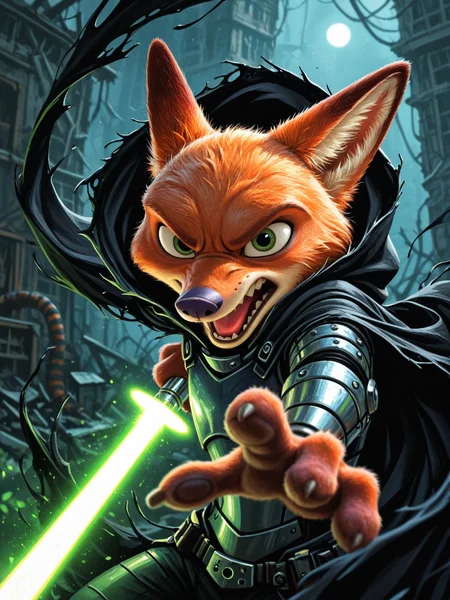

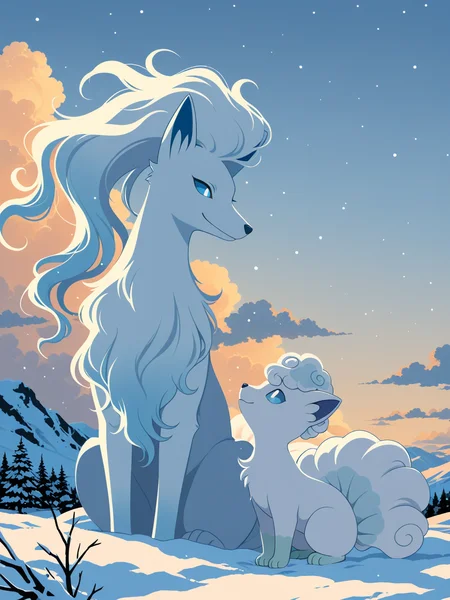

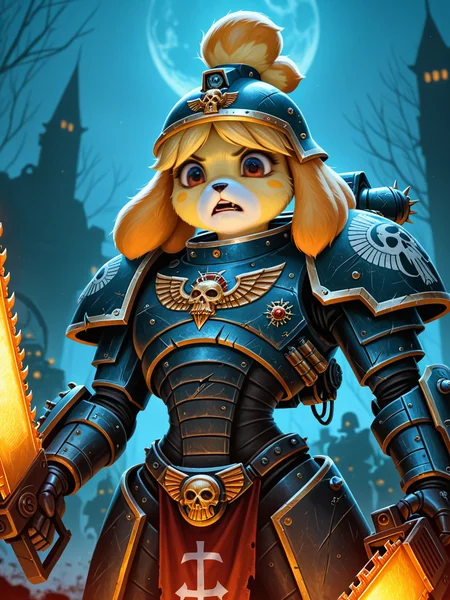
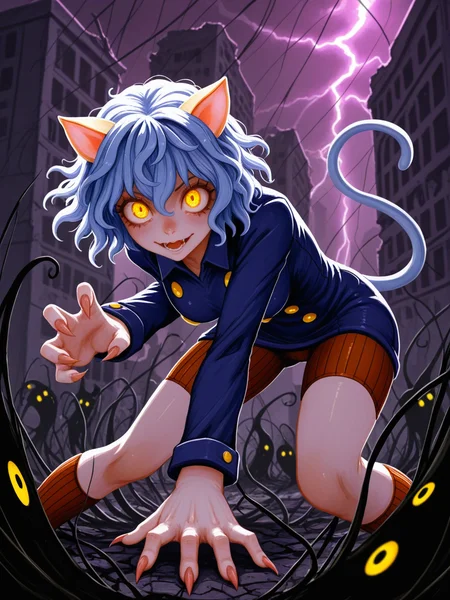


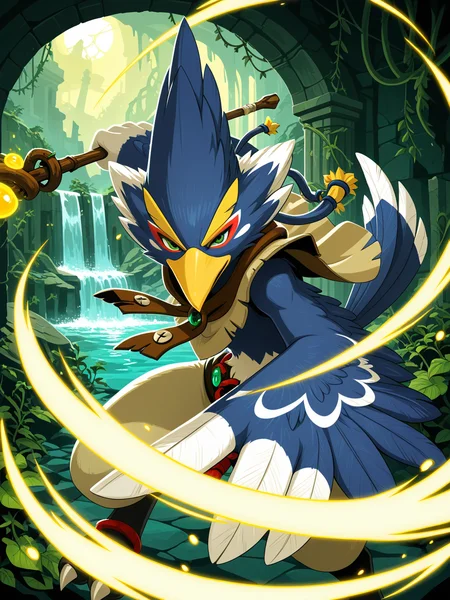
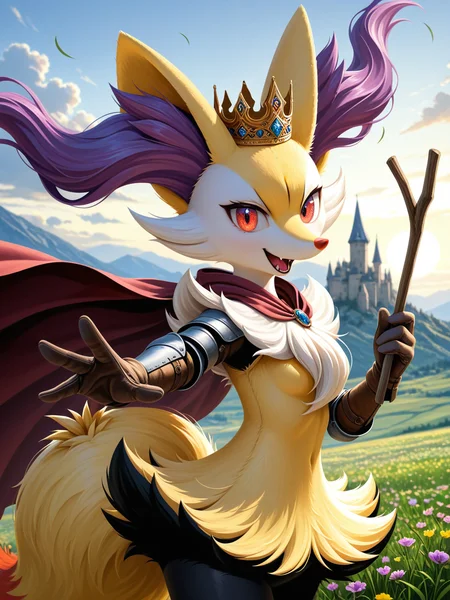

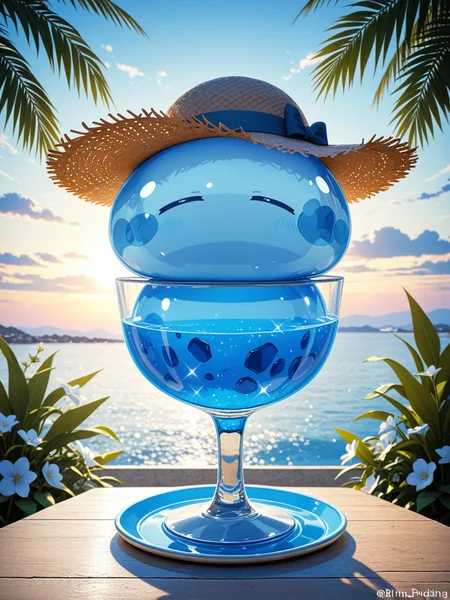


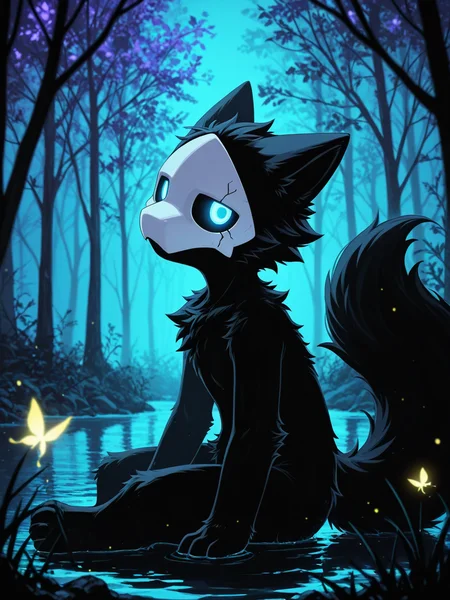
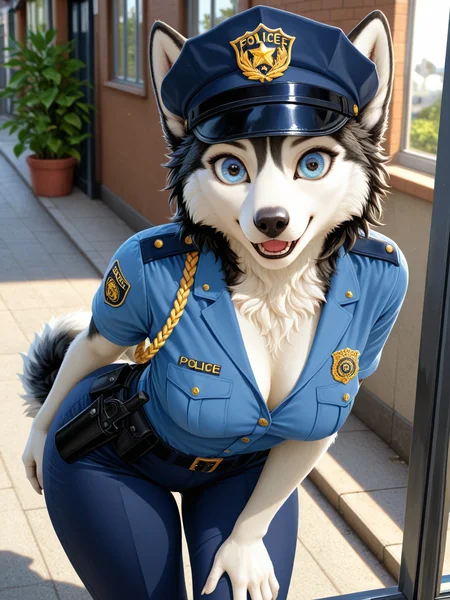
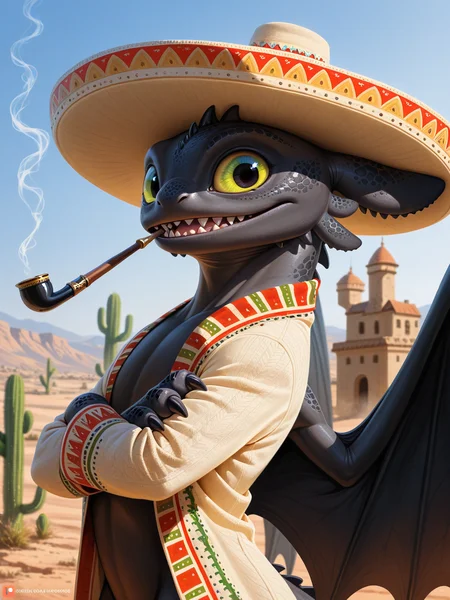
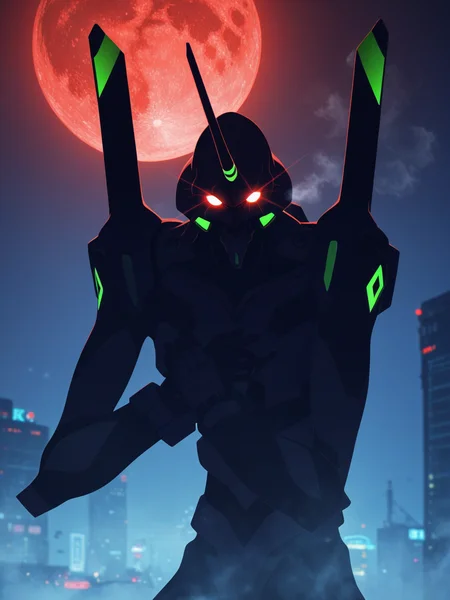
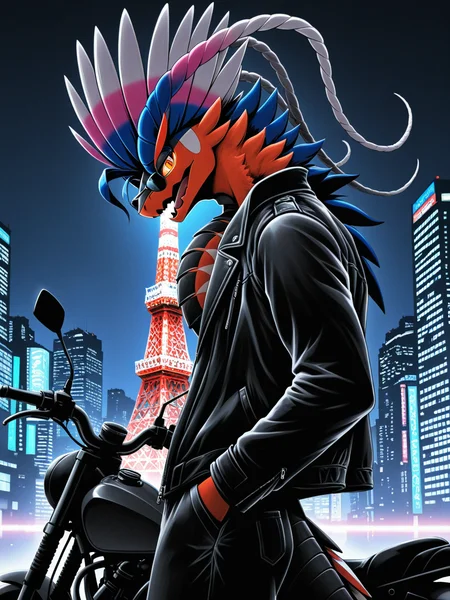
Use e621 tags (no underscore), Artist tag very effective in YiffyMix.
GridList Species/Artist(v64) update!! & LoRAs (SDXL)/samples/wildcards
Recommend Artist tags (NoobXL) & comfyUI workflow.
Example Setting (Use recommended sampler to get correct quality)
Setting SDXL (SDXL-lightning & NoobXL)
Steps = 12~24
Sampler = "DDPM", "Euler A SGMUniform", "Euler SGMUniform"
CFG scale = 3~4
Negative embeddings SDXL = ac-neg1, ac-neg2 (You don't really need this)
Postive LoRA SDXL = SeaArt Quality Tags LoRA (You don't really need this)
Stop at CLIP layers = 2
Setting SD 1.5 + vpred
Steps = 30~40
Sampler = "DPM++ 2M Karras", "DPM++ SDE Karras", "DDIM", "UniPC"
CFG scale = 6~8
Negative embeddings = deformity_v6, bwu [SD-WebUI\embeddings]
Stop at CLIP layers = 1
SD VAE = kl-f8-anime2, Furception [SD-WebUI\models\VAE]
Hires. fix
Hires steps = Steps * Denoising strength
Denoising strength = 0.25
Hires upscaler = 4x-UltraMix_Smooth [SD-WebUI\models\ESRGAN]
ControlNet
ControlNet = softedge_hed, control_v11p_sd15_softedge
ControlNet SDXL = softedge_hed, sdxlsoftedge-dexined, noobai-xl-controlnet
ControlNet Weight = 0.35~0.5
ControlNet Pixel Perfect = true
Wan 2.2 ComfyUI Animeted [workflow]
model = wan2.2_ti2v_5B_fp16
vae = wan2.2_vae
lora (turbo) = lora_wan2.2_ti2v_5B_turbo_lora_rank_64_fp16
lora (furry-nsfw) = wan2.2-5B_furry-nsfw-v2.0-e83
lora (livewallpaper) = wan2.2-5B_livewallpaper-720p
sampler = steps:4, cfg:1, sampler:"eular_ancestral", schedule:"sgm_uniform"
SD WebUI
LoRA Training SDXL
imgs count = 15~50
total steps = epoch * imgs count * folder loop = 3000~4500
network_dim = 64
network_alpha = 128 (SDXL) \ 16 (Noob)
learning_rate = 0.0002~0.0005
unet_lr = 0.0001 #learning_rate/2
text_encoder_lr = 0.00005 #learning_rate/4
lr_scheduler = "cosine_with_restarts"
mixed_precision = "bf16"
optimizer_type = "Adafactor"
optimizer_args = [ "scale_parameter=False", "relative_step=False", "warmup_init=False", ]
YiffyMix v4x V-pred Setting
# YiffyMix v4x A1111 SD-WebUI or Forge V-pred Setting
1.Download config file ".yaml" paste next to the model.
2.Raname ".yaml" same as model name. ( check the ".yaml" has [parameterization: "v"] line )
3.Restart SD-WebUI ( if config fails to load, the model just generate noise )
# YiffyMix v4x ComfyUI or StableSwarmUI V-pred Setting
Add node "ModelSamplingDiscrete", Sampling = "v_prediction"
# ComfyUI V-pred Setting (old version)
1.Copy config ".yaml" to [ComfyUI\models\configs] and refresh ComfyUI
2."Load Checkpoint (With Config)" [Right Click\AddNode\advanced\model_merging]
workflow:[Load Checkpoint (With Config)]-[KSampler]-[VAE Decode]-[Save Image]
# v-pred mode troubleshoot
If you use new version webui-forge and failed detect v-pred model.
Try update webui-forge (click update.bat).
When loading v-pred model, you will see this line in cmd console:
left over keys: dict_keys(['v_pred'])
# v4.x some time will get little fried issue image in this case
Use "Dynamic Prompts with __wildcards__ prompts" and "batch size > 1"
Just generate again with same prompts with parament, it will return normal.
Version Info
v1.x [2D,512~768] old model, unstable, low resolution
v2.x [2D,512~896] e621 dataset + 30~40% SD5 dataset
v3.0 [2D,3D,512~1088] large dataset then v2.x version, can do 2D, 3D
v3.1 [2D,3D,Real,512~1088]
more realistic, but loss some concept (e621 tag count lower 1000)
v3.2 [2D,3D,Real,512~1088]
unstable version, use SNR version FluffyRock, more noise detail
v3.3 [2D,3D,Real,512~1088]
stable version, more detail, more sensitive to prompts
v3.4 [2D,3D,Real,512~1088] ※include Fluffy Rock Quality Tags-LoRA
stable version, more detail, clear result, reduce some noise (like bush,pattern)
v3.5 [2D,3D,Real,512~1088]
unstable version, contrast & detailed enhance
v3.6 [2D,3D,Real,512~1088]
stable version, more sensitive to e621 tags
v3.7 [2D,3D,Real,512~1088]
stable version, reduce noise overactivity, fix blurry eyes and finger error, fix failed background depth
v4.0 [2D,3D,Real,512~1088]
v-pred version, remix from EasyFluff
accuracy anatomy and style with fewer prompt,
little dim blue average color with smooth noise, weakly negative prompt issue
v4.1 [2D,3D,Real,512~1088]
v-pred version, color and low contrast fix, reduced realistic noise.
v4.2 [2D,3D,Real,512~1088]
v-pred version, more contrast and detail, yelow issue.
if you feel too fried use Rescale CFG =0.35
v4.3 [2D,3D,Real,512~1088]
v-pred version, clear artist style, fix most yellow/brown issue
the version doesn't need CFG Rescale
v4.4 [2D,3D,Real,512~1088]
v-pred version, no more yellow/brown issue.
the version doesn't need CFG Rescale
v5.0 [2D,3D,Real,896~1536]
SDXL-lightning version, base on Compassmix XL.
v5.1 [2D,3D,Real,896~1536]
SDXL-lightning version, more e621 dataset, lower human face, better NSFW stuff.
v5.2 [2D,3D,Real,896~1536]
SDXL-lightning version, increase average quality. Little unstable than v51 but more creative.
v6.0 [2D,3D,res:896~1536]
More character better sex pose, limited and uncontrollable style (mostlly anime style).
v6.1 [2D,3D,Real,896~1536]
More realistic detail, reduce anime style, fix flat and boring background.
v6.1a-RE [2D,3D,Real,896~1536]
Same as v61 but adjust average style to simi-realistic.
v6.2 [2D,3D,Real,896~1536]
more effective prompt, keep style also with good realistic detail, saturation down little bit.
v6.3 [2D,3D,Real,896~1536]
Detail(noise) level between v62 and v61, upgrade character/artist accuracy.
v6.4 [2D,3D,Real,896~1536]
Upgrade light quality and average detail.
Note about NoobXL to create stable furry (v6x):
use "furry" tag in propmt can let AI create furry not human.
use "no human" tag in propmt can avoid NoobXL model add human and reduce anthro affect (more original style).
use "anime style" in negative propmt can reduce classic booru style and more realistic.
Some SD prompt trick:
Combine two character:
characterA \(characterB\)
Avoid tag bleeding:
(chain:0)-link fence
(cowboy:0) shot
high (collar:0)
Multi-tag combine, enhance and reduce token use:
from side + side view = from side view
crossed legs + legs up = crossed legs up
Basic Style
Negative Prompt SD1.5
unusual anatomy, mutilated, malformed, watermark,
amputee, mosaic censorship, sketch, monochrome
Negative Prompt SDXL
malformed, worst quality, bad quality, signature, text, url
3D Artwork Style
Prompt v5x: blender \(software\), ray tracing, 3d, unreal engine
Photorealistic Style SDXL
Prompt v5x:
by Mandy Disher, by Wim Wenders, by Robert Rauschenberg, [by Fossa666::0.65],
ultra realistic, photorealism, photograph
Negative prompt v5x: sketch, manga, vector, line art, toony
Prompt v6x: film photography, photorealistic, film grain
Negative prompt v6x: anime style, vibrant, pastel
Photorealistic Style SD1.5
Prompt sd15: [:photorealistic, analog style, realistic, photorealism:0.5]
Negative prompt sd15: [:bwu:0.5]
Recommend Refiner: IndigoFurryMix v110-Realistic Switch at 0.5
Description
Recipes v61-Noob:
partA = Chroma XL Mix v331 Mango + illustrious XL Personal Merge v30 * 0.65
partB = (partA + Noob-Eps v11 - Noob-Eps v10) * Diff:0.45
partC = (partB + Shift v10 - illustrious XL Personal Merge v30) * trainDiff:0.15
partD = (ZoinksNoob + Shift v10 - illustrious XL Personal Merge v30) * trainDiff:0.45
YiffyMix v61-Noob = partC + partD * 0.70
FAQ
Comments (32)
Artist list is down
Ran a few tests, better than many checkpoints for prompt following and realism on humans. It gives nice dramatic expressive faces and angles unlike many boring checkpoints. Human eyes could be better though. V61 noob.
Objectively, this model succeeded better (v61-NoobXL). I have tested all furry models, this one seems to suit me best.
yes it does at first i was getting bad images i was like what is wrong with this thing, it uses a completely unique tag system, now is shining for me too, because i was using the scoring system and what not
@lucretius V5X version was SeaArt based mix with better natural language support, so you don’t need to strictly follow tags. While V6X version is now NoobAI based mix where you should strictly use danbooru or e621 tags with much worse nature language support. So, prompt from V52 version is unusable on V61 is that prompt never follows tags.
Like most people, I've been using Pony/SDXL/illustrious(the last one's a bit newer, but does better in some areas) mainly (trying flux a bit now, but obviously it's lora support isn't nearly as good). So, how's this compared to Pony/illustrious?
I use this intending to complete daily challenge. And turn out to be bad idea, almost all of animals are too sexy
yes it took a while to get used how it works is paying off even more me
So far with version 61XL, i only generate black pictures.
Is it broken? Even if i ask him only to make backgrounds for a landscape
same for me, update, i can get it to work sometimes not all ways it want to work for me
Not broken for me, I've been using it for a few days now. I'd say to double check your vae and sampler settings, make sure any lora's etc are compatible as well
@ZiizyZonzo For this version there is no VEA so the question is... do i use the old one or did i do something wrong
@Sefarias The Vae's baked in which basically means its data's included within the model already, so no additional vae is needed. So if you are using another vae, make sure it's compatible and maybe try without one. BUT IIRC, usually an incompatible vae results in a fried or really weird looking image, and not just a black image, so maybe be another setting or something causing that issue? big on the maybe, might be different for different interfaces
i dont know to explain it, try to place tags in a more natural language, see the tags on e621 for example
like, landscape, forest, summer, sun, digital art, beautiful looking, intricate detail, complex background
Terrible model. Fried images full of Patreon logos.
Hi everyone, new version grid list (artist/species) is done.
Average style is not the only option in model, go to find some good style.
Fp8 version when?
Use fp8 will lose detail and quality. If you want to try, link is here (v61-fp8).
@chilon249 thank you so much
Hey. I did not use Stable Diffusion so far. Last model was Yiffmix v3.2. I've downloaded recent versions Yiffmix v5.x and 6.x and all of them are working very slow. Then I've switched back to v3.2 and it works fine. I understand that I missed some options or additional configurations, but I was not able to find what exactly.
YiffyMix v5x/v6x are SDXL model need more GPU vram.
If your GPU vram less than 4gb, It will take much time in SDXL.
Change A1111 SD-WebUI to Forge/reForge, they have better optimization.
Or upgrade to larger vram GPU, like RTX3060 12gb / RTX4060ti 16gb.
a v61 fp8 version use less vram, you can try.
@chilon249 Thank you so much for explanation!
@chilon249 Thank you again, changing to Forge-UI solved the case.
btw wat the best VAE for v52 ?
sdxl.vae.safetensors? or set it to none because this model VAE baked?
YiffyMix SDXL version already have vae backed (use None or Auto in VAE setting).
Most SDXL have vae include, no vae SDXL will looks like low saturated.
"fix-fp16-errors-sdxl-lower-memory-use-sdxl-vae" is all you need.
@chilon249 thanks!
I'm still using v44. Is the anatomy any better in v5 and v6? It would be the only reason for me to switch versions at all. The long thighs and misplaced knees are often a pain. Otherwise v44 looks beautiful and organic, not so hard and comic-like.
v6x Noob model has more accurate character distinction, can easy create multi characters, booru artist better than e621 artist.
v5x SDXL (Compass) model keep more traditional art, brush strokes and accurate e621 artist.
v1x~v4x SD1.5 model has special low accuracy style, sometimes look better than SDXL, but only good at portrait.
@chilon249 I'm wondering about her being better at creating multi characters. What are the conditions or right way to do it?
Multi characters trigger: e621="duo/trio/group" booru="2girls/3girls/4girls"
When character has higher accuracy (larger tag counts), more stable in group case.
Higher spawn chance when characters are relevant (like sample 8 eevee group picture).
What does the E621 Tagger Extension do and how do i set it up? LoRAs (SDXL)/samples/wildcards
It's SD-WebUI A1111/Forge extension, not always work in new SD-WebUI.
This extension modded from wd14-tagger cannot work with wd14-tagger.
Unzip to SD-WebUI root folder, choice one version v15 or v16 and restart SD-WebUI, it will show on interface "Tagger".
Details
Files
Available On (2 platforms)
Same model published on other platforms. May have additional downloads or version variants.